
1
Create a Dataset
Add test cases by creating a Dataset. For this example, we’ll use a Dataset of product images to generate descriptions.
2
Build your Agent
Create an Agent that processes your test examples. In this case, the agent generates product descriptions, translates them to multiple languages, and formats them to match specific requirements.
3
Start a test run
Open the test configuration by clicking
Test in the top right corner.4
Select your dataset
Select your dataset from the dropdown.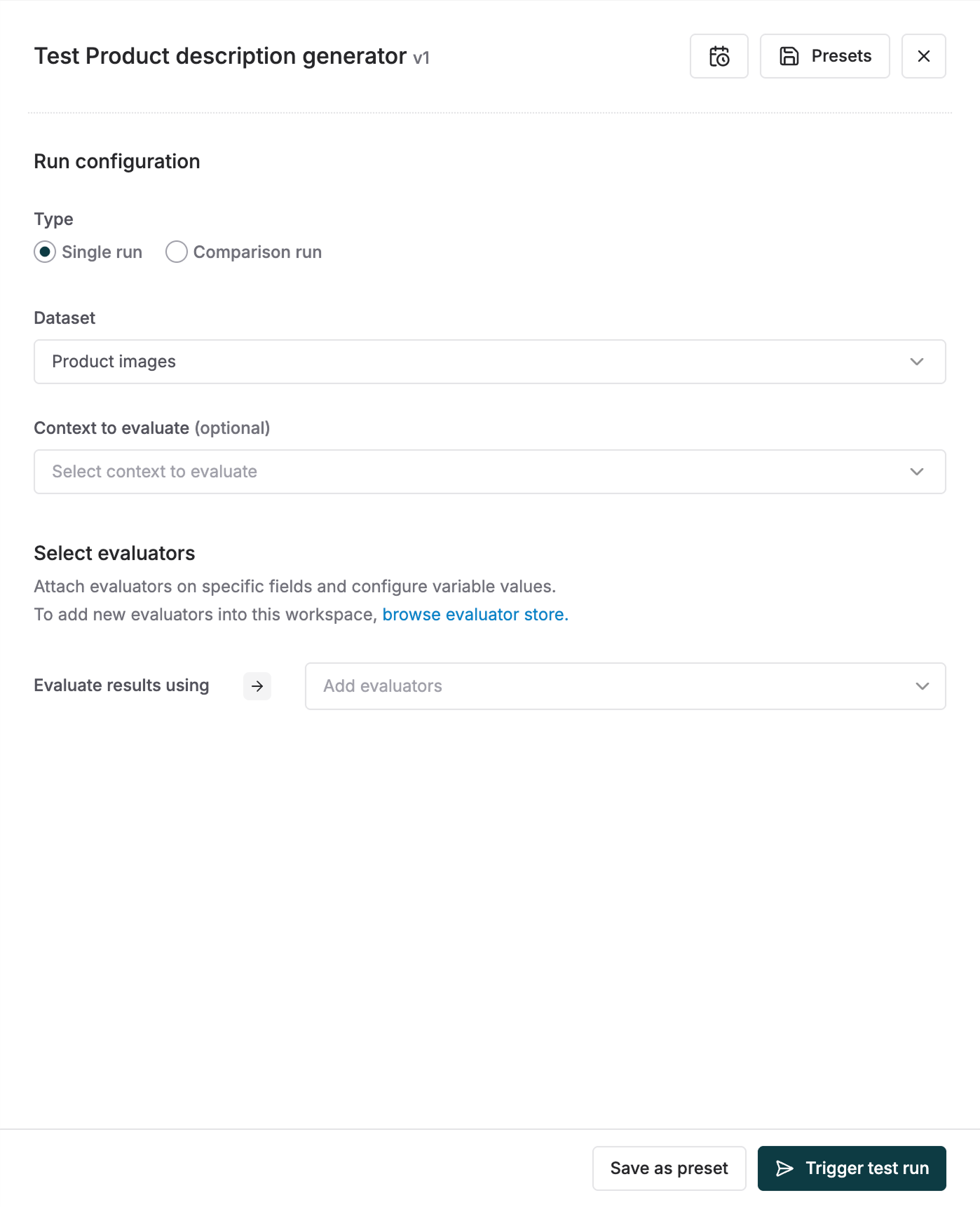
5
Configure your test
Select Evaluators to measure the quality of outputs and map the evaluator variables to the dataset columns.You can read more about mapping evaluator variables here.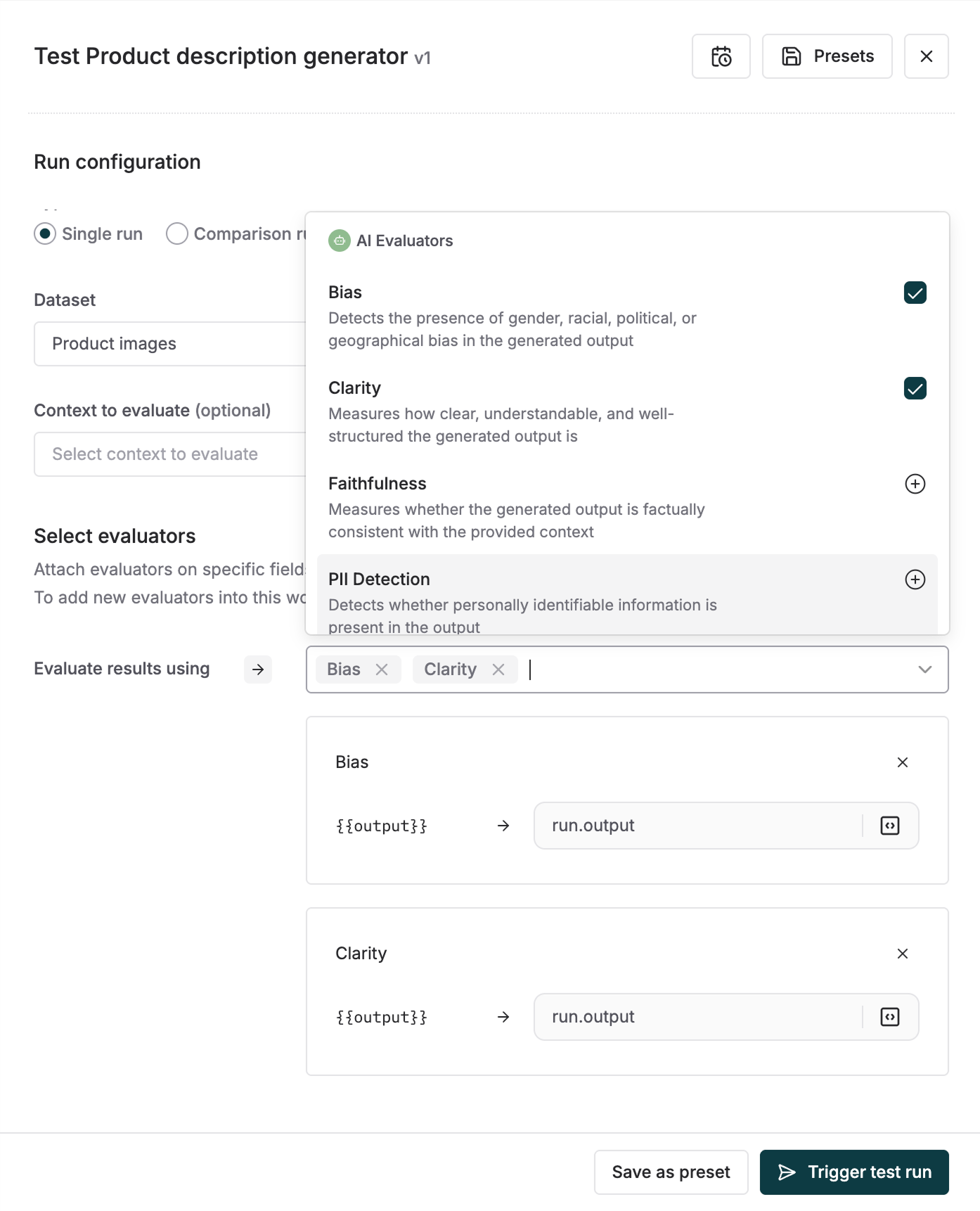
You can use create and use Presets for your test runs to save time and avoid repeating the same configuration.
6
Review results
Monitor the test run to analyze the performance of your Prompt Chain across all inputs.