Tool call usage is a core part of any agentic AI workflow. Maxim’s playground allows you to effectively test if the right tools are being chosen by the LLM and if they are getting successfully executed.
In Maxim, you can create prompt tools within the
library section of your workspace. These could be executable or just the schema and then attached to your prompt for testing.
Attach and Run Your Tools in Playground
1
Create a new tool
Create a new tool in the library. Use an API or code for executable tools and schema if you only want to test tool choice.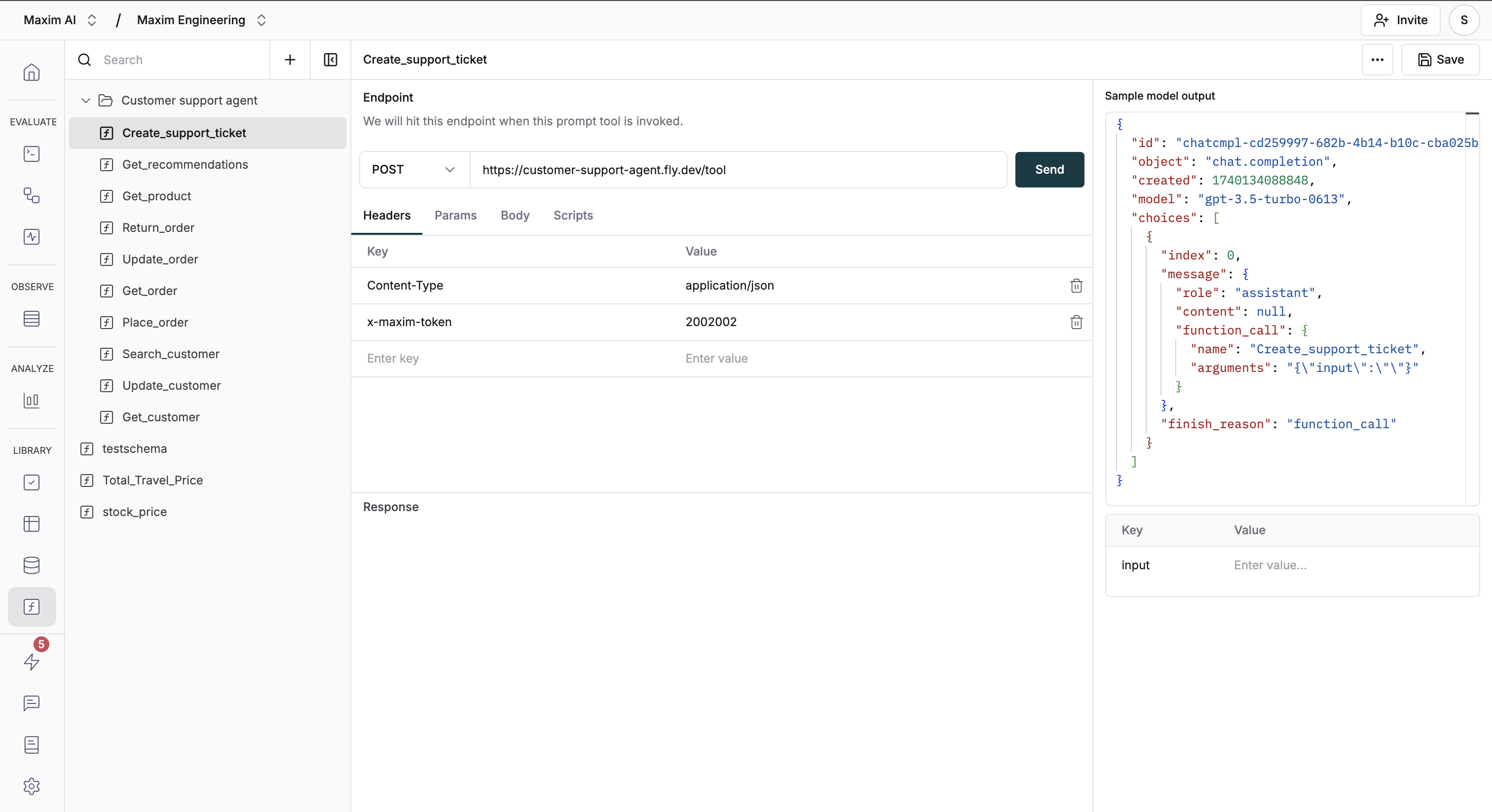
2
Attach tools to your prompt
Select and attach tools to the prompt within the configuration section.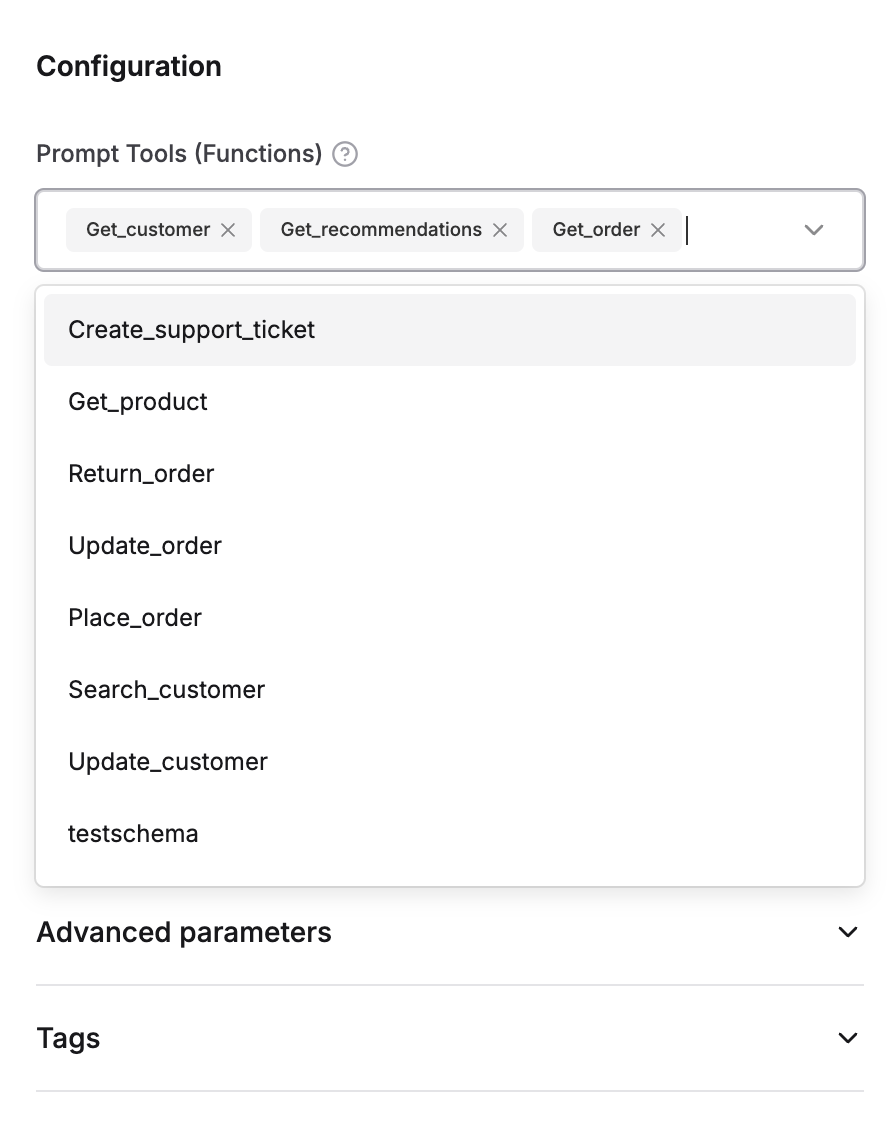
3
Send prompt with tool instructions
Send your prompt referencing the tool usage instructions.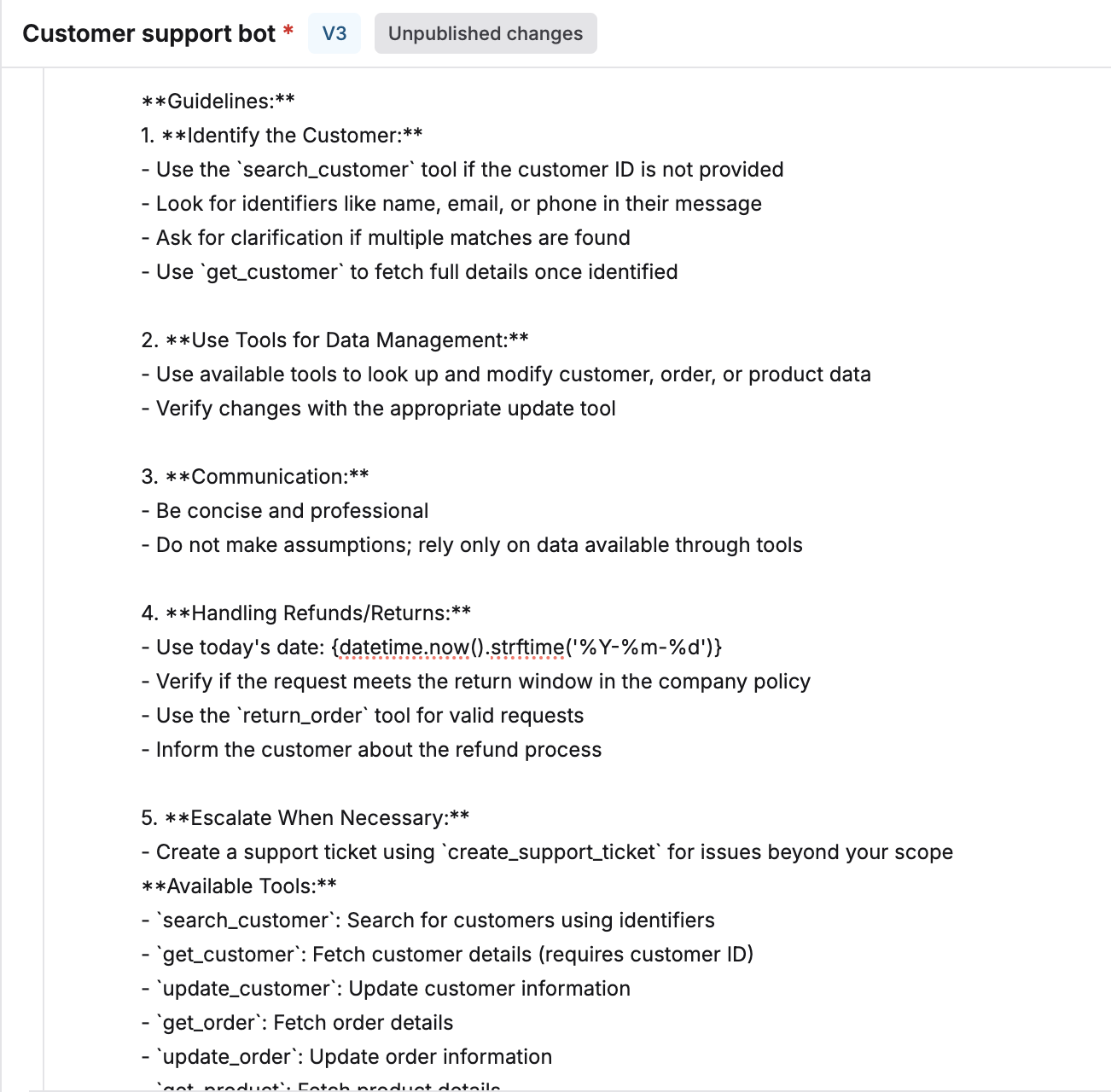
4
Review assistant's tool selection
Check the assistant response with tool choice and arguments.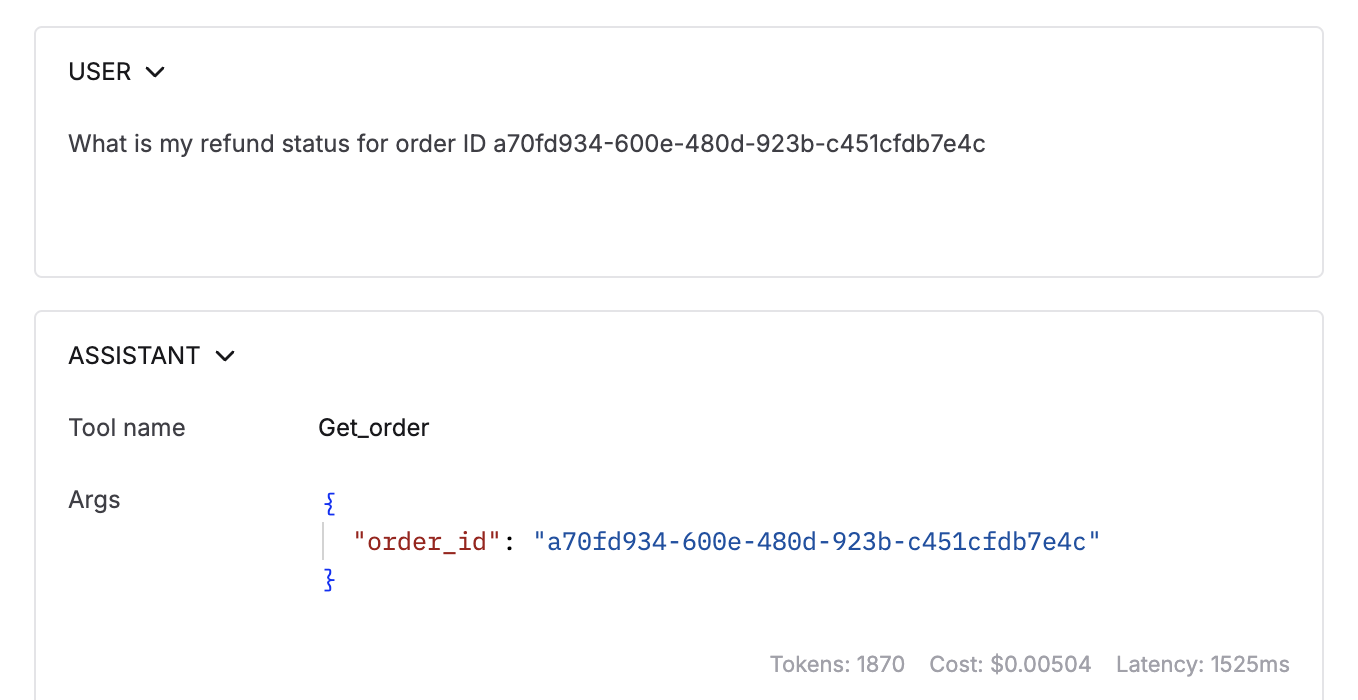
5
Examine tool execution results
For executable tools, check the tool response message that is shown post execution.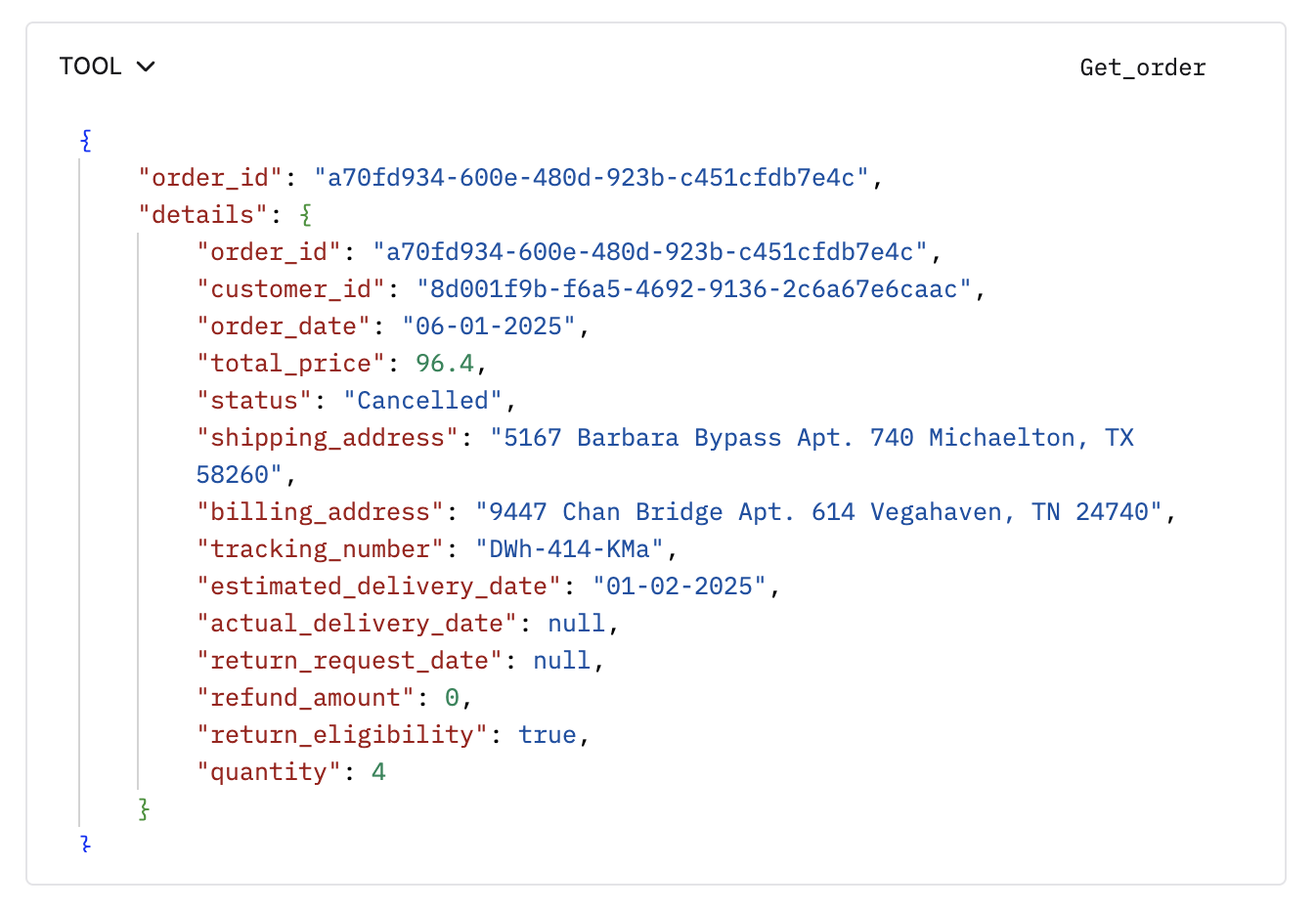
6
Manually test different scenarios
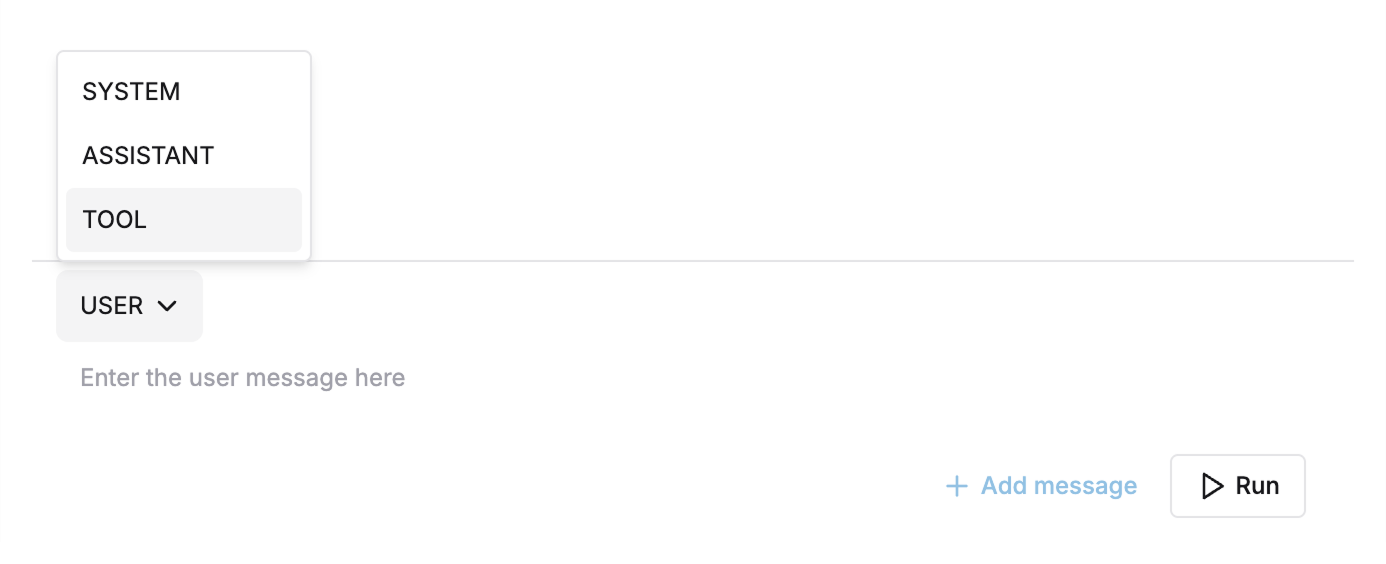
Edit tool type messages manually to test for different responses.