Organize using folders
All Prompts can be grouped under folders that map to your applications, projects or teams. This way, even with a large number of single Prompts, finding and iterating on Prompts is easy for any team member who joins your Maxim organization.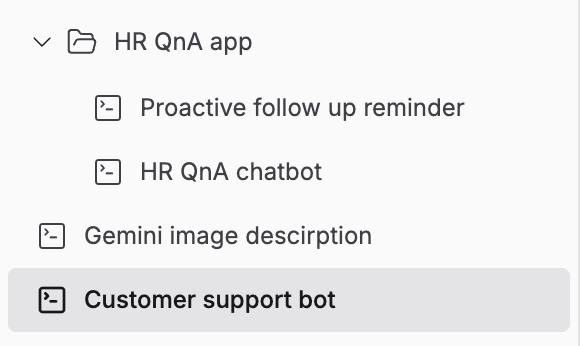
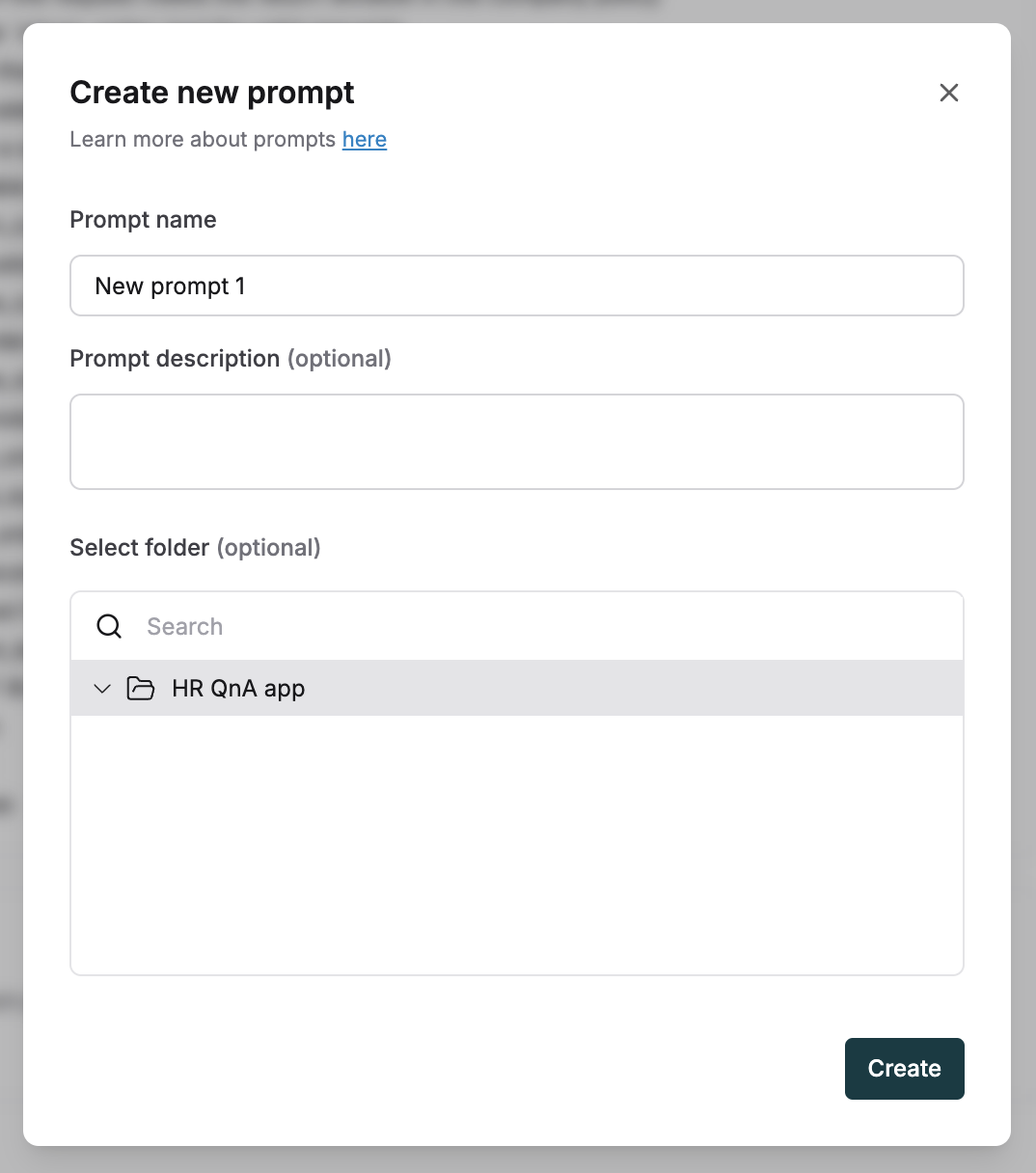
+ icon on the Prompts sidebar. Give it a name. Start adding new Prompts to it via drag and drop or select the folder when creating a new Prompt.
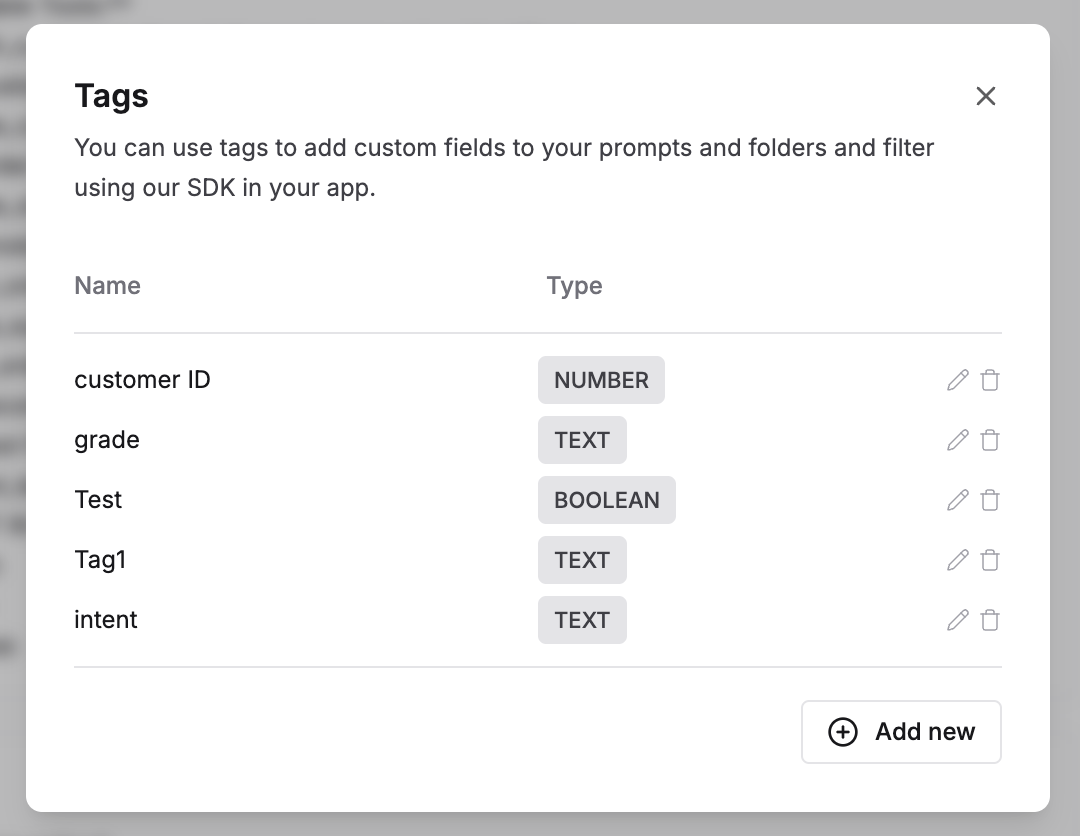
Tag prompts
Tags act as custom metadata that can be used to identify and retrieve Prompts through the Maxim SDK. Add tags to a Prompt via the configuration section on the right side of the Prompt playground. Tags are simple key value pairs that can be defined and edited easily.