Documentation Index
Fetch the complete documentation index at: https://www.getmaxim.ai/docs/llms.txt
Use this file to discover all available pages before exploring further.
How to create a customer support email agent?
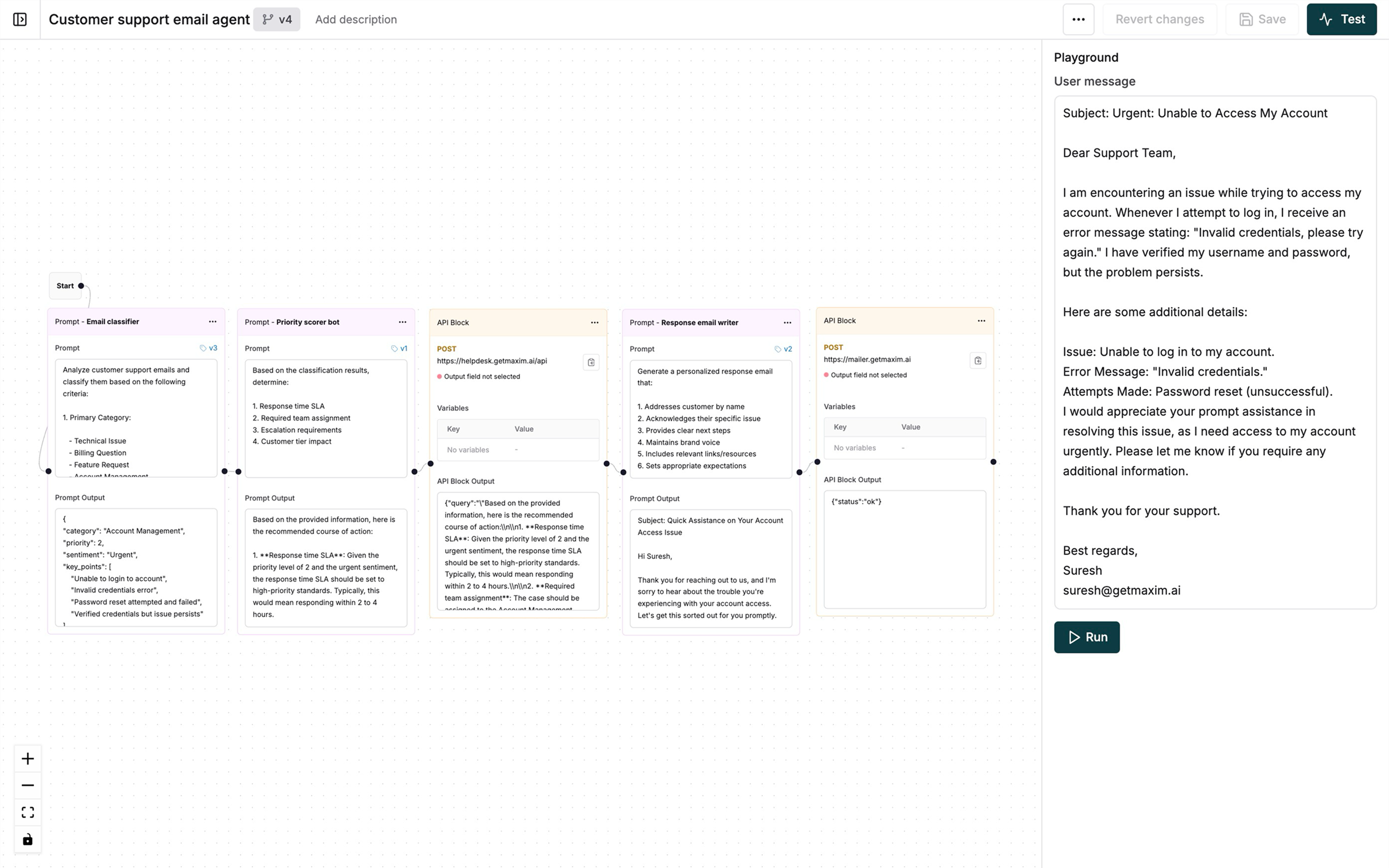
Create an intelligent workflow to process customer emails by classifying their intent, setting priorities, and generating personalized responses.
Set up email classification
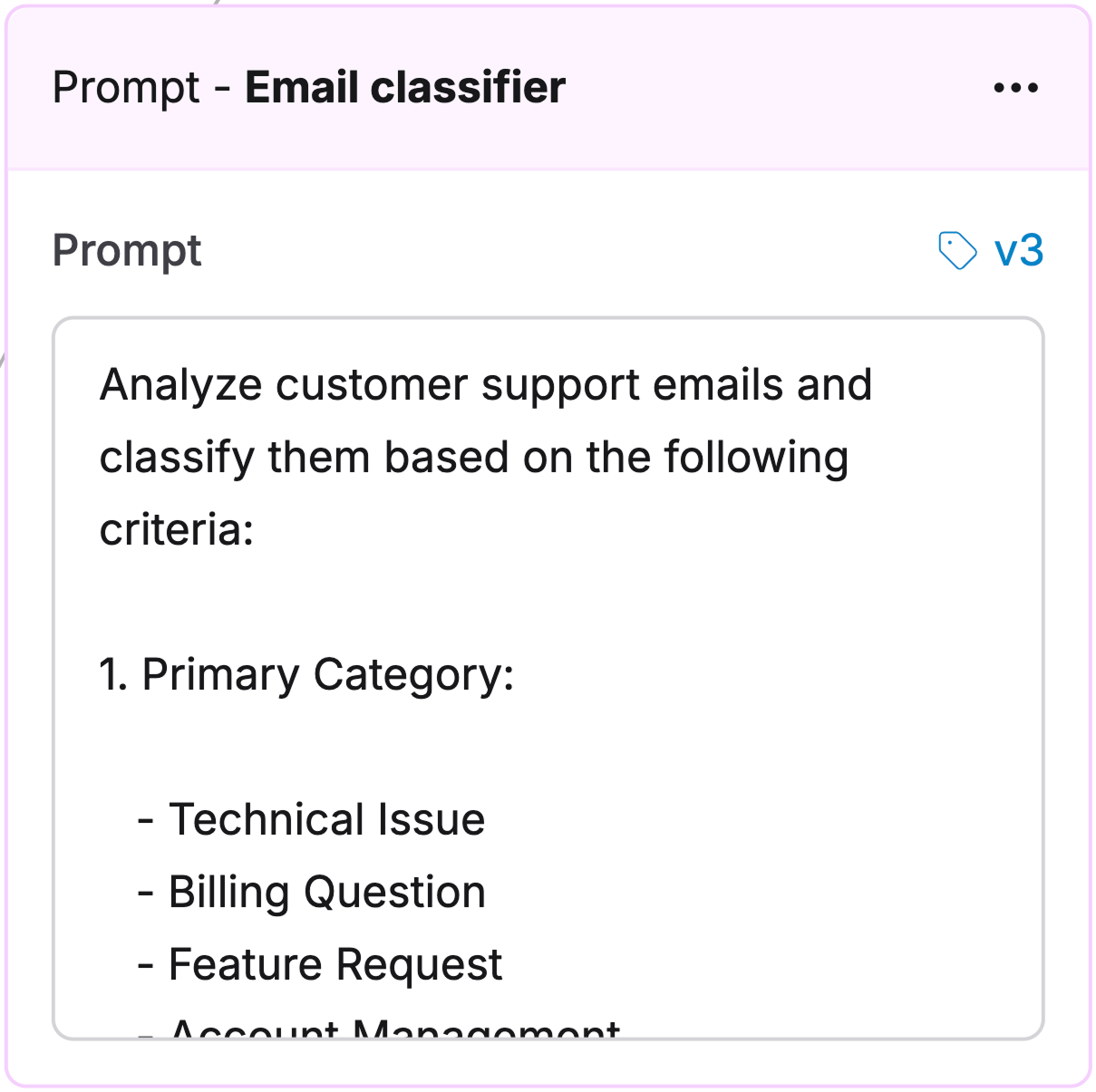
Create a Prompt with these system instructions:Analyze support emails and classify them by:
1. Category:
- Technical Issue
- Billing Question
- Feature Request
- Account Management
- General Inquiry
2. Priority:
- P1: Critical - Service down, security issues
- P2: High - Major functionality blocked
- P3: Medium - Non-critical issues
- P4: Low - General questions, feedback
3. Sentiment:
- Positive
- Neutral
- Negative
- Urgent
Output:
{
"category": "string",
"priority": "number",
"sentiment": "string",
"key_points": ["array of main issues"]
}
Add priority scoring
Create a Prompt to determine response handling:
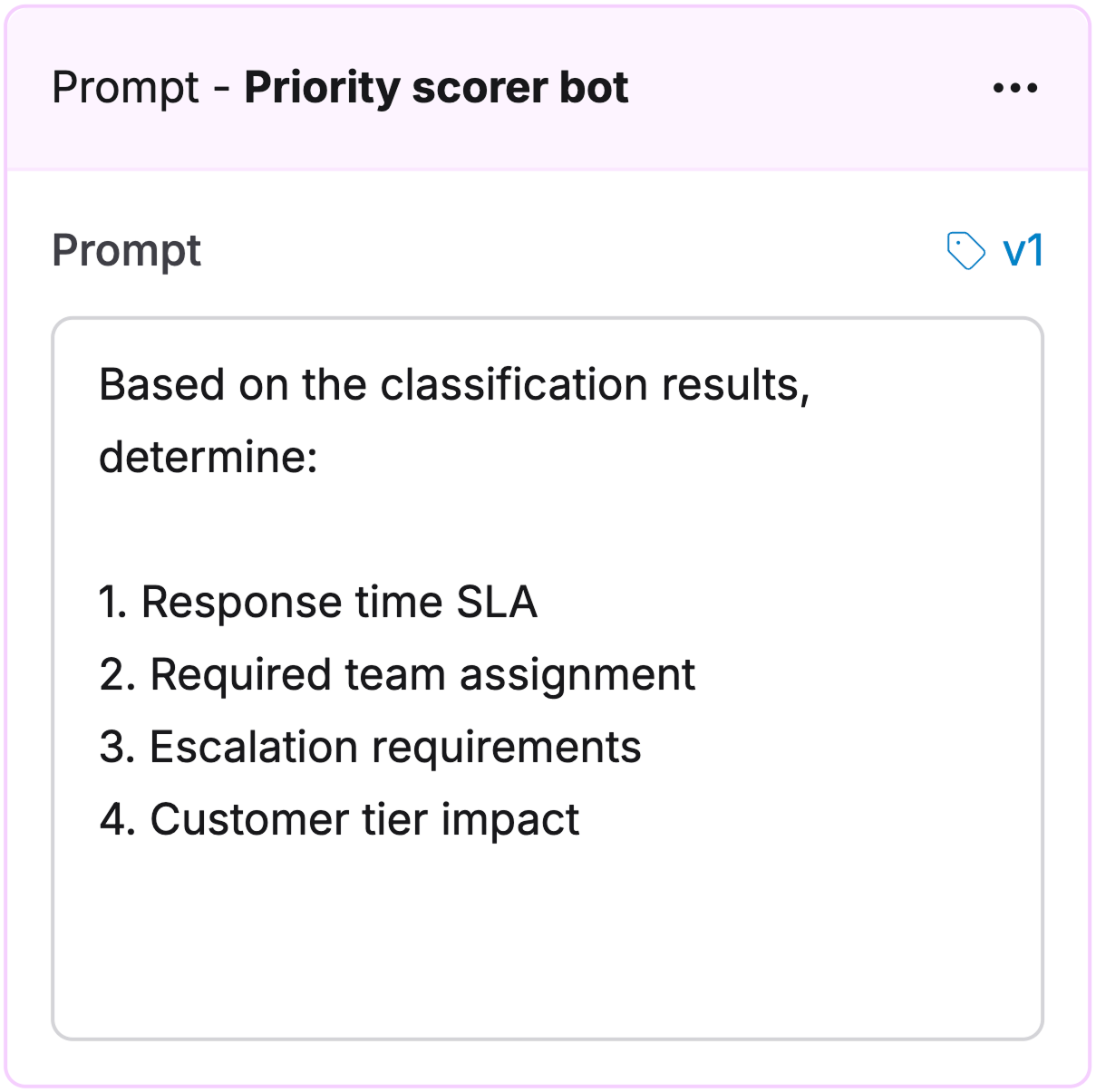
Determine:
1. Response time SLA(Service Level Agreement)
2. Team assignment
3. Escalation needs
4. Customer tier impact
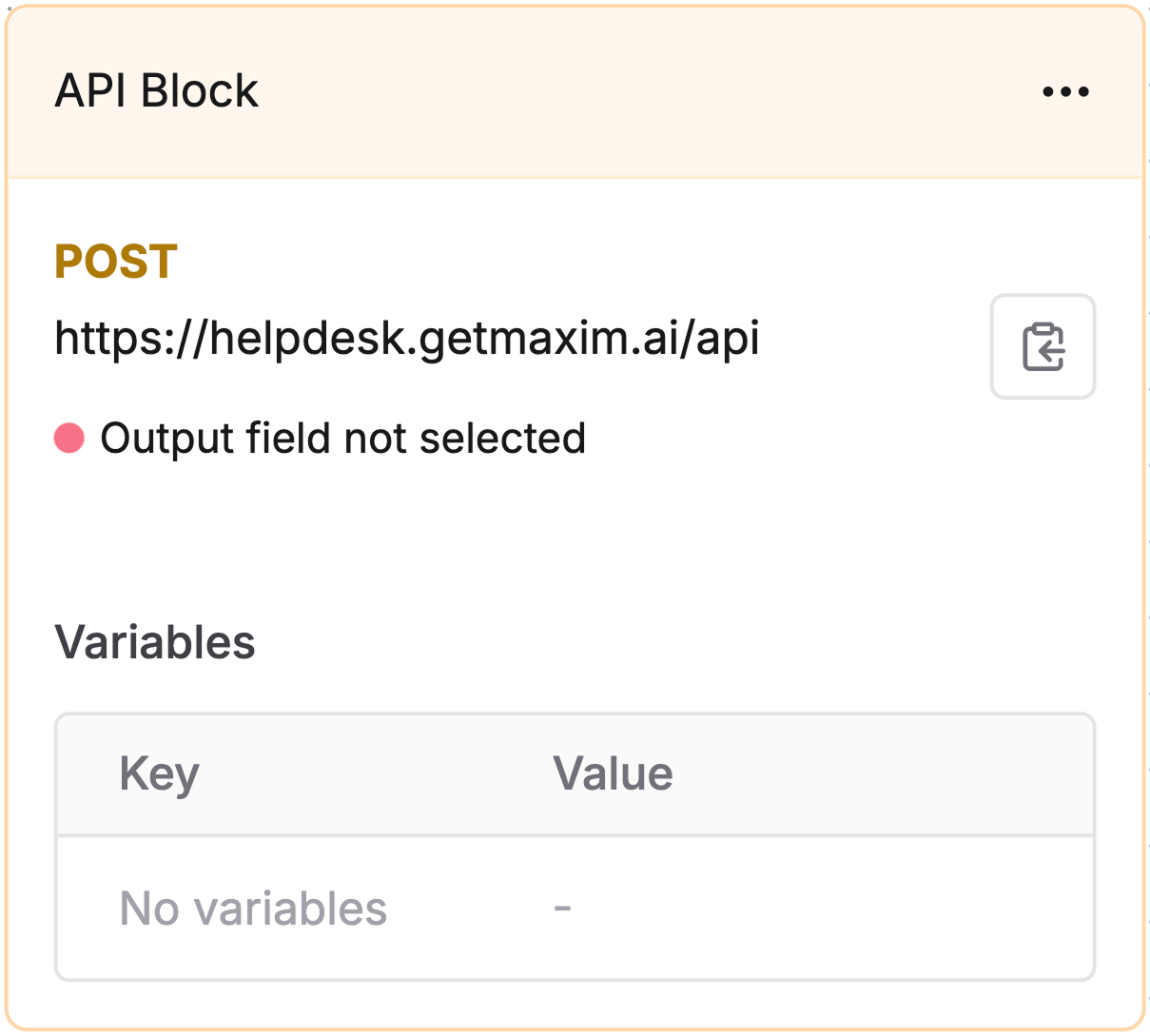
Create help desk ticket
Add an API node to create tickets in your help desk system:
Generate personalized response
Create a Prompt for customized responses:Response generator Prompt
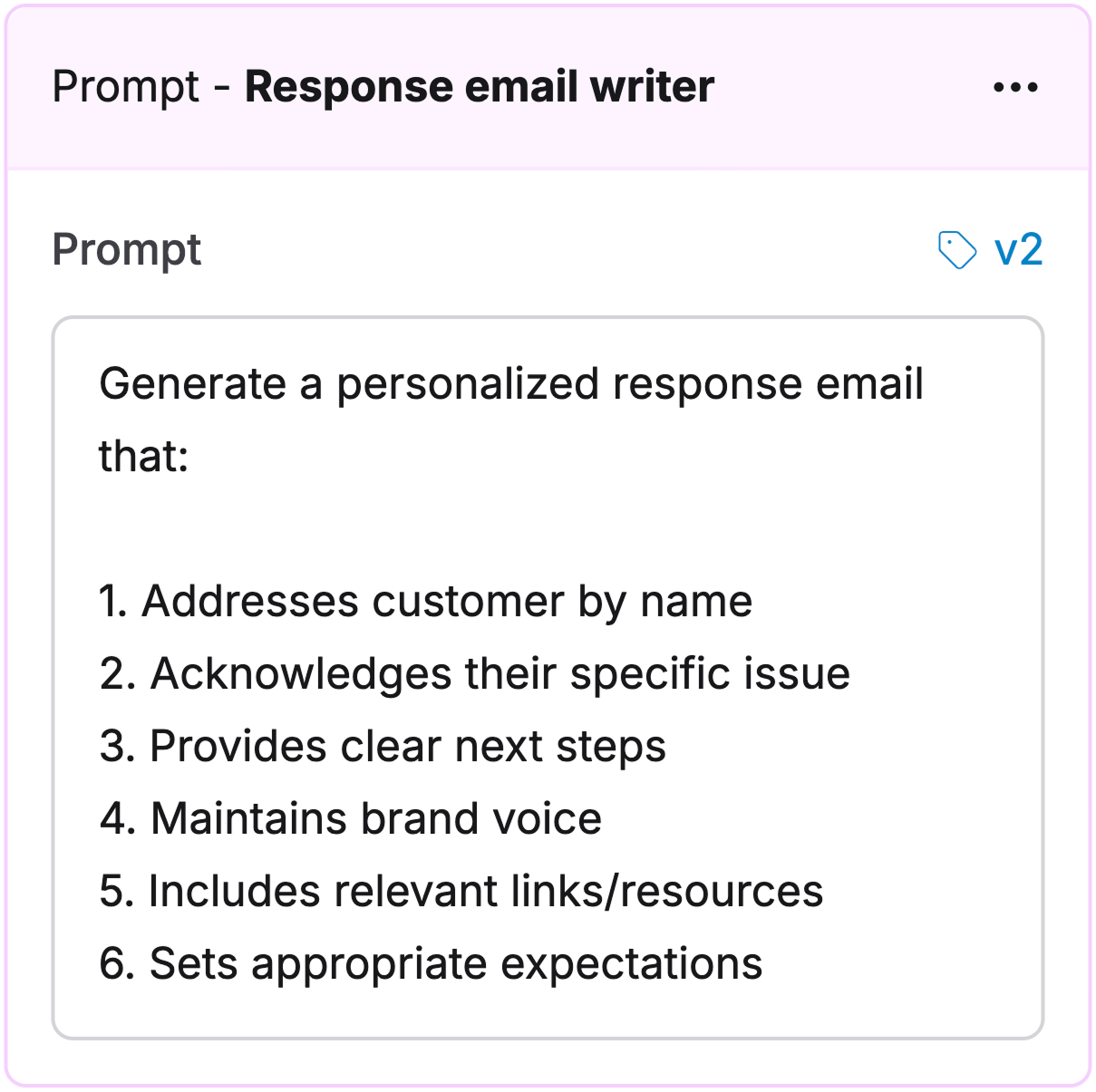
Create a response that:
1. Uses customer name
2. Acknowledges the issue
3. Lists next steps
4. Follows brand voice
5. Includes helpful resources
6. Sets clear expectations

Send email response
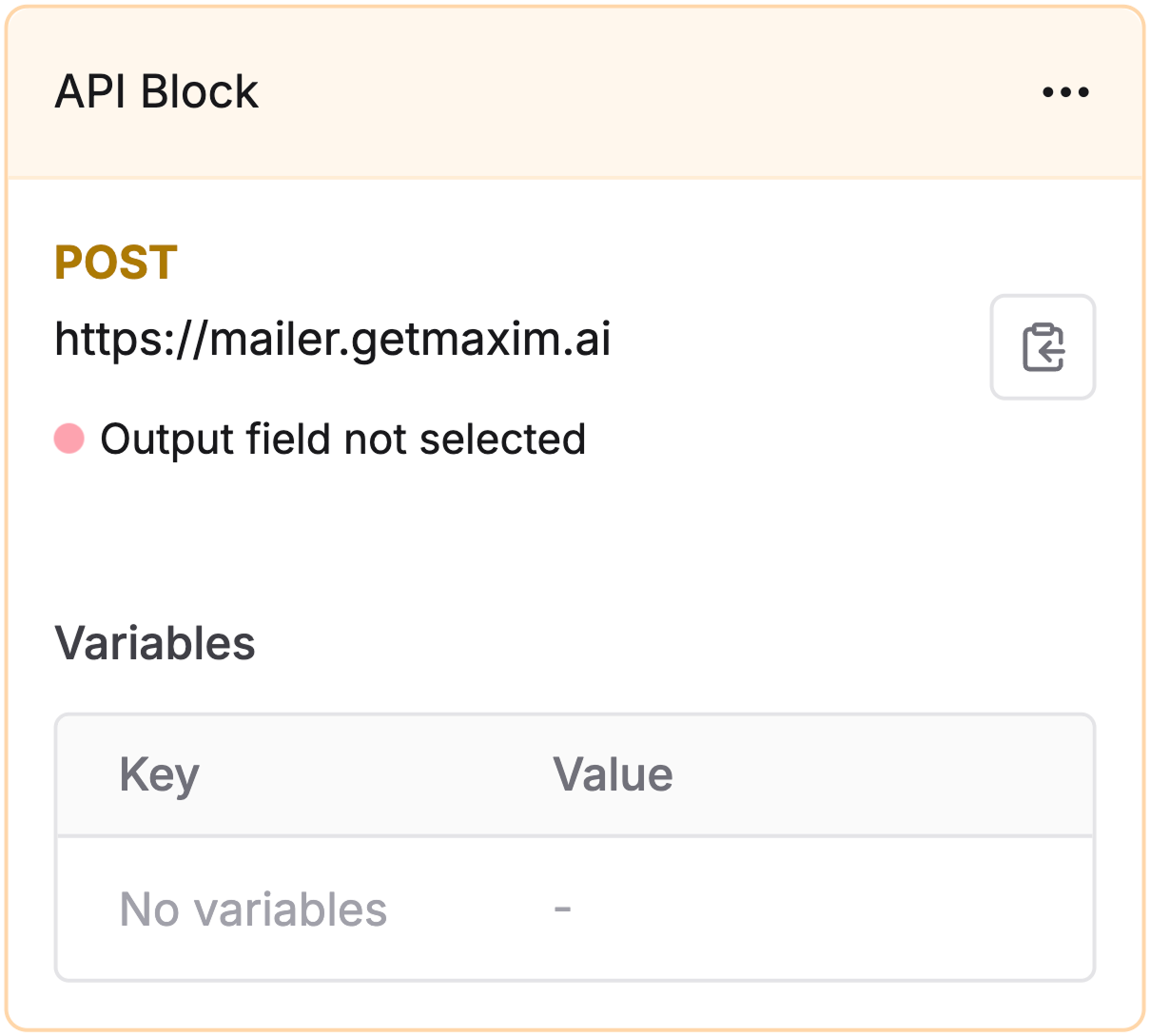
Configure an API node to send the generated response: