How to Set Up Sessions?
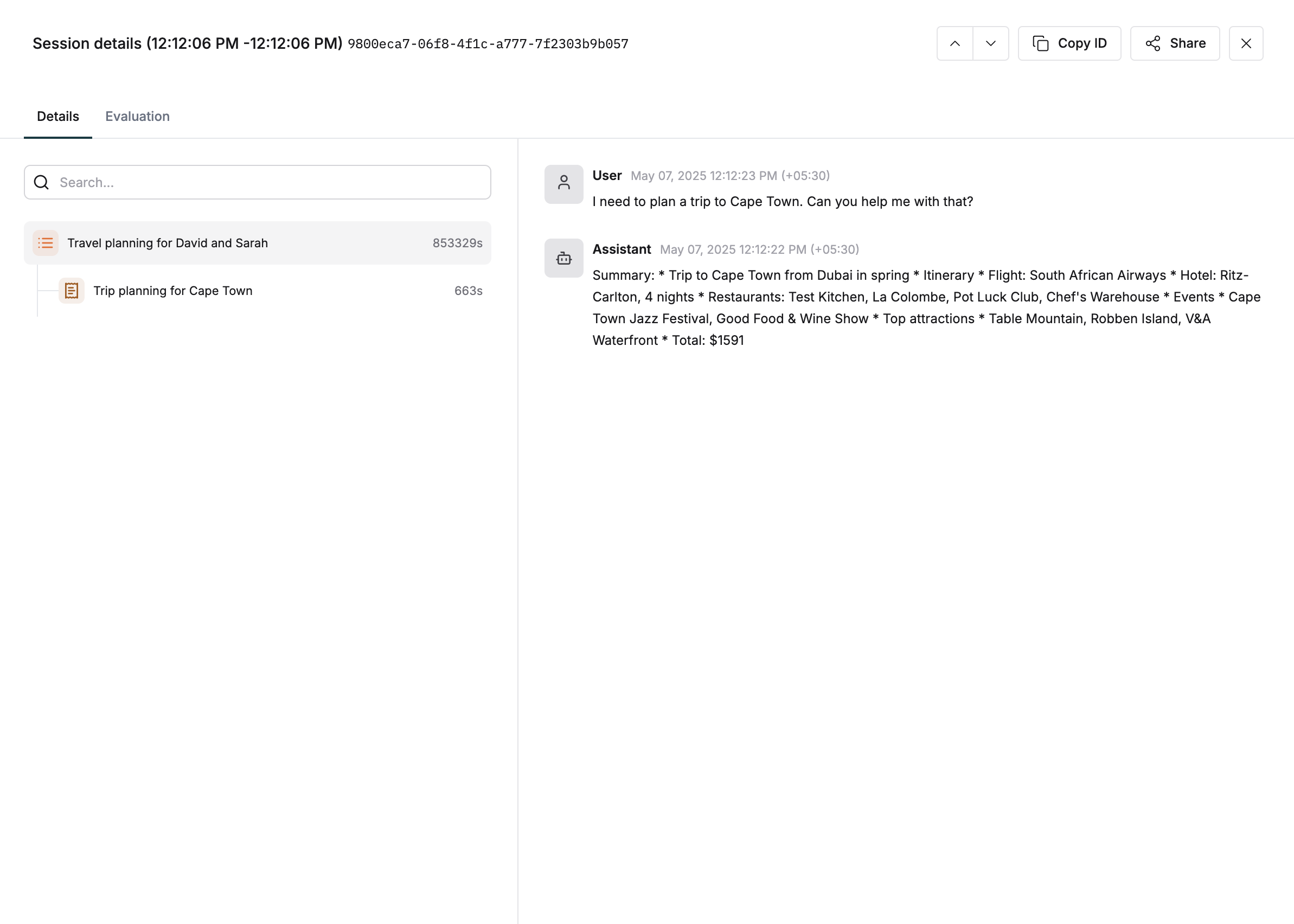
Sessions are particularly useful for tracking multi-turn conversations or complex workflows that span multiple API calls or user interactions. Maintain context across multiple traces, analyze user behavior, and debug multi-interaction issues with sessions. Track the full lifecycle of user engagement by organizing traces into sessions.1
Create a new session
2
Add a trace to the session
After creating a
session object, you can add multiple traces across the lifecycle of the conversation.3
Linking traces using session IDs
4
End a session
When you’re done with a session, call
end() to mark it as complete and finalize the session lifecycle.This also is a trigger for any session-level evaluations you might have set up.