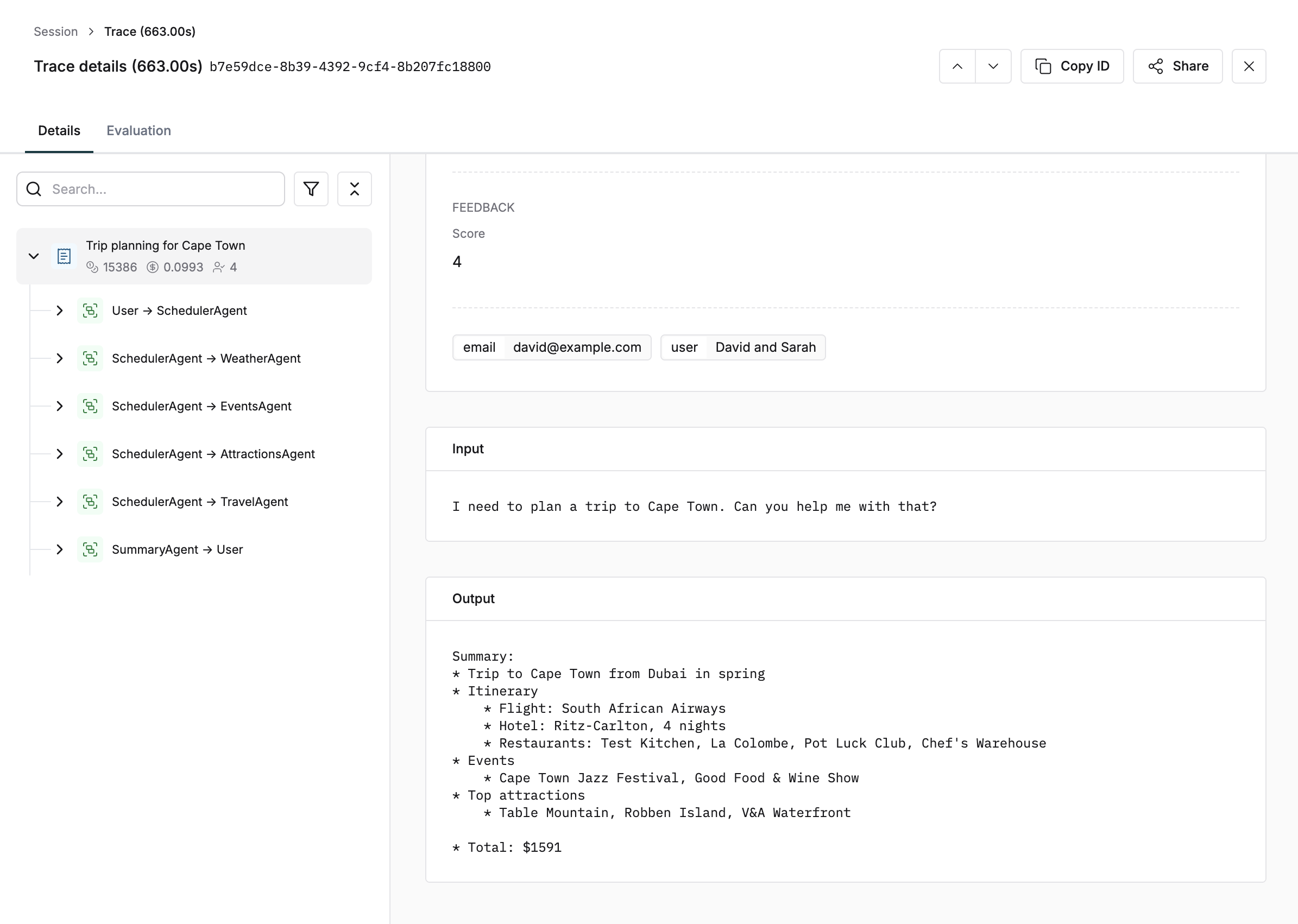
Learn how to set up tracing using the Maxim platform. This guide covers the necessary steps to instrument your AI application and start monitoring and evaluating its performance.
We will cover the necessary steps to instrument your AI application and start monitoring and evaluating its performance.
1
Create a repository
Select Logs from the sidebar and click the “Create repository” button.
2
Install SDK
npm install @maximai/maxim-js
3
Initialize SDK
import { Maxim } from "@maximai/maxim-js"const maxim = new Maxim({ apiKey: "" });const logger = await maxim.logger({ id: "" });
4
Start tracing
const trace = logger.trace({ id: "trace-id", // Unique ID of the trace name: "user-query",});trace.input("Hello, how are you?");trace.output("I'm fine, thank you!");trace.end();
Schedule a demo to see how Maxim AI helps teams ship reliable agents.