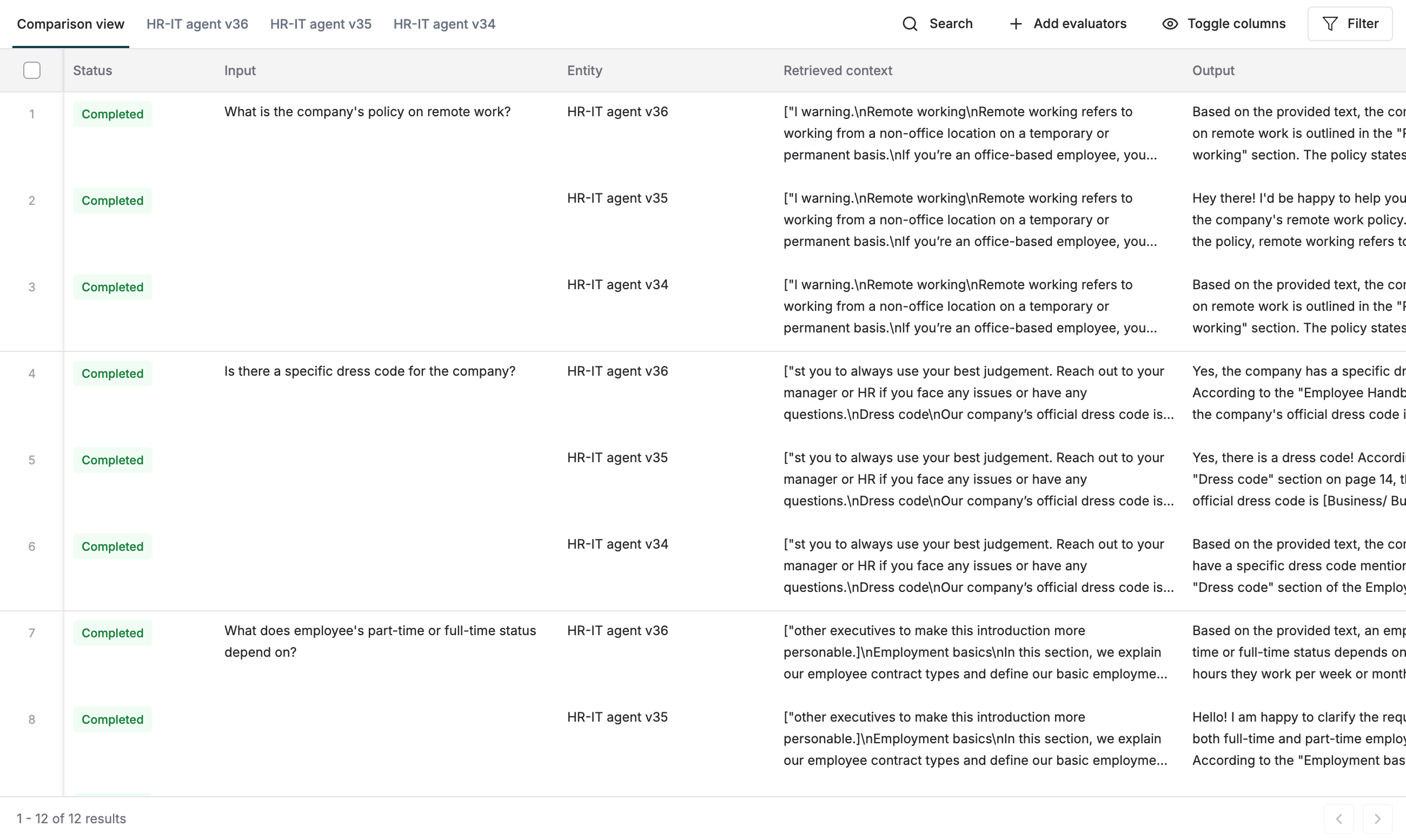
Why Run Comparison Experiments
- Make decisions between Prompt versions and models by comparing output differences.
- Analyze scores across all test cases in your Dataset for the evaluation metrics that you choose.
- Side by side comparison views for easy decision making and detailed view for every entry.
Run a Comparison Report
1
Open the Prompt Playground
Open the Prompt Playground for one of the Prompts you want to compare.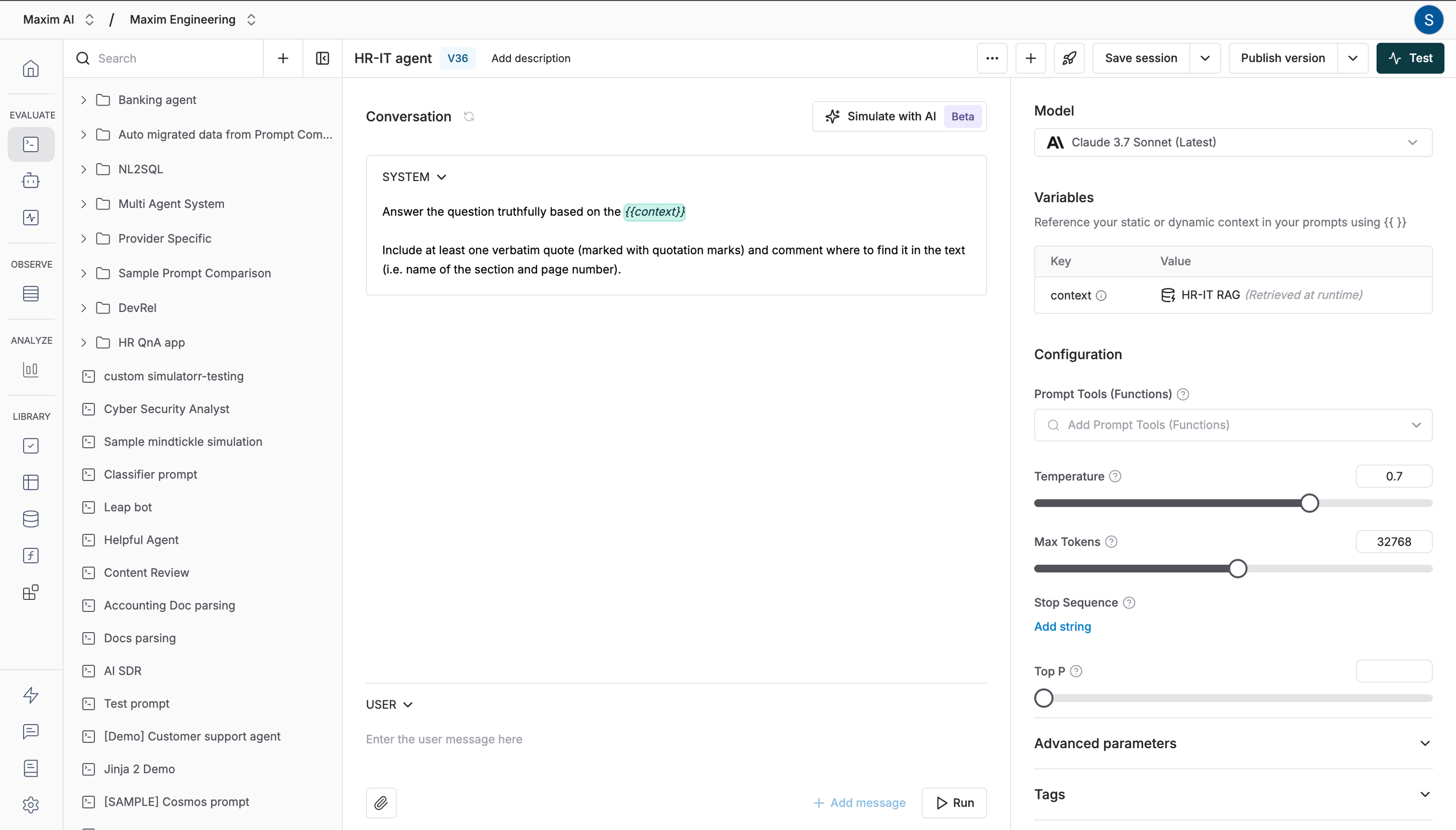
2
Start test configuration
Click the 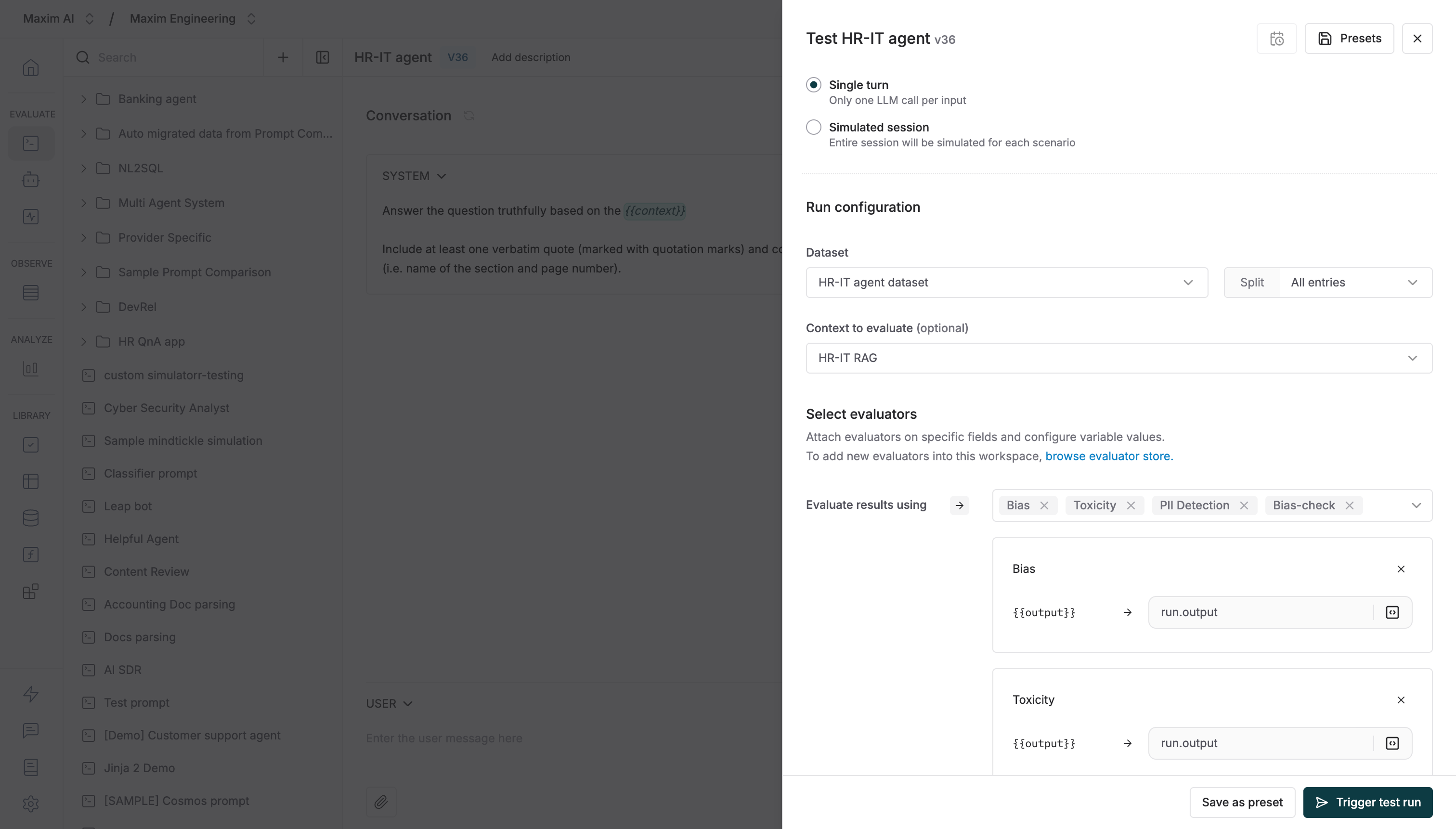
Test button to start configuring your experiment.3
Select Prompt versions
Select the Prompt versions you want to compare it to. These could be totally different Prompts or another version of the same Prompt.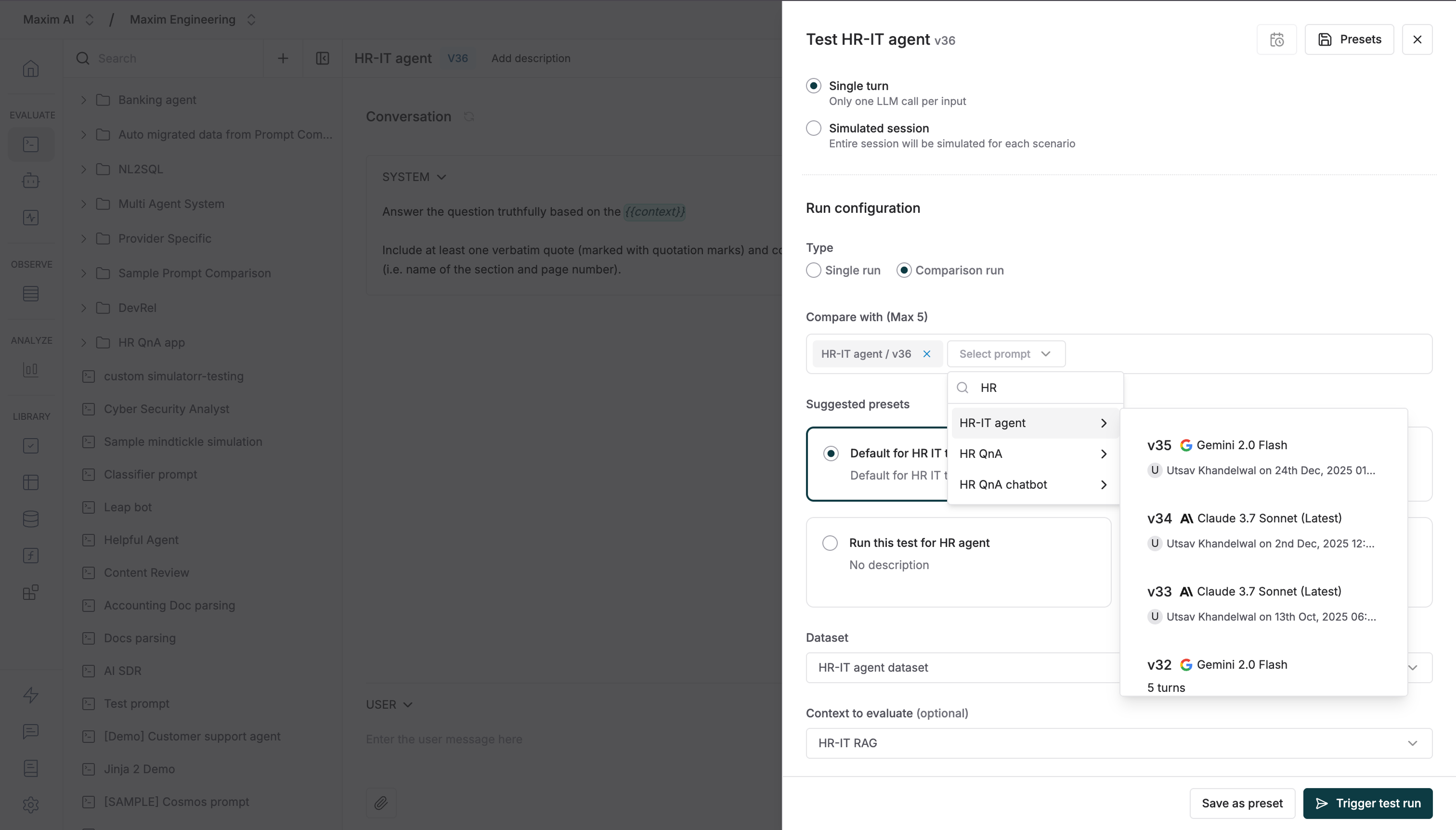
4
Choose test Dataset
Select your Dataset to test it against. learn more about how to create a dataset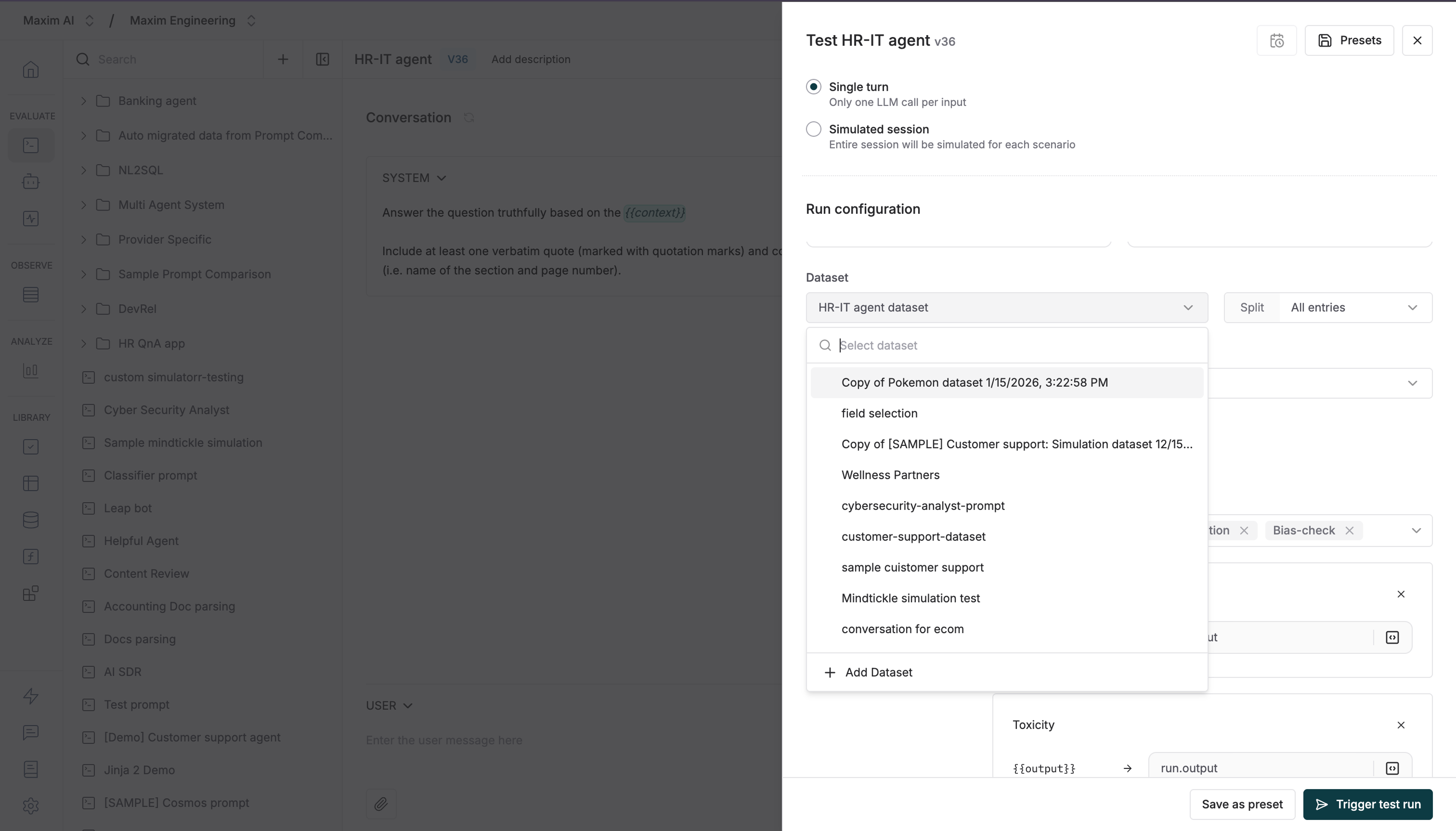
5
Configure context evaluation
Optionally, select the context you want to evaluate if there is a difference in retrieval pipeline that needs comparison.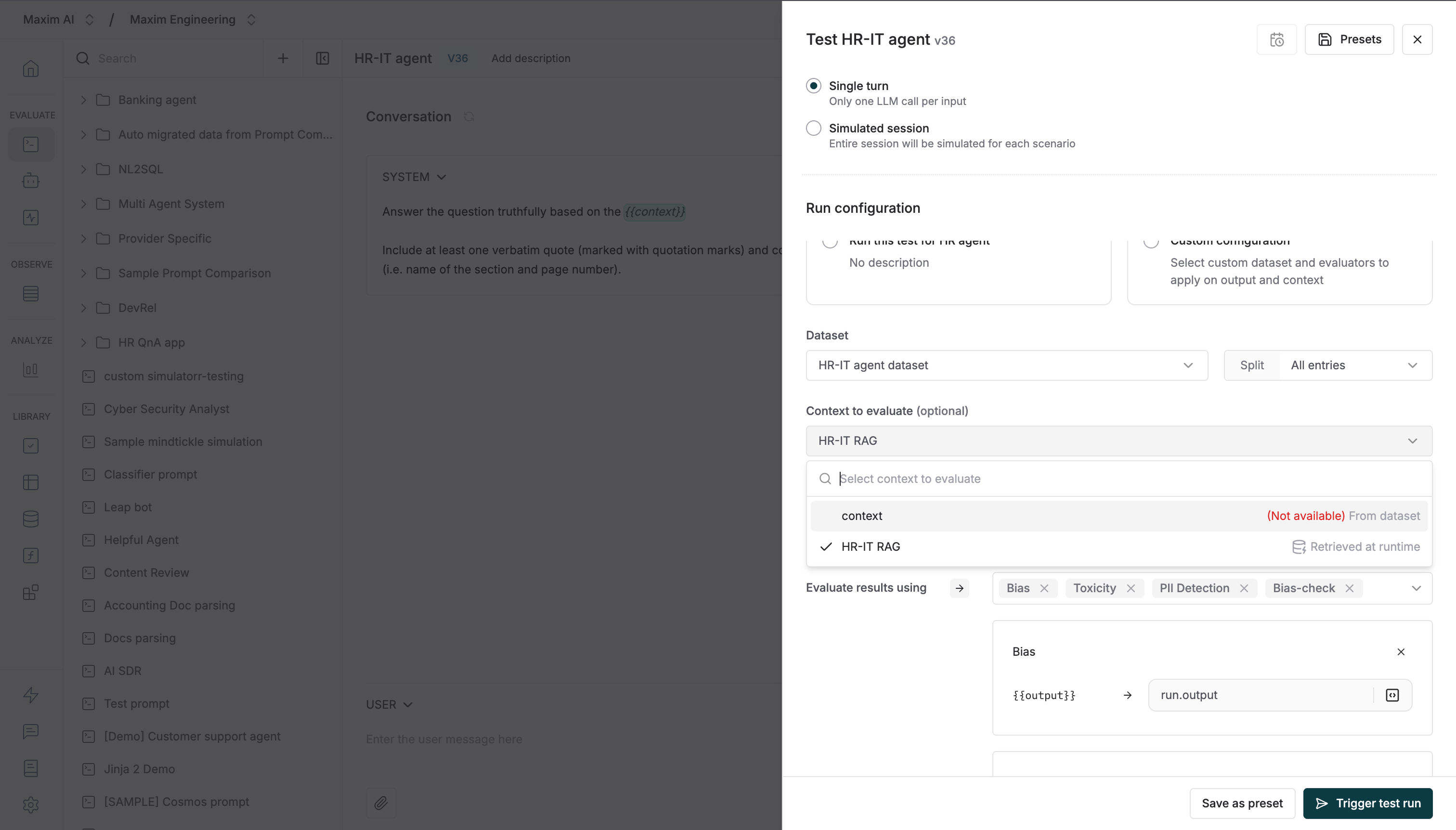
6
Add Evaluators
Select existing Evaluators or add new ones from the store, then run your test.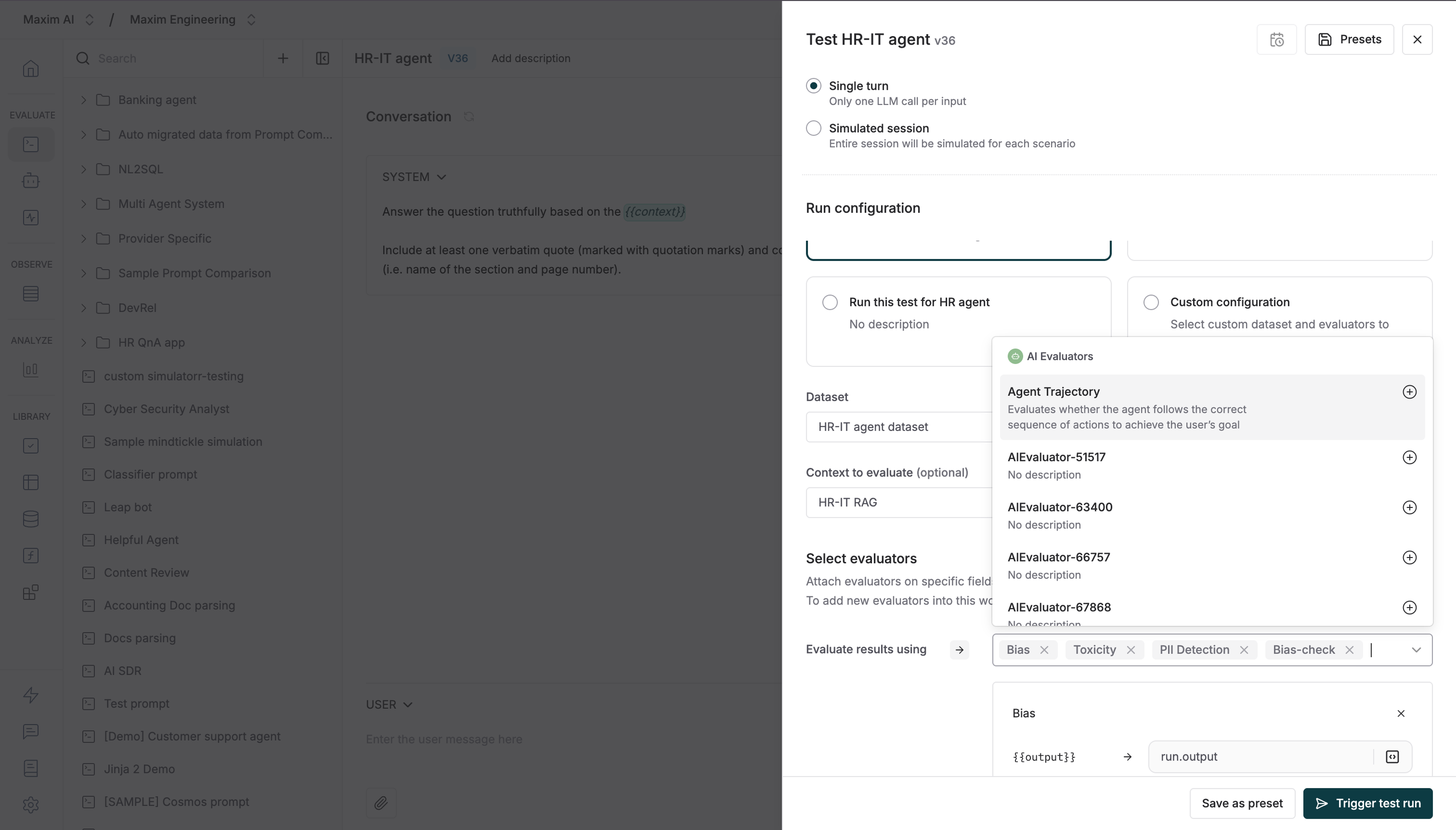
7
Map evaluators variables
Once evaluators are selected, you can map the variable values based on your needs. All built-in variables will be automatically mapped, but you can change the mapping if necessary.Learn more about mapping evaluator variables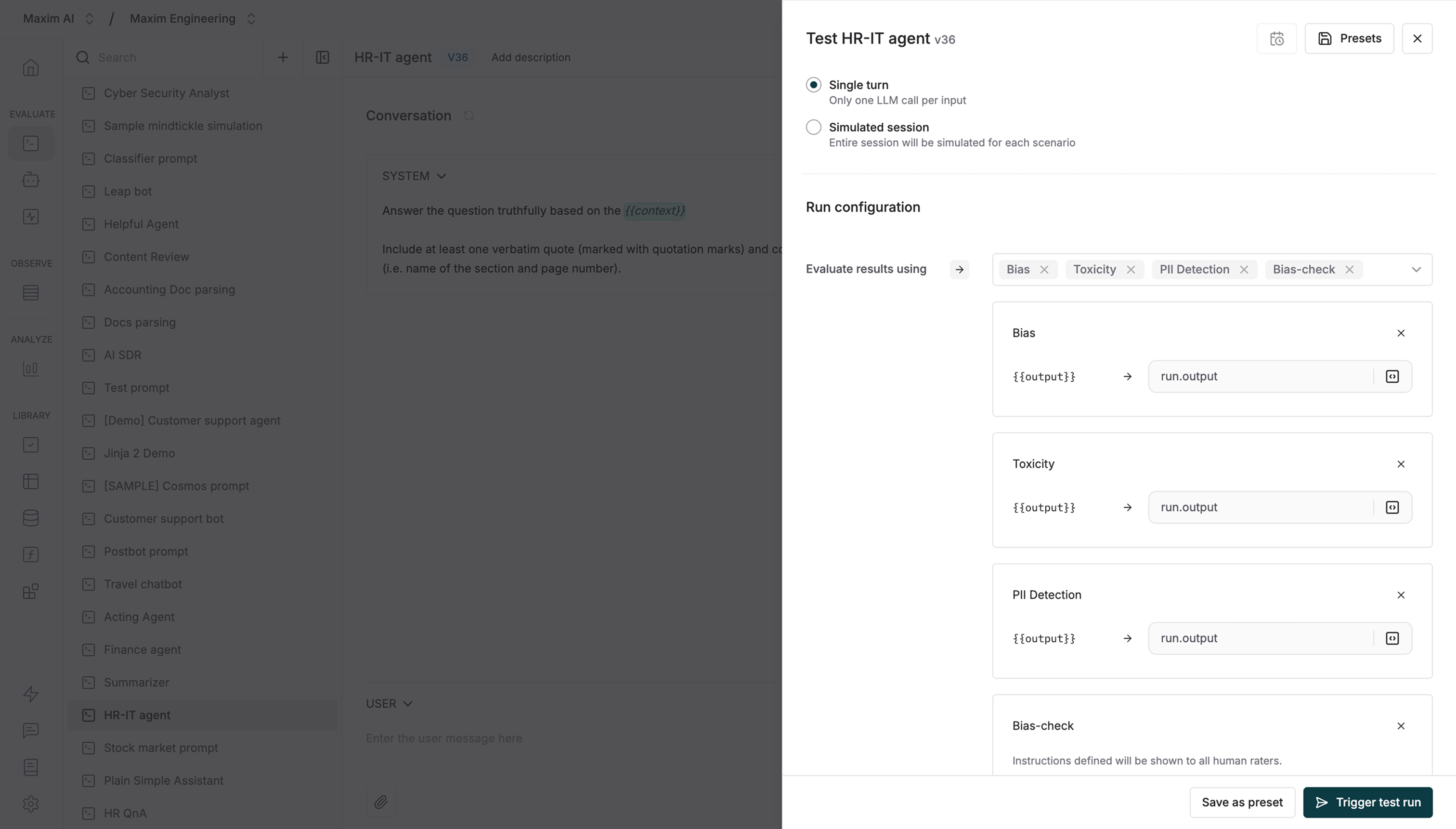
8
Review summary results
Once the run is completed, you will see summary details for each Evaluator. Below that, charts show the comparison data for latency, cost and tokens used.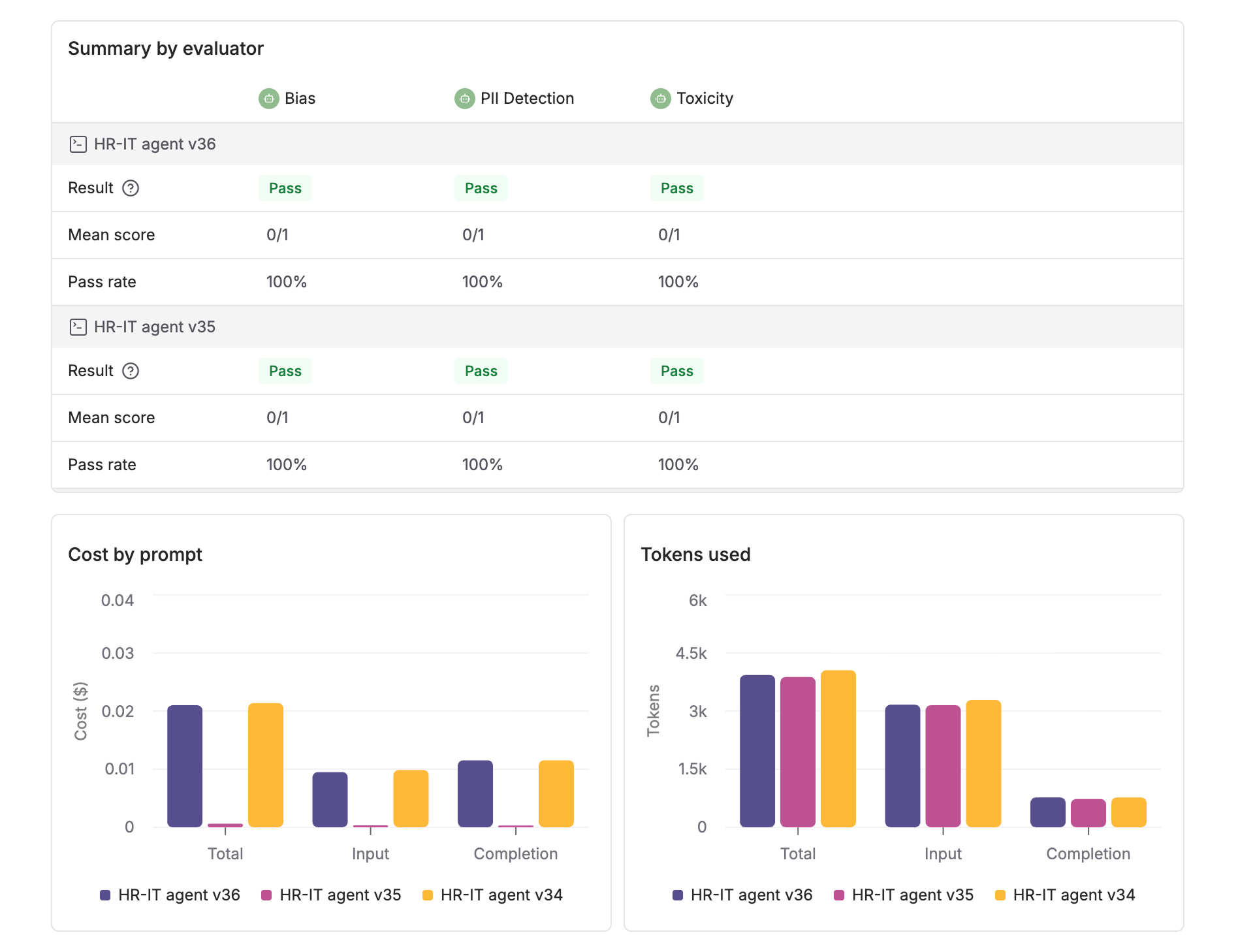
9
Analyze detailed comparison
Each entry has 2 rows one below the other showing the outputs, latency and scores for the entities or versions compared. Deep dive into any entry by clicking the row and looking into the particular messages, evaluation details and logs.