How to tag test runs?
1
Tag any test run by clicking the Add tags button in the left sidebar of the run report view. Search and select one or more tags from the dropdown. If a tag doesn’t exist, it’ll be created automatically.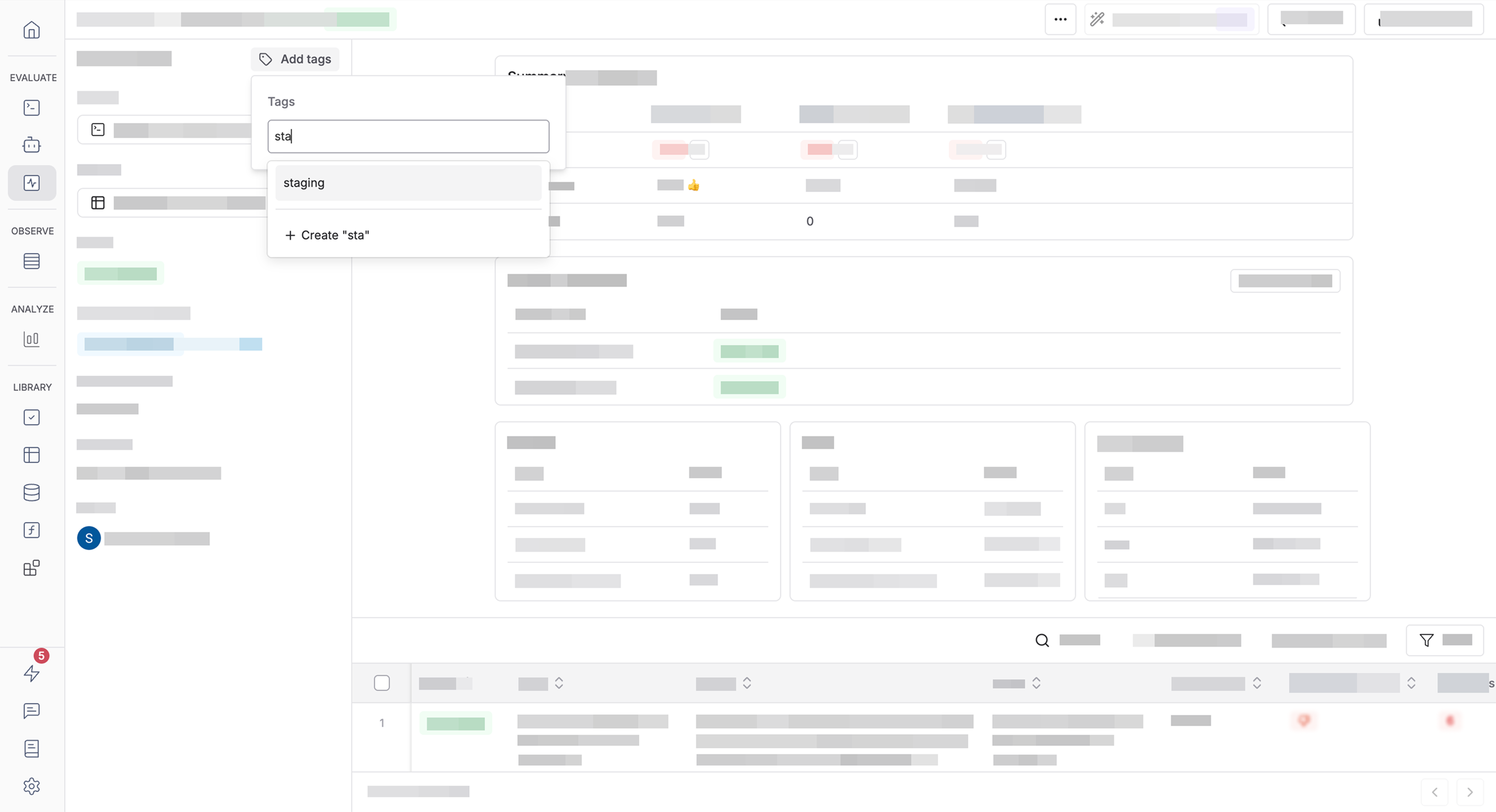
2
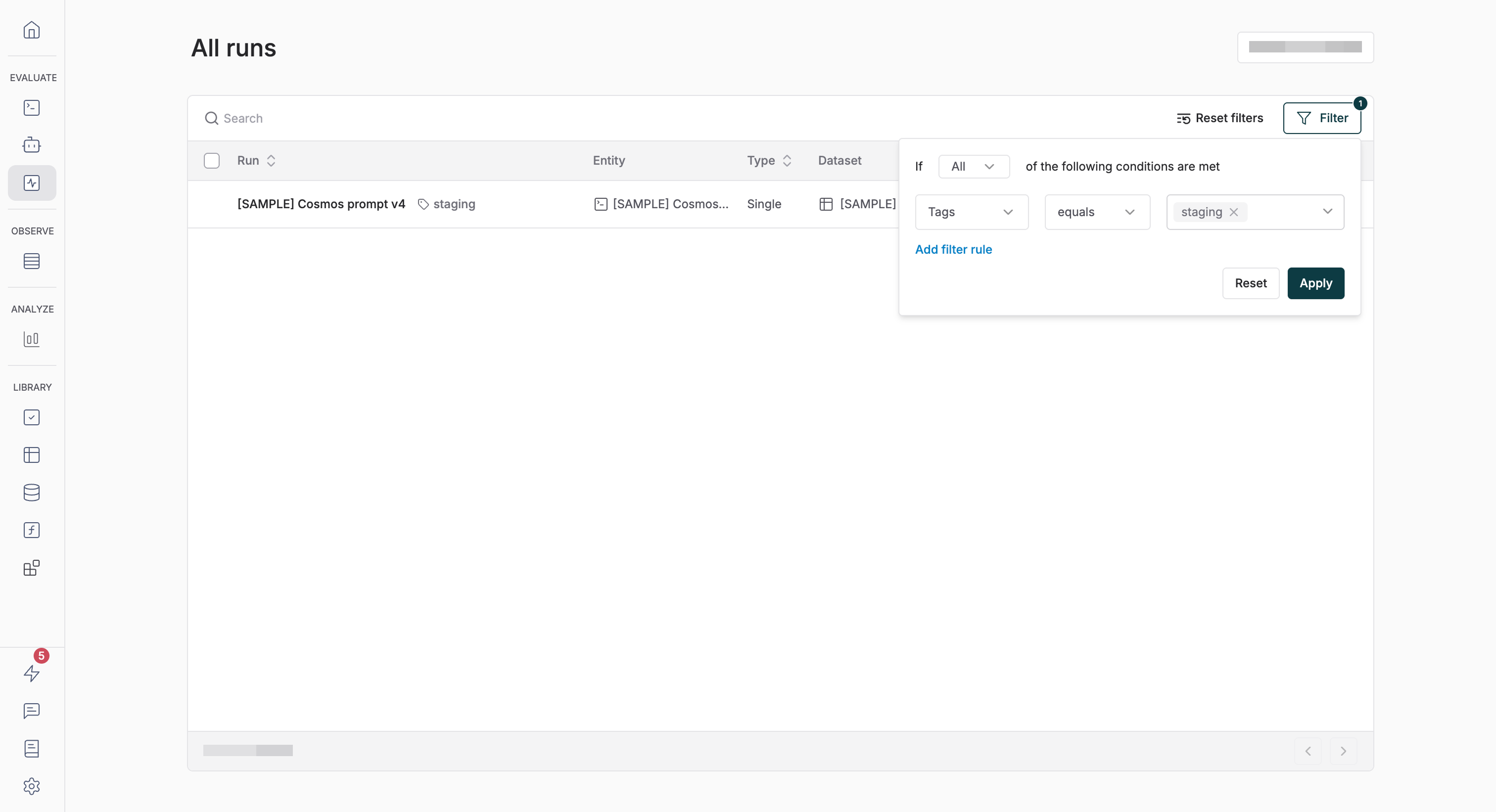
Once tagged, filter runs by tag from the runs table. Navigate to the runs page using the Runs button in the left sidebar of the Evaluate section.