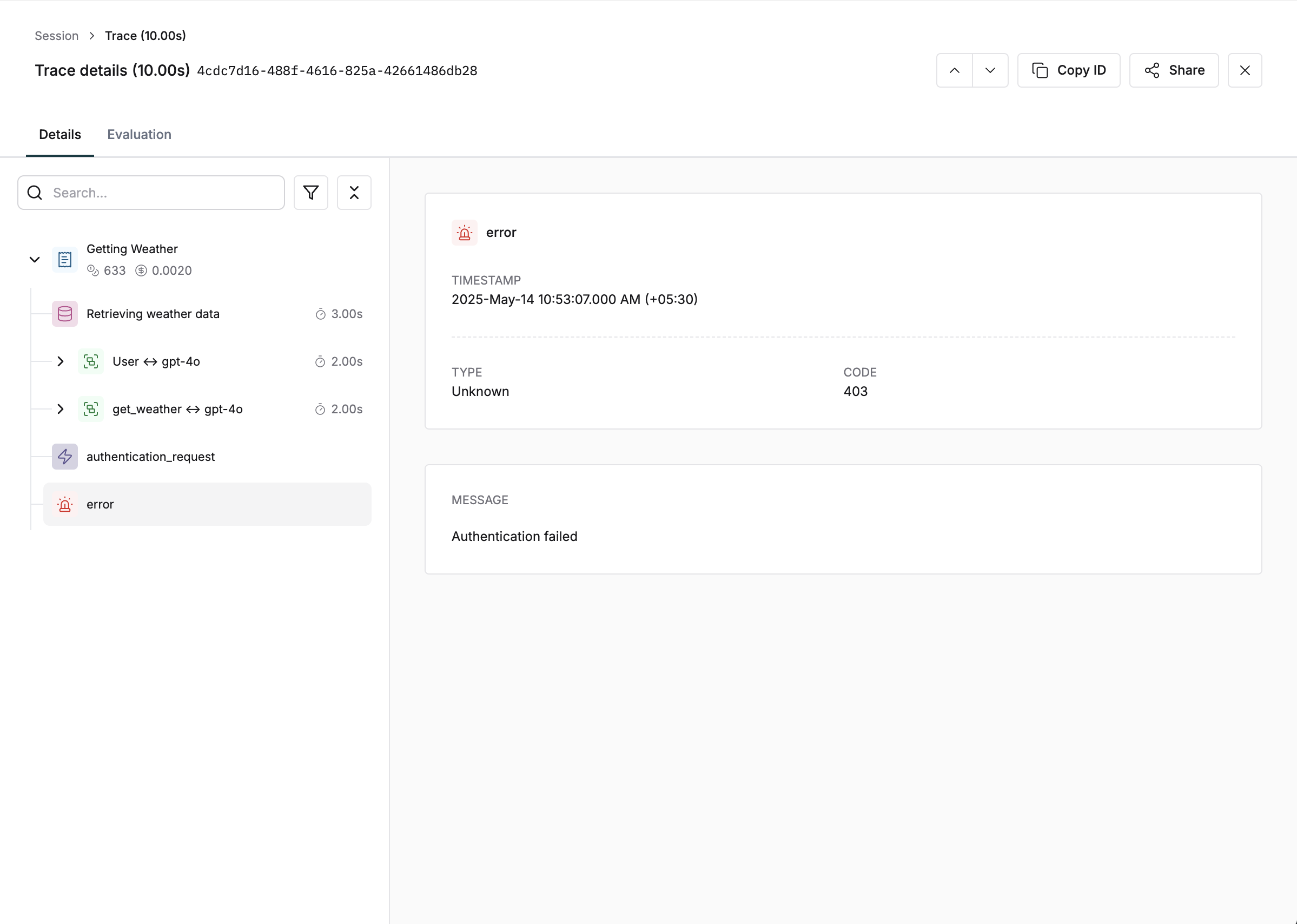
Track LLM errors in your endpoint
// Create generation object
const generation = trace.generation({
    id: "generation-id",
    name: "customer-support--gather-information",
    // Additional fields
});

// Track error
generation.error({
    message: "Rate limit exceeded. Please try again later.",
    type: "RateLimitError",
    code: "429",
});
from maxim.logger.components.generation import GenerationConfig, GenerationError

# Create generation object
generation = trace.generation(GenerationConfig(
    id="generation-id",
    name="customer-support--gather-information",
    # Additional fields
))

# Track error
generation.error(GenerationError(
    message="Rate limit exceeded. Please try again later.",
    type="RateLimitError",
    code="429",
))
// Create generation object
generation := trace.AddGeneration(&logging.GenerationConfig{
    Id: "generation-id",
    Name: "customer-support--gather-information",
    // Additional fields
})

// Track error
generation.SetError(&logging.GenerationError{
    Message: "Rate limit exceeded. Please try again later.",
    Type:    "RateLimitError",
    Code:    "429",
})
// Create generation object
Generation generation = trace.addGeneration(new GenerationConfig(
    "generation-id",
    "customer-support--gather-information",
    // Additional fields
));

// Track error
generation.error(new GenerationError(
    "Rate limit exceeded. Please try again later.",
    "429",
    "RateLimitError",
));
Learn how to track complete LLM flows in the LLM logging guide.
Track Errors from Tool Calls
const traceToolCall = trace.toolCall({
    id: "tool-call-id",
    name: "tool-call-name",
});

traceToolCall.error({
    message: "Service is currently unavailable. Please try again later.",
    type: "ServiceUnavailableError",
    code: "503",
});
from maxim.logger import ToolCallConfig

trace_tool_call = trace.tool_call(ToolCallConfig(
    id="tool-call-id",
    name="tool-call-name",
))

trace_tool_call.error(ToolCallError(
    message="Service is currently unavailable. Please try again later.",
    type="ServiceUnavailableError",
    code="503",
))
Explore more on tool call tracking in the Tool calls logging guide.