
Prerequisites
Before starting, ensure you have:- Python 3.10+
- A Maxim account (sign up here)
- Maxim API key and repository ID
- OpenAI API key (for Pydantic AI)
Installation
Environment Setup
Create a.env file in your project root:
Simple Agent Example
This example demonstrates basic Pydantic AI integration with Maxim using a simple math agent.Setup and Instrumentation
Create a Simple Agent
Run the Agent
Advanced Agent Example
This example demonstrates a more complex agent with multiple sophisticated tools.Create an Advanced Agent
Run the Advanced Agent
Streaming Example
This example demonstrates how to use Pydantic AI’s streaming capabilities with Maxim integration.Create a Streaming Agent
Run Streaming Examples
Additional Example
Complete Example with All Features
Here’s a comprehensive example that combines all the features: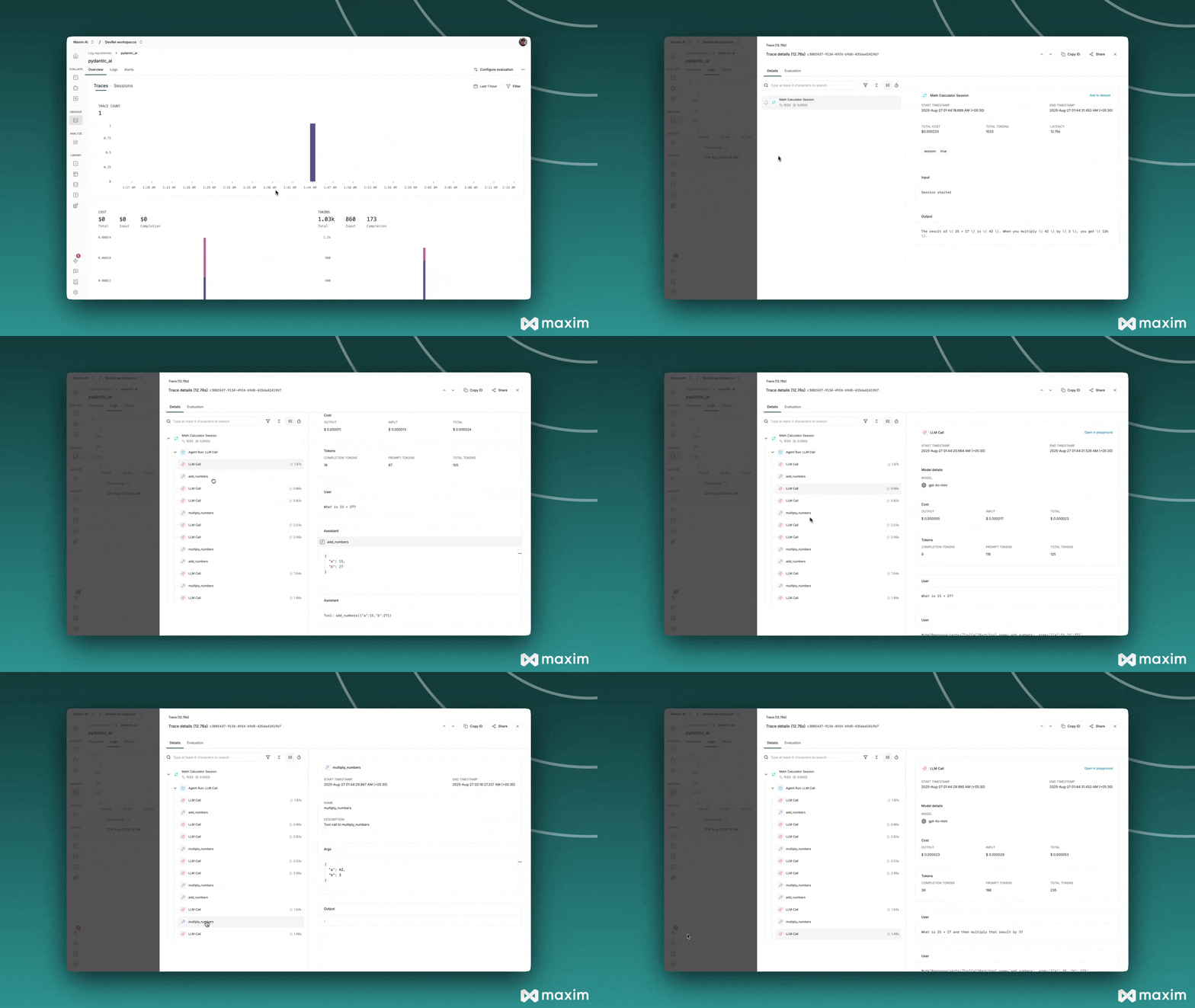
Best Practices
1. Environment Variables
Always use environment variables for API keys and sensitive configuration.2. Error Handling
Wrap agent calls in try-catch blocks for robust error handling:3. Tool Documentation
Provide clear docstrings for your tools to help the agent understand their purpose:4. Async vs Sync
- Use
await agent.run()for async operations - Use
agent.run()for synchronous operations - Use
async with agent.run_stream()for streaming
Troubleshooting
Common Issues
- Import Errors: Ensure all packages are installed correctly
- API Key Issues: Verify environment variables are set correctly
- Tool Not Working: Check tool function signatures and docstrings
- No Traces: Ensure Maxim instrumentation is called before creating agents
Debug Mode
Enable debug mode for detailed logging:For more details, see the Maxim Python SDK documentation.
Resources
Cookbook Code
Python Notebook for Pydantic AI & Maxim AI