Deploying Bifrost on Kubernetes with Helm: Best Practices and Common Pitfalls
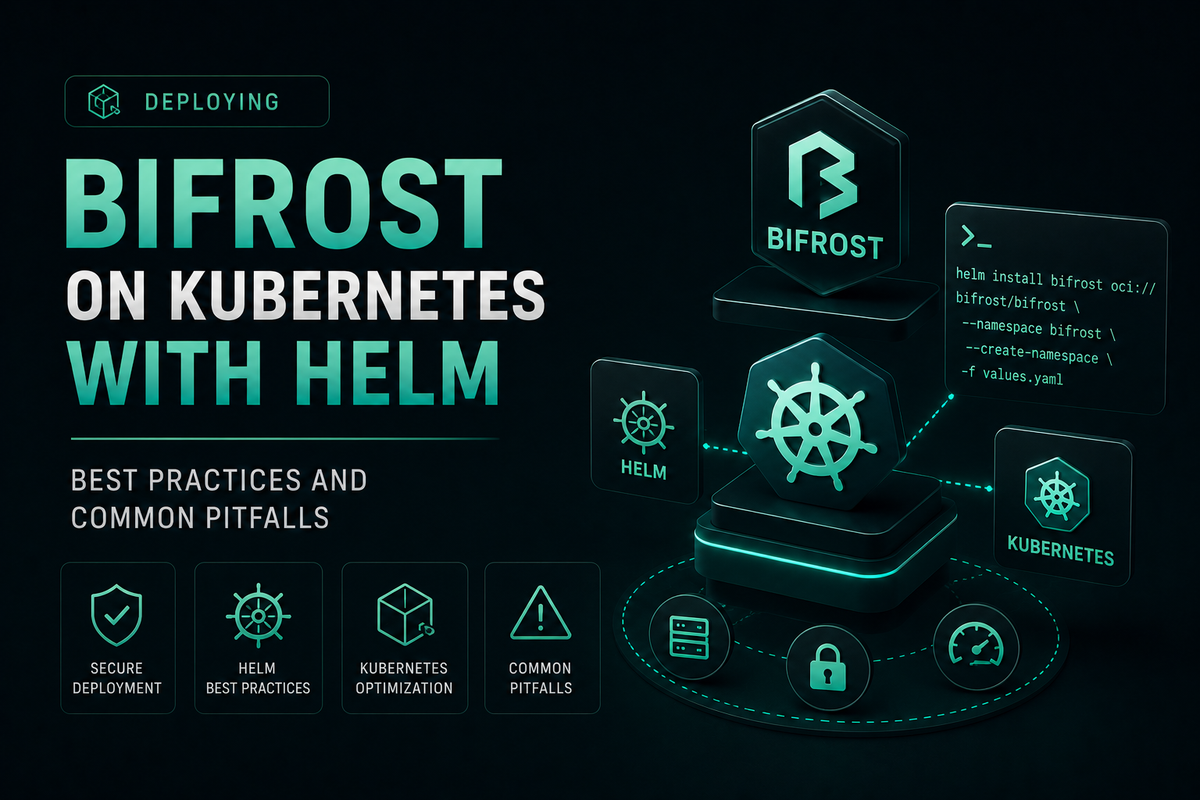
Deploy Bifrost on Kubernetes with Helm using production-tested best practices, configuration patterns, and fixes for the most common deployment pitfalls.
Teams adopting AI gateways at scale need a reproducible, declarative way to ship infrastructure into Kubernetes. The official chart makes it possible to deploy Bifrost on Kubernetes with Helm in minutes, but production-grade installs require more than a one-line helm install. This guide walks through the configuration patterns that hold up under load, the pitfalls that surface during the first incident, and the operational habits that keep a Bifrost cluster healthy across upgrades. Bifrost is the open-source AI gateway by Maxim AI, designed for high-throughput inference, governance, and reliability across 20+ LLM providers.
Why Run Bifrost on Kubernetes
Self-hosting an AI gateway on Kubernetes gives platform teams full control over data residency, governance, and scaling behavior. The Bifrost Helm chart packages the gateway as a first-class Kubernetes workload, with StatefulSet support for SQLite, optional embedded PostgreSQL, vector store integrations for semantic caching, and ingress, autoscaling, and probe configuration out of the box.
Helm fits this workload well for three reasons:
- Declarative configuration: every parameter in
values.yamlmaps to a field in the generatedconfig.json, so the cluster state matches the chart input exactly. - Reproducible rollouts: the same values file can install, upgrade, and roll back across environments.
- Native Kubernetes primitives: the chart produces standard Deployments, StatefulSets, Services, Ingress, HPAs, and ServiceAccounts that integrate with existing platform tooling.
For teams comparing self-hosted AI gateways against managed alternatives, the LLM Gateway Buyer's Guide covers the evaluation criteria that matter most for enterprise deployments.
Prerequisites for a Bifrost Helm Deployment
Before running helm install, confirm the cluster meets the chart's baseline requirements:
- Kubernetes v1.19 or later, with
kubectlconfigured against the target cluster. - Helm 3.2.0 or later installed locally.
- A persistent volume provisioner if you plan to use SQLite for storage. PostgreSQL-only deployments can skip this.
- A UTF8-encoded PostgreSQL database if you use Postgres for storage. Non-UTF8 databases will fail to initialize.
- Kubernetes Secrets for the encryption key and any provider API keys you intend to inject at install time.
Add the chart repository before the first install:
helm repo add bifrost <https://maximhq.github.io/bifrost/helm-charts>
helm repo update
The full configuration surface, including every parameter and ready-made example files, lives in the Helm values reference.
Best Practices for Production Bifrost Helm Deployments
The following practices reflect what production deployments of Bifrost consistently get right.
Pin the image tag explicitly
The chart requires image.tag to be set. Leaving it unset, or setting it to latest, will either fail at install time or pin the cluster to an undefined version that can drift between rollouts. Always specify a concrete version (for example, v1.4.11) and treat tag updates as deliberate, reviewed changes.
helm install bifrost bifrost/bifrost --set image.tag=v1.4.11
Externalize every secret
Plain-text credentials in values.yaml are a frequent source of compliance findings. The Bifrost chart provides an existingSecret alternative for every sensitive field, including the encryption key, PostgreSQL password, vector store credentials, and per-provider API keys. Store these in Kubernetes Secrets, or integrate with HashiCorp Vault and cloud key management services on Bifrost Enterprise.
bifrost:
  encryptionKeySecret:
    name: "bifrost-encryption-key"
    key: "encryption-key"
  providerSecrets:
    openai:
      existingSecret: "provider-keys"
      key: "openai-api-key"
      envVar: "OPENAI_API_KEY"
Use PostgreSQL for production, not SQLite
SQLite is convenient for local development and single-node demos, but it cannot back multi-replica deployments because PVCs are typically ReadWriteOnce. Production setups should use the chart's embedded PostgreSQL, an external managed Postgres (RDS, Cloud SQL, Azure Database), or a HA Postgres operator. Mixed-backend installs (Postgres for config, SQLite for logs) are supported through the mixed-backend.yaml example.
Configure HPA with stream-aware behavior
Bifrost handles long-lived SSE streams for chat completions. Default Kubernetes HorizontalPodAutoscaler settings can terminate active streams during scale-down, so override scaleDown.stabilizationWindowSeconds to a higher value and keep the preStop sleep in place so the load balancer drains before pods exit.
autoscaling:
  enabled: true
  minReplicas: 3
  maxReplicas: 10
  targetCPUUtilizationPercentage: 70
  behavior:
    scaleDown:
      stabilizationWindowSeconds: 300

terminationGracePeriodSeconds: 60
lifecycle:
  preStop:
    exec:
      command: ["sh", "-c", "sleep 15"]
For deployments with long-running streams (over 45 seconds), raise terminationGracePeriodSeconds so the pod has time to finish in-flight responses.
Spread replicas across nodes
In HA deployments, place replicas on different nodes using pod anti-affinity. This protects against single-node failures and helps the Kubernetes scheduler balance load across the cluster.
affinity:
  podAntiAffinity:
    requiredDuringSchedulingIgnoredDuringExecution:
      - labelSelector:
          matchLabels:
            app.kubernetes.io/name: bifrost
        topologyKey: kubernetes.io/hostname
Enable plugins through Helm values, not the UI
Bifrost's built-in plugins (telemetry, logging, governance, semantic cache, OTel, Datadog) are configurable directly through Helm values. Managing them in values.yaml keeps the config reproducible across environments. For DB-backed deployments, increment the plugin version field when you want Helm-supplied config to overwrite an older record in the database.
bifrost:
  plugins:
    telemetry:
      enabled: true
      version: 1
    logging:
      enabled: true
      version: 1
    governance:
      enabled: true
      version: 1
Pair plugin configuration with Bifrost's virtual key governance for per-team budgets, rate limits, and access control. The Bifrost governance overview covers the full enterprise governance model.
Enable observability from day one
Bifrost ships native Prometheus metrics at /metrics and supports OpenTelemetry tracing out of the box. Enable a ServiceMonitor to wire metrics into an existing Prometheus stack:
serviceMonitor:
  enabled: true
  interval: 30s
  scrapeTimeout: 10s
Bifrost's performance benchmarks document the 11 microsecond per-request overhead at 5,000 RPS, but real production performance depends on cluster topology and provider latency. Observability is the only way to verify the gateway is performing as expected.
Common Pitfalls When Deploying Bifrost with Helm
These are the failure modes that surface most often during the first production install or during a routine upgrade.
Image pull errors from missing or expired registry secrets
ErrImagePull and ImagePullBackOff show up when image.tag is unset, when the image repository points to a private enterprise registry without a valid pull secret, or when an ECR token has expired (ECR credentials expire after 12 hours). Use a credential helper or operator to refresh ECR tokens automatically rather than rotating them by hand.
SQLite with multiple replicas
Setting replicaCount: 3 while leaving storage.mode: sqlite causes PVC binding failures because the chart's SQLite PVC uses ReadWriteOnce. Either move to PostgreSQL or keep replicaCount: 1 for SQLite deployments. Production HA requires Postgres.
Missing PVC provisioner
A Pending PVC after install almost always means the cluster has no default storage class, or the configured storageClass does not exist. Verify with kubectl get storageclass and pin to a valid class.
helm upgrade bifrost bifrost/bifrost \\
  --reuse-values \\
  --set storage.persistence.storageClass=standard
SSL mode mismatch with managed Postgres
Most managed Postgres services (RDS, Cloud SQL, Azure Database) require SSL by default. Leaving sslMode: disable will cause connection failures. Set sslMode: require in the external Postgres config and rotate the credential into a Kubernetes Secret rather than embedding it in values.
Encryption key key-name drift
The bifrost.encryptionKeySecret.key parameter defaults to encryption-key, but many teams create the secret with the key name key (using --from-literal=key=...). Either match the default name in the secret, or override the parameter so it matches the secret's actual key.
HPA dropping active SSE streams
If scale-down events terminate streaming chat completions mid-response, raise terminationGracePeriodSeconds to at least 120 seconds, extend the preStop sleep, and increase stabilizationWindowSeconds to delay scale-down until traffic genuinely tapers. The Bifrost troubleshooting guide documents the exact configuration.
Data loss on helm uninstall
helm uninstall does not remove PVCs by design, but a careless kubectl delete pvc will permanently destroy the gateway's data. Before any destructive operation, snapshot the PVC and use storage.persistence.existingClaim to re-attach data on reinstall.
Operational Guidance: Upgrades, Rollbacks, and Scaling
Helm makes day-2 operations predictable when the underlying values are managed in version control.
- Upgrades: run
helm upgrade bifrost bifrost/bifrost -f your-values.yaml. To change a single field without touching the rest, usehelm upgrade --reuse-values --set image.tag=v1.4.12. - Rollbacks:
helm history bifrostshows revision history;helm rollback bifrost 2reverts to a known good revision. - Scaling: prefer HPA-driven scaling over manual
kubectl scale. For sudden bursts, scale upminReplicasrather than triggering an HPA reaction lag. - Verification: after any change,
kubectl get pods -l app.kubernetes.io/name=bifrostandcurl /healthagainst a port-forwarded pod confirm the gateway is serving traffic.
For multi-replica deployments that need cluster mode and gossip-based peer discovery, the chart provides headless service and service account permissions needed for Kubernetes-based discovery.
Configuration Patterns for Common Deployment Scenarios
The Helm chart ships ready-made example values files for the most common patterns under helm-charts/bifrost/values-examples/:
sqlite-only.yaml: minimal local or dev install.external-postgres.yaml: point Bifrost at an existing managed Postgres instance.production-ha.yaml: 3 replicas, embedded Postgres, Weaviate vector store, HPA, ingress.secrets-from-k8s.yaml: every sensitive value sourced from Kubernetes Secrets.providers-and-virtual-keys.yaml: all supported providers plus virtual key configurations.
These files install directly from a raw URL, which makes them easy to use as a baseline and override per environment:
helm install bifrost bifrost/bifrost \\
  -f <https://raw.githubusercontent.com/maximhq/bifrost/main/helm-charts/bifrost/values-examples/production-ha.yaml> \\
  --set image.tag=v1.4.11
Teams running MCP gateway workloads on Kubernetes can add MCP server connections, tool filtering, and OAuth-based federated auth through the same values file, keeping the gateway and its tool catalog under unified config management.
Get Started with Bifrost on Kubernetes
A production-ready way to deploy Bifrost on Kubernetes with Helm requires more than the quickstart commands: explicit image pinning, externalized secrets, a real database, stream-aware autoscaling, pod anti-affinity, and observability wired in from day one. The Helm chart supports each of these patterns directly through values.yaml, and the example files in the repo cover most production scenarios as starting points.
To see how Bifrost can simplify AI gateway infrastructure for your team, book a demo with the Bifrost team or explore the Bifrost GitHub repository to start with the open-source release.