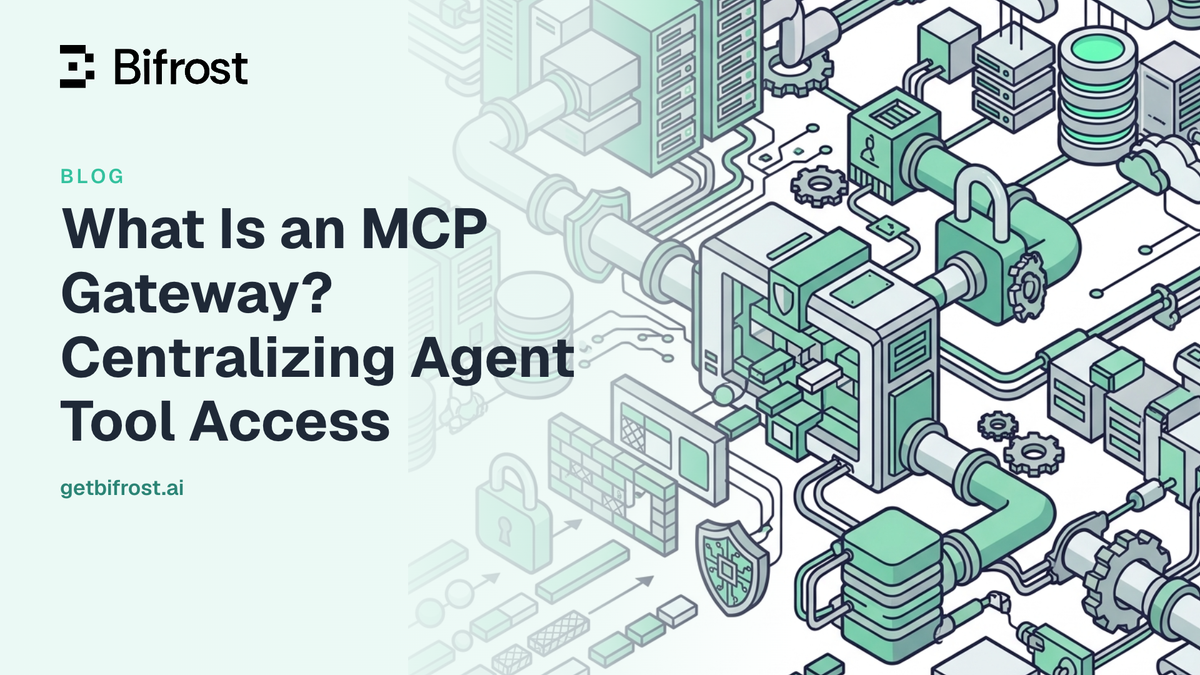
What Is an MCP Gateway? Centralizing Agent Tool Access
The 2026 MCP Roadmap published by the Model Context Protocol maintainers lists enterprise readiness as one of four priority areas, naming audit trails, SSO-integrated auth, gateway behavior, and configuration portability as the problems production deployments keep hitting. Those problems show up as soon as an organization runs more than a handful of MCP servers: every agent maintains its own server list, its own credentials, and its own tool catalog, with nothing in between to enforce a policy or record what executed. An MCP gateway is that missing layer, and Bifrost, the open-source MCP gateway written in Go by Maxim AI, is built for enterprises running mission-critical AI workloads that require best-in-class performance, scalability, and reliability. This post covers what that layer does, how it centralizes and secures MCP tool access for every agent, and what changes once tool counts reach the hundreds.
What Is an MCP Gateway
An MCP gateway is an infrastructure layer that sits between AI agents and the MCP servers they call, exposing every connected tool through a single endpoint while enforcing authentication, access control, and execution policy. Agents connect to the gateway instead of to each server, so tool access becomes a configuration concern rather than a per-agent implementation detail.
Model Context Protocol is an open standard that lets AI models discover and execute external tools at runtime, connecting them to filesystems, search, databases, and custom business logic. The protocol defines how a client talks to a server. It does not define who is allowed to call which tool, under whose credentials, or what gets recorded. An MCP gateway answers those questions in one place:
- Aggregation: one endpoint fronts every connected MCP server, so agents see a single tool registry.
- Authentication: credentials live in the gateway, per server and optionally per user, instead of in each agent's config file.
- Authorization: tool allow-lists are attached to identities, so a support agent and a deploy agent get different tools from the same registry.
- Execution control: the gateway decides whether a tool call runs automatically or waits for approval.
- Observability: every tool call passes one control point, which is where logging and audit become possible.
Why Agents Need an MCP Gateway
Without a gateway, MCP scales by multiplication. Ten servers across filesystems, databases, GitHub, Slack, and internal APIs means ten connections, ten credential sets, and ten tool catalogs replicated into every agent that needs them. Four failure modes follow:
- Credential sprawl: the same service token is pasted into several agent configs, with no central way to rotate or revoke it.
- Context inflation: default MCP clients inject every tool definition from every connected server into the model's context on every request, so the model spends its budget reading catalogs.
- No consistent allow-list: whether an agent can delete a file or write to a production database depends on which config file it happened to load.
- No audit trail: when a tool executes something destructive, reconstructing who called what means correlating logs across every agent.
The token problem is the one teams usually notice first, because it appears on the invoice. A workflow spanning 16 MCP servers and 508 tools consumed 75.1M input tokens in benchmark testing under classic MCP, at an estimated cost of $377 for the query set. The access control and cost governance breakdown walks through where that spend goes and why it grows with every server added.
How Bifrost Works as an MCP Gateway
Bifrost operates as both an MCP client and an MCP server. As a client it connects to external MCP servers over STDIO, HTTP, or SSE, with exponential-backoff retry for transient failures. As a server it exposes the aggregated registry to external MCP clients, which is what makes a single endpoint possible.
MCP gateway mode exposes two endpoints:
| Endpoint | Method | Purpose |
|---|---|---|
/mcp |
POST | JSON-RPC 2.0 messages for tool discovery and execution |
/mcp |
GET | Server-Sent Events for persistent connections |
Any MCP-compatible client can point at http://your-bifrost-gateway/mcp and receive the full aggregated tool set: Claude Desktop, Cursor, custom applications, or browser extensions with MCP client capability. Tool names are prefixed with the originating client name, so filesystem_list_directory stays unambiguous when several servers expose similarly named tools. Gateway mode requires the Gateway deployment; it is not available when using Bifrost as a Go SDK.
The consolidation matters more than it sounds. Adding an MCP server becomes a gateway configuration change rather than a change to every agent that needs the tool, and removing one revokes access everywhere at once.
Securing MCP Tool Access for Every Agent
Bifrost is deny-by-default at the execution boundary. Tool calls returned by a model are treated as suggestions, not instructions: nothing runs until the application makes an explicit call to the tool execution endpoint. That default is what keeps a prompt-injected tool call from executing on its own.
Three filtering levels stack on top of that default, and a tool must pass all of them to reach the model:
- Client configuration:
tools_to_executesets the baseline per MCP client.["*"]allows all tools; an empty or omitted list allows none. - Request headers: per-request filtering narrows the set further for a specific call.
- Virtual keys: a virtual key with no MCP configuration gets no MCP tools at all, and a configured key becomes a strict allow-list enforced both at inference time and again at tool execution time.
Virtual key tool filtering is the mechanism most teams reach for, because it binds tool access to the identity already carrying budgets and rate limits. Inactive or expired virtual keys are rejected at execution with a 403, regardless of what their tool list says.
Curating tools at scale with Tool Groups
MCP Tool Groups in Bifrost Enterprise are named, reusable bundles of tools drawn from one or more servers, attachable across six dimensions: virtual keys, teams, customers, users, LLM providers, and API keys. When several dimensions match a request, the tool lists merge and deduplicate, and matching runs against an in-process index rather than extra database lookups. One caveat worth designing around: if no group matches a request's context, the request falls through with no tool filter applied, so Tool Groups narrow access for matched contexts rather than acting as a global deny.
Handling credentials per server and per user
MCP authentication supports five modes: none, admin-configured headers and oauth, and per_user_headers and per_user_oauth for services where each person authenticates as themselves. Per-user auth applies to HTTP and SSE connections and stores the credential against the caller's identity, so a user's Notion or GitHub token follows the identity rather than living in an agent config. Credentials are inspectable and revocable per identity from the sessions view.
Choosing what runs without a human
Agent Mode enables autonomous execution, and it is opt-in twice over: tools_to_execute defines what the model can call, and tools_to_auto_execute (a subset) defines what runs without approval. By default, no tools auto-execute. Non-auto-executable calls are returned to the application for approval instead. Agent Mode is not compatible with streaming endpoints, since the execution loop needs complete responses between iterations.
Cutting MCP Token Costs with Code Mode
Code Mode addresses context inflation directly. Rather than injecting 150 tool definitions into every request, it exposes four meta-tools (listToolFiles, readToolFile, getToolDocs, and executeToolCode) and lets the model write Python in a sandbox to orchestrate the rest, loading tool definitions on demand and keeping intermediate results out of the model's context.
Benchmarked across three rounds with an increasing MCP footprint, the effect scales with tool count:
| MCP footprint | Input tokens, classic MCP | Input tokens, Code Mode | Change | Est. cost, classic | Est. cost, Code Mode |
|---|---|---|---|---|---|
| 96 tools / 6 servers | 19.9M | 8.3M | -58.2% | $104.04 | $46.06 |
| 251 tools / 11 servers | 35.7M | 5.5M | -84.5% | $180.07 | $29.80 |
| 508 tools / 16 servers | 75.1M | 5.4M | -92.8% | $377.00 | $29.00 |
At around 500 tools, Code Mode reduced average input tokens per query roughly 14x, from 1.15M to 83K, with pass rates holding at 100% and execution around 40% faster. The full benchmark report is public and reproducible. Code Mode is worth enabling from about three connected servers upward; below that, the classic flow is simpler and the savings are small. Both modes run on the same gateway tool configuration, so the choice is per deployment rather than per architecture.
Common Questions About MCP Gateways
Is a gateway part of the MCP specification?
No. The specification defines client-server communication, not governance. The 2026-07-28 release candidate moves the protocol core to a stateless model so requests can land on any server instance, which makes gateway deployment simpler, but access control and audit remain deployment concerns.
How is an MCP gateway different from an MCP server?
An MCP server executes tools against a system such as a filesystem, database, or internal API. A gateway sits in front of those servers and governs access to them: identity, filtering, execution policy, and logging. Bifrost is both, acting as a client to upstream servers and as a server to downstream agents.
Does routing MCP traffic through a gateway add latency?
Bifrost adds 11 microseconds of overhead per request at 5,000 requests per second in sustained benchmarks, and Tool Group matching runs against an in-process index rather than additional database lookups.
Can we expose our own internal tools through the gateway?
Yes. Tool hosting registers custom tools directly in a Go application and exposes them through the same registry, so internal business logic reaches agents through the same filters and audit path as third-party servers.
Does this work for regulated or air-gapped environments?
Yes. The gateway runs where you deploy it, including VPC-isolated, on-prem, and air-gapped infrastructure, so tool traffic and credentials stay inside your boundary.
Getting Started with Bifrost as an MCP Gateway
An MCP gateway turns tool access from a per-agent implementation detail into one governed control point: one endpoint, one credential store, one allow-list model, and one place where every tool execution is visible. Bifrost combines that with the governance capabilities already applied to model traffic, including virtual keys, budgets, and rate limits, so agents and models are governed under the same policy rather than two disconnected systems.
To see how an MCP gateway would consolidate your tool estate and what it would save at your tool count, book a demo with the Bifrost team.