Top 5 Agent Simulation Tools in 2026: What To Use, When, and Why
TL;DR
- Simulating agents before release is what separates teams that catch failures in testing from teams that discover them in production.
- Maxim AI provides multi-turn simulation, evaluation, and production observability in a single platform.
- CrewAI and AutoGen are agent-building frameworks rather than simulation harnesses, so both require a separate scoring layer.
- LangSmith covers dataset replays and tracing well but is not a full simulation environment.
- AgentOps focuses on run-level failure analytics and safety checks rather than evaluator depth.
Introduction
This guide explains how to compare agent simulation tools, what actually matters, and how to plug them into a reliable pre production loop with structured metrics and consistent iteration. Whether you are building a support agent, a planner executor setup, or a multi agent workflow, the right simulation stack will save you time, money, and a lot of guesswork.
If you want deeper coverage on scenarios, personas, evaluators, and consistent scoring, start with these Maxim resources:
- AI Agent Simulation: The Practical Playbook
- AI Agent Quality Evaluation
- AI Agent Evaluation Metrics
- Evaluation Workflows for AI Agents
- Agent Simulation and Evaluation
You can also book a demo at the bottom of the Maxim site if you want to see these workflows in action.
How To Evaluate Agent Simulation Platforms
Before choosing a tool, align on the factors that actually influence reliability. Teams often get distracted by features that look good on paper but do not move the needle. These are the criteria that consistently matter in real deployments.
Realism
You need simulations that mimic real conversations, not toy tests. That means personas, multi turn context, policy grounding, tools, and plausible user behavior.
Scale
A handful of test cases is never enough. You should be able to run hundreds or thousands of scenarios, compare versions, track drift, and keep datasets fresh.
Evaluators
A healthy stack needs evaluators for goal completion, correctness, safety, tone, tool use, and consistency across versions. Include latency and cost so you see tradeoffs clearly. Human review matters for subtle scoring.
Tracing
You cannot fix what you cannot see. Step by step traces help you pinpoint when an agent made a wrong assumption or misused a tool.
CI Integration
Your tests should run the moment a pull request lands. Merge gates catch regressions before they reach production.
Ownership and Control
Enterprises need privacy guarantees, audit logs, user roles, and deployment options that fit their security posture.
Time To Value
If it takes months to set up, it is the wrong tool. The ideal system gives you working signal in days.
These criteria form the backbone of the comparison below.
The Top 5 Agent Simulation Tools
Here are the platforms most teams rely on today, along with where each one fits in the workflow.
1. Maxim AI
What It Is
Maxim is a full platform for agent simulation, evaluation, observability, and ongoing quality monitoring. You define scenarios, personas, instructions, tools, and policies. Maxim runs multi turn simulations, scores them with balanced evaluators, supports human review, and lets you compare versions cleanly. The same metrics extend into production through online evaluations and alerts.
Key Resources
- Agent Simulation and Evaluation
- Evaluation Workflows
- AI Agent Quality Evaluation
- AI Agent Evaluation Metrics
- LLM Observability
Strengths
- Multi turn simulations with realistic personas
- Balanced evaluators including correctness, adherence, safety, tone, latency, and cost
- Human review pipelines for nuanced tasks
- CI automation through SDK and API
- Production monitoring that uses the same metrics as simulation
- Enterprise controls including in VPC deployment, SSO, SOC 2 Type II, RBAC, and collaboration
Ideal For
Teams that want simulation, scoring, and monitoring in one platform.
Pitfalls
- Vague scenarios produce noisy metrics
- Avoid relying on a single metric
- Treat expected steps as a contract
- Add human review for complex reasoning tasks
Quick Start
Pick three high value workflows, define personas, attach the tools you already use in production, set turn limits, enable evaluators, and run. Inspect traces, adjust prompts or tools, and re run. Connect to CI once you have stable baselines.
2. CrewAI
What It Is
A Python framework for building multi agent crews with explicit roles, tools, goals, and handoffs.
Strengths
- Clear role definitions
- Fast iteration on multi agent flows
- Easy scenario variations for tests
Ideal For
Teams exploring planner or researcher executor patterns.
Pitfalls
- Bring your own scoring harness
- Long tasks require guardrails and token limits
3. LangSmith
What It Is
LangChain’s platform for dataset based evaluations, replays, and tracing.
Strengths
- Dataset powered testing
- Strong tracing
- Clean replay support
Ideal For
Teams already invested in LangChain. Teams weighing it against a full simulation platform can review the Maxim and LangSmith comparison.
Pitfalls
- Not a full simulation environment
- Requires manual scoring for complex tasks
4. AgentOps
What It Is
A platform for run level analytics, guardrails, and failure inspections.
Strengths
- Fast visibility into patterns of failure
- Policy and safety checks baked in
- Replay capabilities
Ideal For
Teams focusing on reliability hardening.
Pitfalls
- Requires structured scenarios
- Evaluator depth is limited compared to full simulation platforms
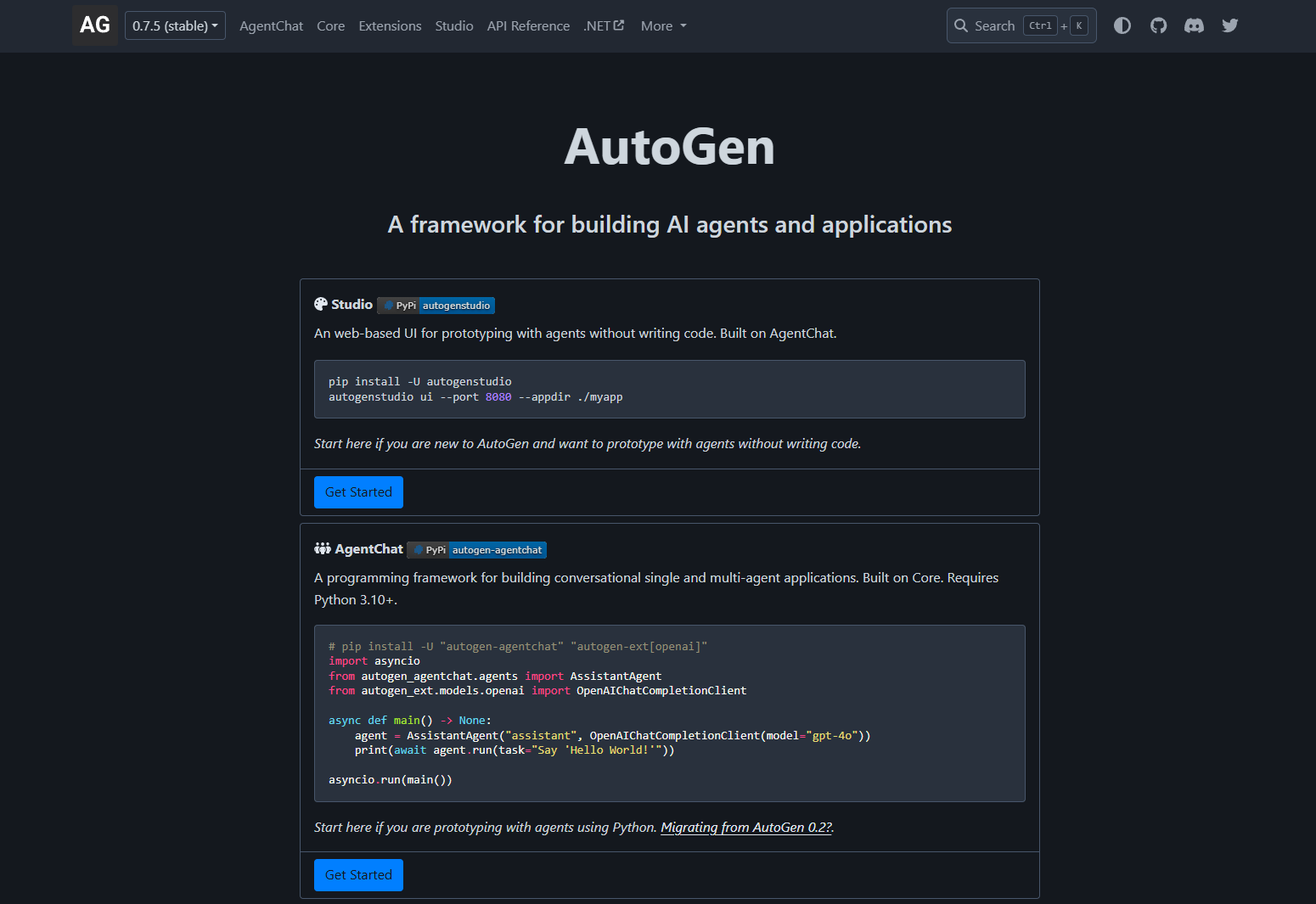
5. AutoGen
What It Is
Microsoft’s open framework for multi agent collaboration and protocol design.
Strengths
- Flexible multi agent protocols
- Good for planning heavy or research workflows
- Strong tool invocation patterns
Pitfalls
- Unbounded chats burn tokens quickly
- Requires separate evaluators and CI integration
Comparison Table
| Tool | Best For | Strengths | Caveats |
|---|---|---|---|
| Maxim AI | End to end simulation and observability | Multi turn simulations, balanced evaluators, CI automation, production monitoring | Needs clear steps and balanced metrics |
| CrewAI | Crew patterns and handoffs | Role clarity, fast iteration | Bring your own scoring and guardrails |
| LangSmith | Dataset replays and tracing | Strong tracing, dataset testing | Not a full simulation tool |
| AgentOps | Failure analytics and safety checks | Clear failure visibility, guardrails | Requires structured scenarios and metrics |
| AutoGen | Multi agent collaboration | Rich protocols, flexible tooling | Needs evaluators and CI integration |
How Maxim AI Connects the Full Workflow
If you want your workflows to feel unified instead of managing multiple disconnected tools, Maxim provides:
- A simulation engine for multi turn, persona driven scenarios
- A structured evaluation suite with balanced scoring
- Human review flows for subjective or subtle tasks
- Dashboards for comparing versions and spotting regressions
- Production observability through traces, online evaluators, and alerts
- Enterprise features including in VPC deployment, SOC 2 Type II, and RBAC
Teams that use Maxim for simulation and monitoring get a single view of quality from pre production to real traffic.
Ready to accelerate your AI agent development cycle? Schedule a demo to see how Maxim AI can help your team ship reliable AI agents faster, or sign up today to start building with confidence.
FAQ
What's the difference between agent simulation and agent evaluation?
Simulation generates the agent's behavior against synthetic scenarios. Evaluation scores that behavior against rubrics. You need both, on different cadences. Simulation runs pre-deployment as a CI gate; evaluation also runs against production traffic for drift detection.
How does Maxim AI compare to CrewAI for simulation?
Maxim is purpose-built for simulation and evaluation; CrewAI is purpose-built for building agents and uses its own runner for testing. Teams shipping agents in production typically use a framework like CrewAI plus a dedicated simulation platform like Maxim, rather than relying on the framework's built-in testing.
Does simulation work for tool-calling agents?
Yes. Maxim's simulation runner can invoke real tools or sandboxed mocks during simulation. The simulator scores whether the agent called the right tool with the right parameters at each step. Teams running multi-provider tool stacks route traffic through the Bifrost gateway so production tool calls share the same audit format as simulation calls.
Can I run agent simulation in CI?
Yes. Maxim's SDK supports programmatic simulation runs that integrate into CI pipelines. The typical pattern is: every prompt or model change triggers a simulation run, aggregate scores gate the merge, traces from failures get reviewed in the PR. The LLM gateway buyer's guide covers similar CI-gating patterns at the infrastructure layer.
How realistic does the simulated user behavior need to be?
Realistic enough to expose failure modes you'd see in production. Three persona types matter: representative users matching your actual user mix, edge users (low-literacy, high-impatience, multilingual), and adversarial users testing prompt injection or policy violations. Most teams under-invest in the third type.
How often should the simulation dataset be updated?
Weekly is typical for active products. Every production failure surfaced within a week becomes a new simulation scenario. Static simulation suites stop catching new failures within a few months because production patterns drift faster than test sets.