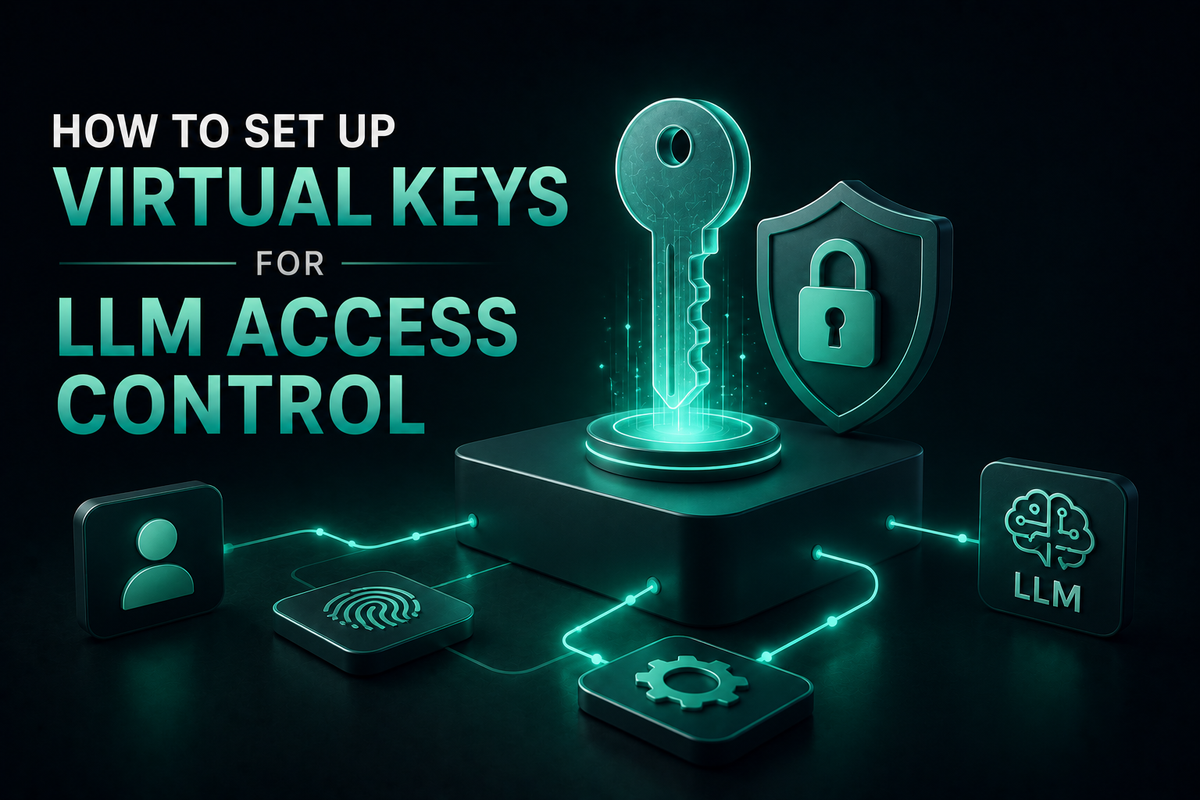
How to Set Up Virtual Keys for LLM Access Control
Set up virtual keys for LLM access control with budgets, rate limits, model allowlists, and audit logs. A complete configuration guide using Bifrost.
Virtual keys for LLM access control solve the most common governance problem in production AI: how to give every team, project, and customer their own bounded view of shared model infrastructure without scattering provider API keys across services. A virtual key is a gateway-issued credential that maps to a specific budget, rate limit, model allowlist, and provider routing rule, with no direct relationship to the underlying provider key. When a team revokes a virtual key, every workload using it loses access immediately; when budgets reset, every dependent service inherits the new window. This guide walks through a complete configuration of virtual keys for LLM access control in Bifrost, the open-source AI gateway by Maxim AI, from provider setup to enforced authentication to monitored audit evidence.
What Are Virtual Keys for LLM Access Control
A virtual key is a credential issued by an AI gateway that authenticates and authorizes a consumer (an application, team, customer, or environment) against a configured policy rather than a raw provider API key. Each virtual key carries its own budget, rate limits, model and provider allowlists, and optional MCP tool filters. Provider API keys stay in the gateway, never reach client services, and rotate independently of the virtual keys that reference them.
How Virtual Keys Work in Bifrost
Virtual keys are the primary governance entity in Bifrost. The policy model is hierarchical: Business Units → Team → User, with each level carrying its own independent budget. A single request must pass every applicable budget and rate limit in the chain, and a deduction lands at every relevant tier when the request completes. This structure lets a platform team set a top-level customer budget for a paying account, split it into team budgets, and then carve out individual virtual keys for specific services, all without modifying application code.
Three properties make this model practical in production:
- Multi-format authentication. Virtual keys work with OpenAI, Anthropic, and Gemini header formats, so existing SDKs continue to function with no changes beyond the base URL.
- Provider-level overrides. Each virtual key can attach its own budget, rate limit, weight, allowed model list, and key bindings per provider, giving fine-grained control over which traffic reaches which backend.
- Deterministic error semantics. Bifrost returns 402 when a budget is exceeded, 429 when a rate limit is exceeded, and 403 when a request targets a disallowed model, so applications can branch on these codes without parsing message strings.
Step 1: Configure Provider API Keys
Virtual keys reference provider configurations, so the first setup step is registering at least one provider with one or more raw API keys. Use the Bifrost API or web UI to register provider keys with optional weights and model whitelists:
curl -X POST <http://localhost:8080/api/providers> \\
  -H "Content-Type: application/json" \\
  -d '{
    "provider": "openai",
    "keys": [
      {
        "name": "openai-primary",
        "value": "env.OPENAI_API_KEY_1",
        "models": ["gpt-4o", "gpt-4o-mini"],
        "weight": 0.7
      },
      {
        "name": "openai-secondary",
        "value": "env.OPENAI_API_KEY_2",
        "models": [],
        "weight": 0.3
      }
    ]
  }'
For production deployments, store the actual key values in vault-managed secrets rather than environment variables. Bifrost integrates with HashiCorp Vault, AWS Secrets Manager, Google Secret Manager, and Azure Key Vault, and rotates credentials with zero downtime. Once provider keys exist, the key management layer handles weighted distribution and automatic failover when individual keys hit limits.
Step 2: Create a Virtual Key with Budgets and Rate Limits
Create the virtual key against the governance API. The example below provisions a key for an engineering team with a monthly budget of $1,000, an hourly token cap of one million tokens, and an hourly request cap of 1,000 calls. Provider configs route 50% of traffic to OpenAI (gpt-4o-mini only) and 50% to Anthropic (Claude Sonnet only):
curl -X POST <http://localhost:8080/api/governance/virtual-keys> \\
  -H "Content-Type: application/json" \\
  -d '{
    "name": "engineering-team",
    "provider_configs": [
      {
        "provider": "openai",
        "weight": 0.5,
        "allowed_models": ["gpt-4o-mini"]
      },
      {
        "provider": "anthropic",
        "weight": 0.5,
        "allowed_models": ["claude-3-sonnet-20240229"]
      }
    ],
    "budget": { "max_limit": 1000.00, "reset_duration": "1M" },
    "rate_limit": {
      "token_max_limit": 1000000,
      "token_reset_duration": "1h",
      "request_max_limit": 1000,
      "request_reset_duration": "1h"
    }
  }'
The response includes a virtual key value with an sk-bf- prefix. Bifrost does not return this value again, so store it in a secret manager immediately. Budget reset durations accept 1d, 1w, 1M, and 1Y with optional calendar alignment (resets snap to midnight UTC, Monday, or the first of the month). Rate limit windows also accept sub-day values like 1m or 1h. For full details on budget and rate limit configuration, refer to the governance section of the docs. OpenAI's published rate limits and the equivalents from other providers are a useful baseline when sizing virtual key caps against upstream capacity.
Step 3: Restrict Models, Providers, and MCP Tools
Allowlists turn a virtual key into an enforceable access boundary. Three controls work together:
- Model allowlists. The
allowed_modelsarray on each provider config restricts which models that virtual key can call against that provider. Requests to disallowed models return 403. - Provider bindings. Listing only specific
provider_configsblocks access to every other configured provider, even those available elsewhere in the gateway. - MCP tool filters. For agentic workflows, attach an
mcp_configsblock that lists exactly which MCP tools the consumer can execute. A research team's key might expose only filesystem read tools, while a senior engineer's key allows database queries and Git operations.
A common pattern is to issue separate virtual keys per environment: dev keys bound to test provider API keys with low budgets, production keys bound to dedicated high-limit keys, so that a misconfigured staging service can never burn through production quota.
Step 4: Enforce Virtual Keys on Every Request
Once virtual keys exist, the gateway needs to require them on every inbound request. Switch on the enforce_governance_header flag so unauthenticated calls are rejected:
curl -X PUT <http://localhost:8080/api/config> \\
  -H "Content-Type: application/json" \\
  -d '{"client_config": {"enforce_governance_header": true}}'
Applications then pass the virtual key on each request using the x-bf-vk header, or the standard Authorization header in OpenAI-compatible format. Existing SDKs need no code change beyond pointing at the Bifrost base URL and supplying the virtual key:
from openai import OpenAI

client = OpenAI(
    base_url="<http://localhost:8080/openai>",
    api_key="dummy",
    default_headers={"x-bf-vk": "sk-bf-..."}
)
Handle the governance error codes explicitly in application code: 402 for budget exhaustion, 429 for rate limit windows, and 403 for disallowed models. Each response carries a payload describing which constraint fired, so the application can route a graceful message back to the user or escalate to an on-call channel.
Step 5: Monitor and Audit Virtual Key Usage
A virtual key only delivers governance value if usage is observable. Bifrost emits structured per-request telemetry that includes the virtual key identifier, provider, model, token counts, latency, cost, and any guardrail or policy decisions. The telemetry exports through Prometheus, OpenTelemetry, and a built-in dashboard, so existing monitoring stacks pick it up without additional instrumentation.
For compliance-bound workloads, enable immutable audit logs to capture per-request evidence that satisfies SOC 2 Type II, GDPR, HIPAA, and ISO 27001 retention requirements. The audit trail records the authenticated principal, the virtual key, the budget and rate limit state at the time of the request, and the resulting policy decision. A summary of all governance and observability capabilities is documented on the Bifrost governance resource page, which also maps controls to specific compliance frameworks aligned with the NIST AI Risk Management Framework.
Start Configuring Virtual Keys with Bifrost
Virtual keys for LLM access control move policy out of application code and into a single, observable, enforced layer. Provider API keys stay protected, every consumer carries its own bounded view of shared infrastructure, and every request produces audit-grade evidence by default. Bifrost ships virtual keys, budgets, rate limits, model allowlists, and MCP tool filtering in its open-source core, with enterprise-grade RBAC and audit logs for regulated workloads. To see how Bifrost can centralize LLM access control across your AI stack and walk through a virtual key configuration tailored to your team, book a demo with the Bifrost team.