Best AI Gateways in 2026: A Production-Ready Comparison
A production-readiness comparison of five AI gateways: Bifrost, LiteLLM, Cloudflare AI Gateway, Kong AI Gateway, and AWS Bedrock. Compared on published overhead, governance depth, MCP support, deployment model, and observability, with a readiness matrix and evaluation criteria.
TL;DR
- Production readiness comes down to five things: gateway overhead under sustained load, governance depth in the core product, native MCP support, deployment model, and observability.
- Bifrost leads on all five: 11 microseconds of overhead at 5,000 RPS, four-level budgets, an MCP gateway, self-hosted and in-VPC deployment, and Prometheus plus OpenTelemetry output.
- LiteLLM covers the widest provider catalog but runs on Python and needs PostgreSQL and Redis alongside the proxy.
- Cloudflare AI Gateway and AWS Bedrock are managed services, so neither offers a self-hosted path for data-residency requirements.
- Kong AI Gateway fits organizations already running Kong, and since Kong Gateway 3.12 it also proxies MCP traffic.
The best AI gateways in 2026 are no longer evaluated on whether they can route requests to multiple LLM providers. That has become table stakes. With enterprise foundation model API spend reaching $12.5 billion in 2025 according to Menlo Ventures, the differentiators now sit in gateway overhead at scale, governance depth, native MCP support for agentic workflows, and the deployment model. Enterprise teams running production AI workloads need a control plane that handles routing, failover, semantic caching, hierarchical budgets, and audit-grade observability without becoming a bottleneck. This guide compares the best AI gateways in 2026 across these criteria and ranks them by production readiness. Bifrost, the open-source AI gateway by Maxim AI, leads the list with 11 microseconds of overhead at sustained 5,000 RPS and full enterprise governance built into the open-source core.
Key Criteria for Evaluating AI Gateways in 2026
The category has matured to the point where the right evaluation framework matters more than the feature checklist. Use these criteria when comparing the best AI gateways in 2026:
- Gateway overhead: latency the gateway adds to every request. Compiled gateways add microseconds; Python-based gateways often add 100 to 500 milliseconds at high concurrency.
- Governance depth: hierarchical budgets, virtual keys, RBAC, SSO, audit logs, and rate limits as first-class primitives, not paid add-ons.
- Multi-provider coverage: unified API across OpenAI, Anthropic, AWS Bedrock, Google Vertex, Azure, and the long tail of inference providers.
- MCP and agent support: native MCP gateway with tool filtering, OAuth, and execution controls for agentic workflows.
- Deployment flexibility: self-hosting, in-VPC deployment, and managed options with clear data-residency guarantees.
- Observability: native Prometheus metrics, OpenTelemetry tracing, and per-team cost attribution out of the box.
- Drop-in compatibility: existing OpenAI, Anthropic, and Bedrock SDKs work by changing only the base URL, with no code rewrites.
The five gateways below are ranked on how completely they cover these criteria for production-grade enterprise workloads.
| Criterion | Why it decides production readiness | What to ask for |
|---|---|---|
| Gateway overhead | Added latency compounds on every request and every agent step | A published figure with the instance type, request rate, and what the measurement excludes |
| Governance depth | Budgets and access control belong to the platform, not each app | Budget levels, virtual keys, RBAC, and whether they sit behind a paid tier |
| Multi-provider coverage | Provider choice becomes configuration instead of a rewrite | The provider list and how fast new providers land |
| MCP and agent support | Agents route tool calls as well as model calls | Tool filtering per key, authentication modes, execution control |
| Deployment model | Data residency and compliance rule out some options entirely | Self-hosted, in-VPC, air-gapped, or managed only |
| Observability | Debugging and cost attribution both depend on it | Request logs with tokens and cost, Prometheus, OpenTelemetry |
1. Bifrost: Lowest Overhead, Full Governance, Open Source
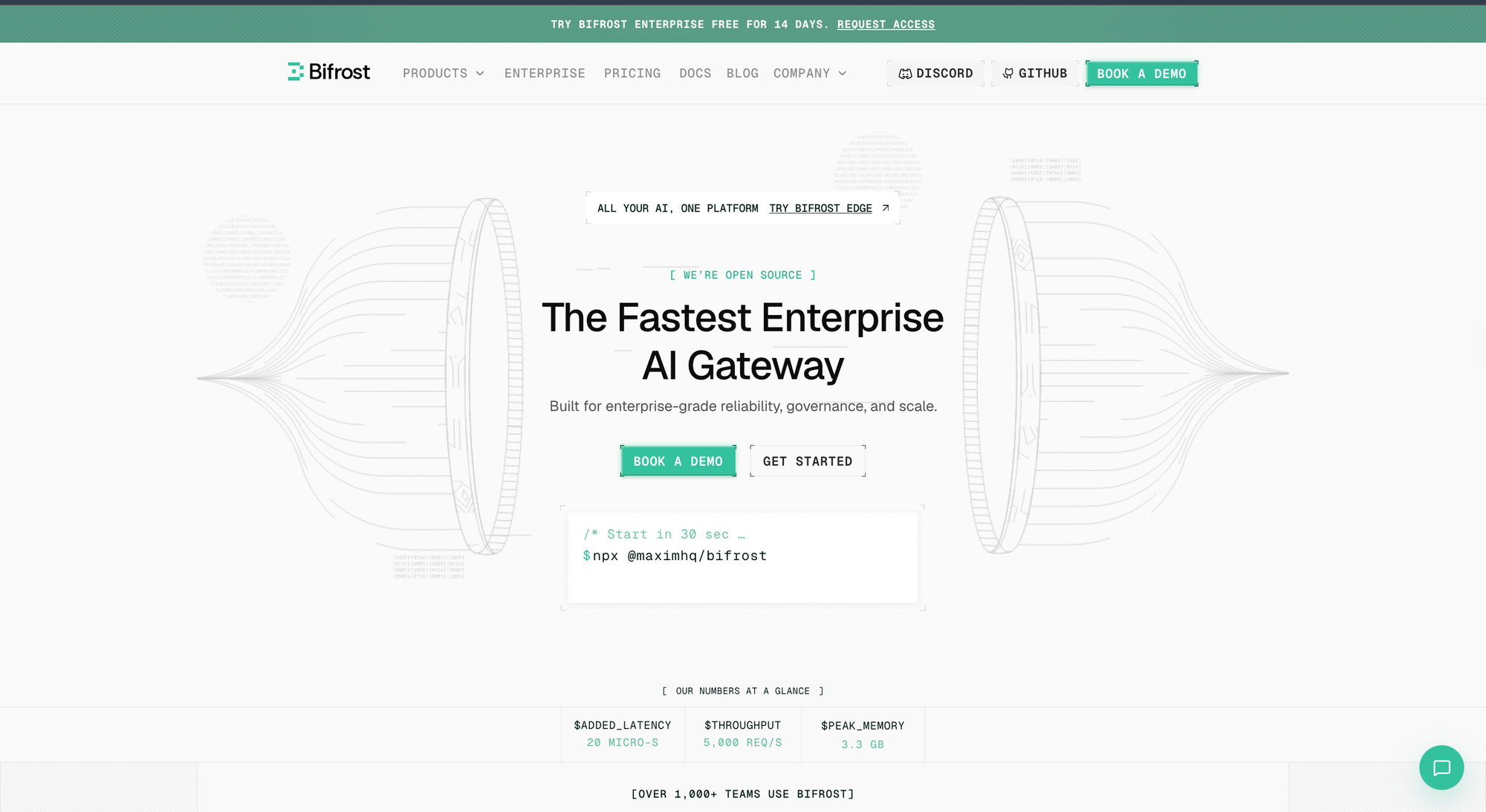
Bifrost is a high-performance, open-source AI gateway by Maxim AI that unifies access to 23+ LLM providers through a single OpenAI-compatible API. It is written in Go, deploys in seconds with zero configuration, and adds 11 microseconds of overhead at sustained 5,000 RPS. The combination of performance, governance depth, MCP-native architecture, and open-source transparency puts Bifrost ahead of every other gateway in this comparison.
- Microsecond-scale gateway overhead: 11 µs at 5,000 RPS on a t3.xlarge instance with a 100% success rate, and 5x the throughput, 54x lower P99 latency, and 68% less memory than a Python-based proxy at 500 RPS on a t3.medium. Independent measurement agrees: AIMultiple recorded 840 microseconds of added latency on Bifrost's MCP path, the lowest of the self-hosted gateways it tested.
- Hierarchical governance: virtual keys carry per-consumer budgets, rate limits, model allowlists, and provider restrictions. Budgets enforce at four levels (Customer, Team, Virtual Key, Provider Configuration) with configurable reset cycles.
- CEL-based intelligent routing: routing rules use Common Expression Language to make dynamic decisions based on headers, parameters, live capacity, and organizational scope. Weighted targets with probabilistic selection support A/B testing, hedging, and gradual migrations.
- Automatic failover and adaptive load balancing: fallback chains reroute on 429s and 5xx errors with no application-level retry logic, and adaptive load balancing shifts traffic toward healthier targets in real time. The same layer absorbs provider rate limits and outages.
- Native MCP gateway: Bifrost acts as both MCP client and MCP server, with tool filtering per virtual key, six authentication modes, Agent Mode for opt-in autonomous execution, and Code Mode that cut input tokens by 58.2% at 96 tools and 92.8% at 508 tools, running around 40% faster in large deployments. The category is covered in what an MCP gateway is.
- Caching in two modes: direct mode replays an identical request from a hash, and semantic mode matches by embedding similarity. Caching engages when a request carries a cache key, so savings track your hit rate.
- Enterprise readiness: in-VPC deployment, secret management through HashiCorp Vault, AWS Secrets Manager, or GCP Secret Manager so plaintext keys never sit in the database, signed audit logs of administrative activity for SOC 2, GDPR, HIPAA, and ISO 27001 requirements, clustering, RBAC, and OpenID Connect SSO through Okta and Microsoft Entra ID.
How teams apply these controls across an organization is covered in governing LLM usage in the enterprise, and traffic distribution in load balancing in an AI gateway.
- Drop-in compatibility: existing OpenAI, Anthropic, AWS Bedrock, Google GenAI, LiteLLM, LangChain, and PydanticAI SDKs work by changing the base URL.
Best for: Bifrost is built for enterprises running mission-critical AI workloads that require best-in-class performance, scalability, and reliability. It serves as a centralized AI gateway to route, govern, and secure all AI traffic across models and environments with ultra low latency.
Bifrost unifies LLM gateway, MCP gateway, and Agents gateway capabilities into a single platform. Designed for regulated industries and strict enterprise requirements, it supports air-gapped deployments, VPC isolation, and on-prem infrastructure. It provides full control over data, access, and execution, along with robust security, policy enforcement, and governance capabilities.
2. LiteLLM: Broad Provider Catalog, Python Runtime Constraints
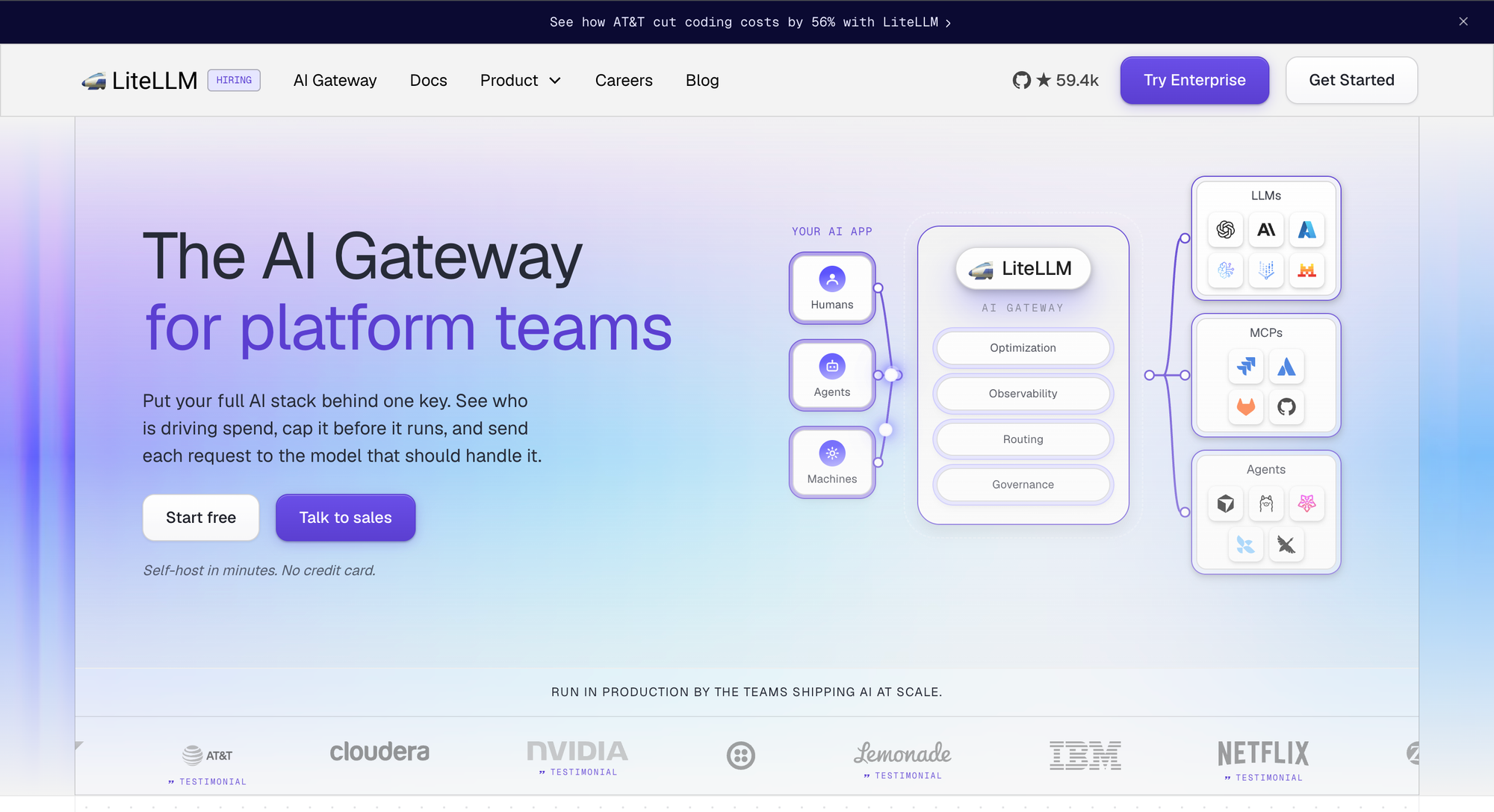
LiteLLM is an open-source Python proxy that exposes a unified OpenAI-compatible interface to 100+ LLM providers. It is the most widely adopted open-source gateway in Python-heavy environments and a common starting point for teams prototyping multi-provider workflows.
What LiteLLM does well:
- 100+ provider catalog including niche and open-weight models.
- Spend tracking per API key and per team, with tag-based cost attribution via request metadata.
- Self-hosted deployment with predictable infrastructure costs.
- Active open-source community with broad ecosystem integration.
Where LiteLLM falls short:
- Python's runtime introduces measurable latency overhead at high concurrency, with P95 latency degrading significantly above 500 RPS in published benchmarks.
- Budget hierarchy is flat: no customer-level or provider-config-level enforcement.
- Enterprise features such as SSO, RBAC, and team-level enforcement are gated behind a paid Enterprise license.
- Running LiteLLM in production requires maintaining the proxy server, PostgreSQL, and Redis as supporting infrastructure.
3. Cloudflare AI Gateway: Edge Network with Managed Convenience
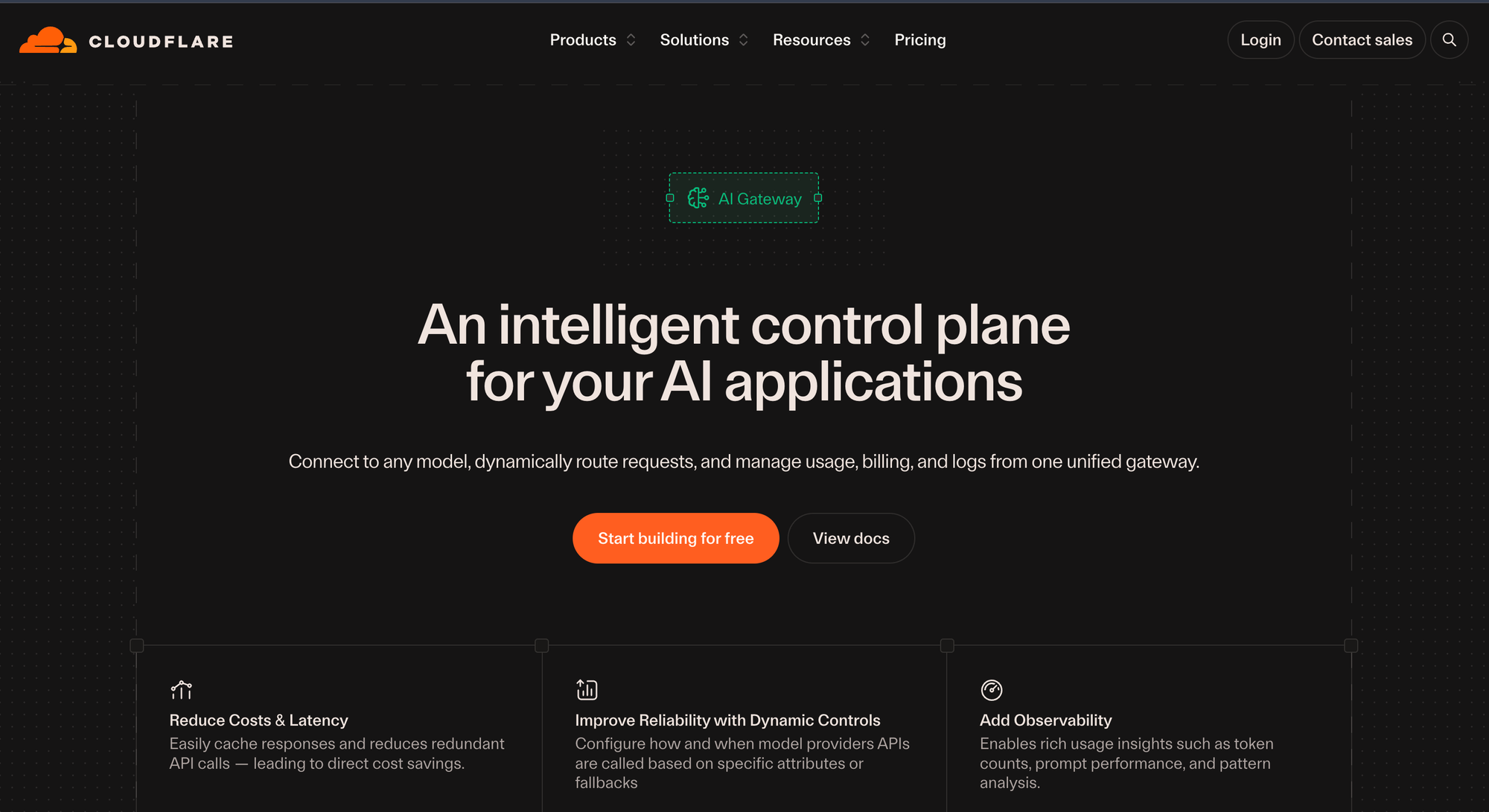
Cloudflare AI Gateway is a managed service that proxies LLM API calls through Cloudflare's global edge network. It sits inside the Cloudflare ecosystem and requires no infrastructure setup beyond enabling the service in the dashboard.
What Cloudflare AI Gateway does well:
- Edge-level request caching and rate limiting, leveraging Cloudflare's CDN footprint.
- Real-time usage analytics and request logging through the Cloudflare dashboard.
- Unified billing for third-party model usage (OpenAI, Anthropic, Google AI Studio) directly through the Cloudflare invoice.
- Token-based authentication, API key management, and custom metadata tagging for filtering.
Where Cloudflare AI Gateway falls short:
- No hierarchical budget management, virtual key system, or RBAC for multi-team enforcement.
- Logging beyond the free tier (100,000 logs per month) requires a Workers Paid plan, and log export for compliance is a paid add-on.
- Managed-only service with no self-hosted option for teams subject to data residency requirements.
- No native MCP gateway or agentic workflow primitives.
4. Kong AI Gateway: AI Plugins on a Mature API Management Platform
Kong AI Gateway extends Kong's enterprise API gateway with AI-specific plugins. It is a fit for organizations that already run Kong for traditional API management and want to bring LLM traffic under the same governance layer.
What Kong AI Gateway does well:
- Token-based rate limiting through the AI Rate Limiting Advanced plugin, which operates on actual token consumption rather than raw request counts.
- Model-level rate limits configured per model (for example, GPT-4o vs. Claude Sonnet) for cost-aligned enforcement.
- Semantic caching and AI prompt and response transformation at the proxy layer.
- Governance through Kong Konnect: audit logs, RBAC, and developer portals.
- OAuth 2.0, JWT, mTLS, and existing identity provider integration.
Where Kong AI Gateway falls short:
- Practical only for organizations with an existing Kong deployment; standing up Kong purely for LLM traffic is heavyweight.
- AI-specific capabilities are added via plugins to a general-purpose API gateway, so configuration and operational complexity inherit from the Kong control plane.
- Multi-dimensional pricing across gateway services, requests, and paid plugins creates cost unpredictability at high volume.
- No native MCP gateway and limited support for agentic workflow patterns.
5. AWS Bedrock: Managed Foundation Model Access for AWS-Centric Stacks
AWS Bedrock is a managed, serverless service that provides access to foundation models from Anthropic, Meta, Mistral, Cohere, AI21 Labs, Stability AI, and Amazon's own Titan and Nova families. It is the natural choice for organizations that have standardized on AWS and want LLM access inside the same IAM, VPC, and billing boundary.
What AWS Bedrock does well:
- Native AWS integration with IAM, VPC, CloudWatch, and existing AWS billing.
- Managed access to multiple model families through one API.
- Bedrock Guardrails for content safety, PII detection, and policy enforcement.
- Cross-region availability and multi-region failover within the AWS network.
Where AWS Bedrock falls short:
- Bedrock is a managed service, not a multi-cloud gateway. Teams running models outside AWS still need a separate routing layer.
- Per-team virtual keys, hierarchical budgets, and RBAC for multi-team AI governance are not first-class primitives; teams stitch them together with IAM, tagging, and Cost Explorer.
- No native MCP gateway, semantic caching, or weighted routing across non-Bedrock providers.
- Cross-cloud deployments and hybrid-cloud teams need an additional control plane on top of Bedrock.
How the Best AI Gateways in 2026 Compare
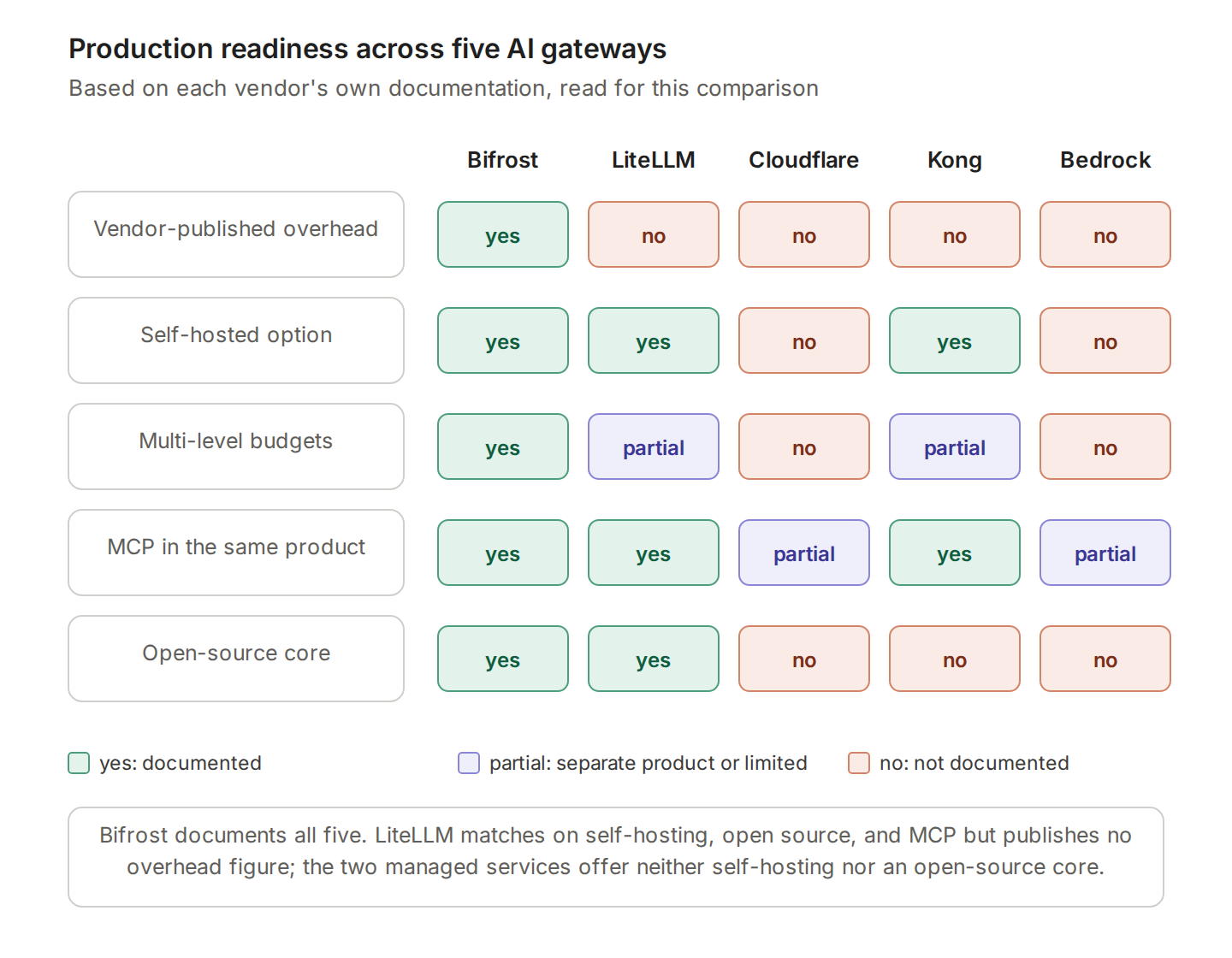
Two factors separate production-grade gateways from developer tools in 2026: gateway overhead under sustained load, and how much governance ships in the core product rather than a paid tier. The agent shift raises the bar further, because a gateway that routes model calls but leaves tool calls ungoverned covers only half the traffic.
| Bifrost | LiteLLM | Cloudflare AI Gateway | Kong AI Gateway | AWS Bedrock | |
|---|---|---|---|---|---|
| Published overhead | 11 µs at 5,000 RPS; 840 µs added on the MCP path (AIMultiple) | P99 90.72 s at 500 RPS in Bifrost's benchmark | Not published | Not published | Not published |
| Deployment | Self-hosted, in-VPC, air-gapped | Self-hosted | Managed only | Self-hosted or Konnect | Managed (AWS) |
| Budget levels | Customer, team, virtual key, provider config | Key and team | Not documented | Plugin-based rate limits | IAM, tagging, Cost Explorer |
| MCP support | Client and server, tool filtering per key, execution control | MCP gateway with permissions by key and team | Separate Cloudflare One product | AI MCP Proxy plugin since 3.12 | Separate service (AgentCore Gateway) |
| Observability | Request logs, Prometheus, OpenTelemetry | Spend tracking, logging | Dashboard analytics and logs | Konnect analytics and audit logs | CloudWatch |
| Licence | Open source (Apache 2.0) | Open source | Proprietary | Proprietary | Proprietary |
"Not published" and "not documented" mean the vendor's own documentation, read for this comparison, does not carry the figure or the feature. The criteria behind each row are explained in what an AI gateway is. Where a capability sits in a separate product, governance spans two control planes rather than one.
Try Bifrost as Your Production AI Gateway
The best AI gateways in 2026 deliver low overhead, deep governance, native MCP support, and deployment flexibility in one package. Of the five here, Bifrost is the only one that ships all four in an open-source core: 11 microseconds of overhead at 5,000 RPS, four-level budget enforcement, an MCP gateway that governs tool calls alongside model calls, and self-hosted deployment with optional in-VPC and clustering for enterprise rollouts. Other self-hosted options are compared in the best open-source AI gateways.
Teams usually start by routing one workload through Bifrost, adding a second provider with a fallback chain, then issuing a virtual key per team with its own budget. Multi-provider routing patterns are covered in AI gateways with multi-LLM support, and cost controls in enterprise AI gateways for controlling AI costs.
To see Bifrost running on your actual workload and walk through a deployment plan for your team, book a Bifrost demo with the Bifrost team.
Frequently Asked Questions
What makes an AI gateway production-ready?
A production-ready AI gateway adds negligible latency under sustained load, enforces budgets and access control per team without a paid add-on, fails over across providers without application retry logic, records every request with tokens and cost, and deploys where your compliance requirements allow. Anything missing from that list becomes work for each application team instead.
How much latency should an AI gateway add?
A compiled gateway adds microseconds. Bifrost measures 11 microseconds at 5,000 RPS in its own benchmark and 840 microseconds of end-to-end added latency on the MCP path in AIMultiple's independent test. Ask for the instance type, the request rate, and what the measurement excludes, because figures from different methods are not comparable.
Should a production gateway be self-hosted or managed?
Self-hosting is required when data residency or compliance rules prevent request data leaving your network, and it also removes a network hop on every call. Managed gateways remove operational work and suit teams already standing on that platform. Of the five here, only Bifrost and LiteLLM offer a self-hosted path.
Do AI gateways handle agent tool calls as well as model calls?
Increasingly, yes, but not in the same product. Bifrost governs both from one binary. LiteLLM has an MCP gateway with permissions by key and team. Kong added its AI MCP Proxy plugin in Gateway 3.12. Cloudflare and AWS put MCP governance in separate products, which means two control planes.
What governance should ship in the core rather than an add-on?
Virtual keys, budgets, rate limits, and request logs belong in the core, because they are needed the moment a second team starts using the gateway. RBAC, SSO, and audit logs commonly sit in enterprise tiers. Check which side of that line each vendor draws before pricing a rollout, and compare security and guardrail options at the same time.
How do I evaluate gateways against my own traffic?
Route one non-critical workload through each candidate, record added latency at your real concurrency, then add a second provider and force a failover to see how quickly traffic shifts. Measure token cost per team before and after enabling caching, and check whether agent tool calls appear in the same logs as model calls. The same method applies to coding agent traffic.