from llama_index.core.agent.workflow import AgentWorkflow, FunctionAgent
from llama_index.llms.openai import OpenAI
from llama_index.core.tools import FunctionTool

# Research agent tools
def research_topic(topic: str) -> str:
    """Research a given topic and return key findings."""
    research_data = {
        "climate change": "Climate change refers to long-term shifts in global temperatures and weather patterns...",
        "renewable energy": "Renewable energy comes from sources that are naturally replenishing...",
        "artificial intelligence": "AI involves creating computer systems that can perform tasks typically requiring human intelligence..."
    }

    topic_lower = topic.lower()
    for key, info in research_data.items():
        if key in topic_lower:
            return f"Research findings on {topic}: {info}"

    return f"Research completed on {topic}. This is an emerging area requiring further investigation."

# Analysis agent tools
def analyze_data(research_data: str) -> str:
    """Analyze research data and provide insights."""
    if "climate change" in research_data.lower():
        return "Analysis indicates climate change requires immediate action through carbon reduction..."
    elif "renewable energy" in research_data.lower():
        return "Analysis shows renewable energy is becoming cost-competitive with fossil fuels..."
    else:
        return "Analysis suggests this topic has significant implications requiring strategic planning..."

# Report writing agent tools
def write_report(analysis: str, topic: str) -> str:
    """Write a comprehensive report based on analysis."""
    return f"""
═══════════════════════════════════════
COMPREHENSIVE RESEARCH REPORT: {topic.upper()}
═══════════════════════════════════════

EXECUTIVE SUMMARY:
{analysis}

KEY FINDINGS:
- Evidence-based analysis indicates significant implications
- Multiple stakeholder perspectives must be considered
- Implementation requires coordinated approach

RECOMMENDATIONS:
1. Develop comprehensive strategy framework
2. Engage key stakeholders early in process
3. Establish clear metrics and milestones
4. Create feedback mechanisms for continuous improvement

This report provides a foundation for informed decision-making.
"""

# Initialize LLM and create specialized agents
llm = OpenAI(model="gpt-4o-mini", temperature=0)

research_agent = FunctionAgent(
    name="research_agent",
    description="This agent researches topics and returns key findings.",
    tools=[FunctionTool.from_defaults(fn=research_topic)],
    llm=llm,
    system_prompt="You are a research specialist. Use the research tool to gather comprehensive information."
)

analysis_agent = FunctionAgent(
    name="analysis_agent",
    description="This agent analyzes research data and provides actionable insights.",
    tools=[FunctionTool.from_defaults(fn=analyze_data)],
    llm=llm,
    system_prompt="You are a data analyst. Analyze research findings and provide actionable insights."
)

report_agent = FunctionAgent(
    name="report_agent",
    description="This agent creates comprehensive, well-structured reports.",
    tools=[FunctionTool.from_defaults(fn=write_report)],
    llm=llm,
    system_prompt="You are a report writer. Create comprehensive, well-structured reports."
)

# Create multi-agent workflow
multi_agent_workflow = AgentWorkflow(
    agents=[research_agent, analysis_agent, report_agent],
    root_agent="research_agent"
)

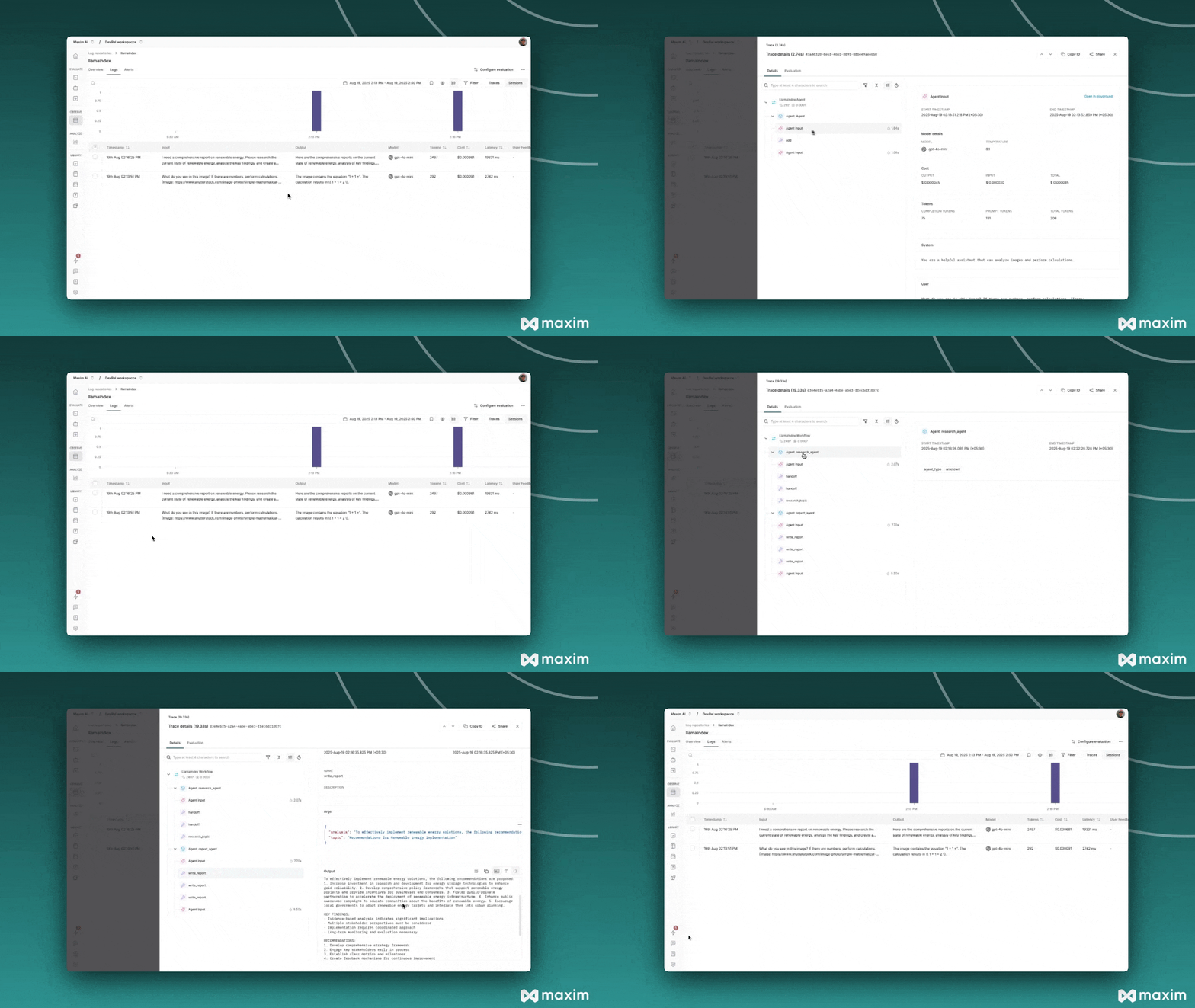
# Run the workflow (automatically traced by Maxim)
async def run_workflow():
    query = """I need a comprehensive report on renewable energy.
    Please research the current state of renewable energy,
    analyze the key findings, and create a structured report
    with recommendations for implementation."""

    response = await multi_agent_workflow.run(query)
    print(f"Multi-Agent Response: {response}")

await run_workflow()