
Introduction
LiveKit is a powerful platform for building real-time video, audio, and data applications. With Maxim’s integration, you can monitor and trace your LiveKit voice agents, capturing detailed insights into conversation flows, function calls, and performance metrics in real-time. This integration allows you to:- Monitor voice agent conversations in real-time
- Trace function tool calls and their performance
- Debug and optimize your voice AI applications
Requirements
Environment Variables
Set up the following environment variables in your.env file:
Getting Started
Step 1: Obtain API Keys
Maxim API Key
- Sign up at Maxim Console
- Create a new project or select an existing one
- Navigate to API Keys section
- Generate a new API key and copy your
MAXIM_API_KEY - Go to Logs, create a new repository and copy
MAXIM_LOG_REPO_ID
LiveKit Credentials
- Set up your LiveKit server or use LiveKit Cloud, and create a new project.
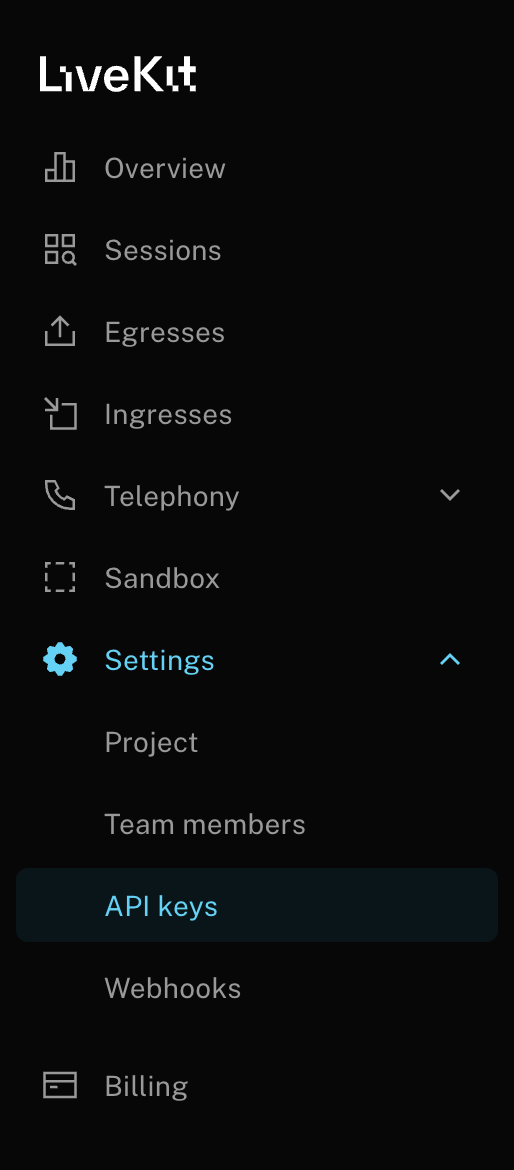
- Get your server URL, API key, and API secret from the LiveKit dashboard
- Configure the credentials in your environment variables
OpenAI API Key
- Go to OpenAI Platform & create an API Key OpenAI Platform
- Set the
OPENAI_API_KEYenvironment variable
Step 2: Set Up OpenTelemetry
Set up OpenTelemetry to send traces to Maxim using the OTLP endpoint. Create a setup function that configures the tracer provider with Maxim’s OTLP exporter:Using the Setup Function
Callsetup_maxim_otel() at the start of your application to initialize OpenTelemetry tracing:
The
BatchSpanProcessor is used for better performance in production environments, automatically batching spans before sending them to Maxim. For development or debugging, you can use SimpleSpanProcessor instead for immediate span export.Supported Attributes
Maxim supports the following attributes to enrich your traces:maxim-trace-tags: AMap<string, string>of tags that will be attached to the parent trace of the span (if the current node is a trace itself, this will be attached to the same trace).maxim-tags: AMap<string, string>of tags that will be attached to the current node.maxim-trace-metrics: AMap<string, number>of metrics that will be attached to the parent trace of the span (if the current node is a trace itself, this will be attached to the same trace).maxim-metrics: AMap<string, number>of metrics that will be attached to the current node.
Resources
LiveKit Docs
Official LiveKit documentation