Requirements
Env Variables
Initialize Logger
The first step is to set up the Maxim logger that will capture and track your Groq API calls. This logger connects to your Maxim dashboard where you can monitor performance, costs, and usage patterns.Initialize Groq Client with Maxim
Once you have the logger, you need to instrument the Groq SDK to automatically capture all API calls. Theinstrument_groq function wraps the Groq client to send observability data to Maxim.
Make LLM Calls Using Groq Client
After instrumentation, all your Groq API calls will be automatically logged to Maxim. You can use the Groq client exactly as you normally would - no additional code needed for logging.Streaming Support
Groq excels at fast inference, and streaming responses provide real-time output. Maxim automatically tracks streaming calls, capturing the full conversation flow and performance metrics.Make Streaming Calls
Async Chat Completion
For applications that need to handle multiple requests concurrently, Groq supports async operations. Maxim seamlessly tracks async calls alongside synchronous ones.Make Async Calls
Async Completion with Streaming
Combining async operations with streaming gives you the best of both worlds - non-blocking execution with real-time response streaming.What Gets Logged to Maxim
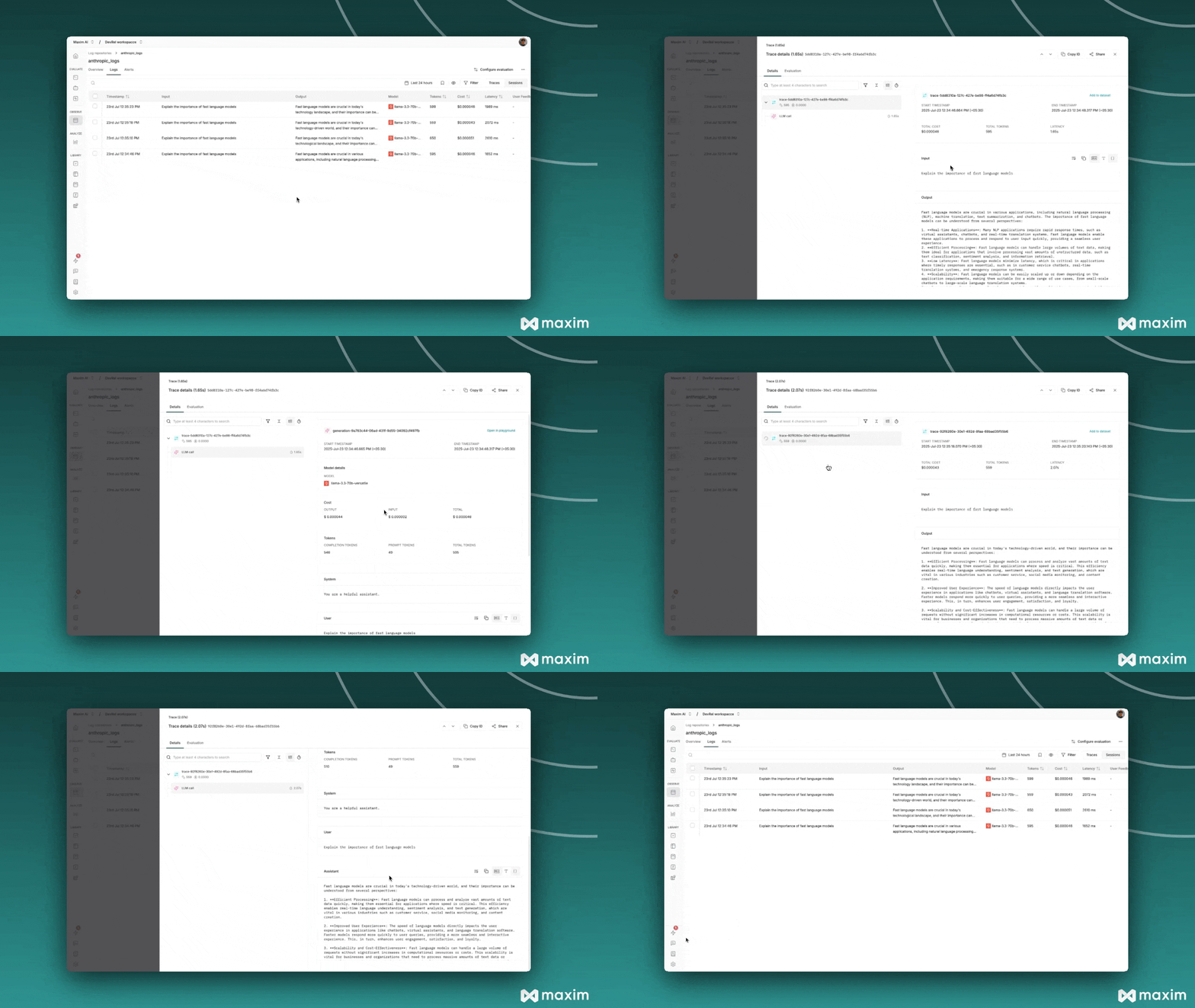
When you use Groq with Maxim instrumentation, the following information is automatically captured for each API call:- Request Details: Model name, temperature, max tokens, and all other parameters
- Message History: Complete conversation context including system and user messages
- Response Content: Full assistant responses and metadata
- Usage Statistics: Input tokens, output tokens, total tokens consumed
- Cost Tracking: Estimated costs based on Groq’s pricing
- Error Handling: Any API errors or failures with detailed context