How to Get an Anthropic API Key
Sign up at console.anthropic.com, set up billing, generate your Claude API key, and integrate with Bifrost for cost tracking, governance, and virtual key support.
Anthropic provider summary
Bifrost supports Anthropic models through OpenAI-compatible APIs and Anthropic-compatible passthrough routes.
| Property | Details |
|---|---|
| Description | Claude is Anthropic's model family for reasoning, coding, and language tasks. |
| Provider route on Bifrost | anthropic/<model> |
| Provider doc | Anthropic |
| API endpoint for provider | https://api.anthropic.com/v1 |
| Supported endpoints | /v1/models, /v1/completions, /v1/chat/completions, /v1/responses, /v1/files, /v1/batches, /v1/count-tokens, /v1/messages (passthrough) |
Prerequisites
Before you begin, you will need:
[ QUICK START ]
How Do You Get an Anthropic API Key in 5 Steps?
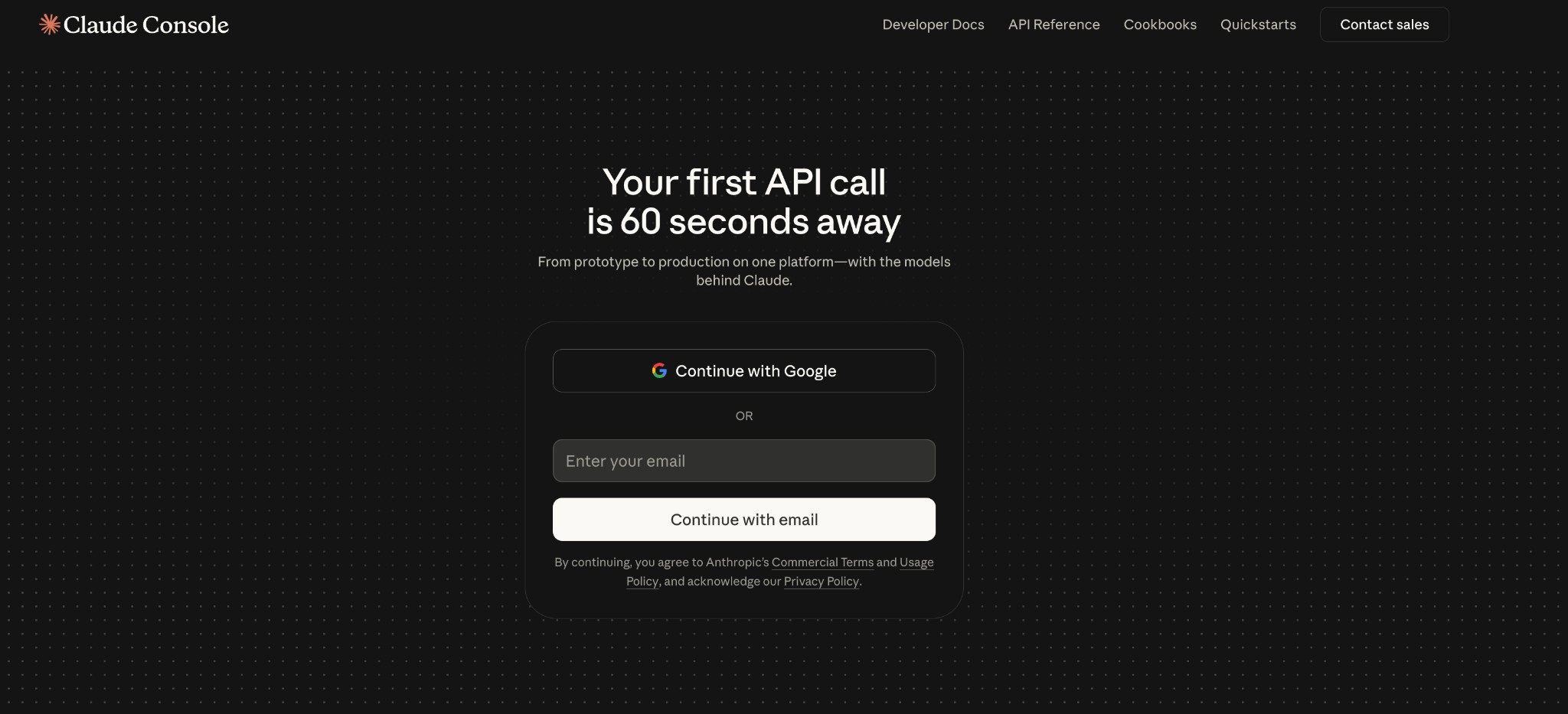
Create an Anthropic account
Go to console.anthropic.com and sign up with an email address or Google account.
Visit console.anthropic.com, create an account, verify your email, and add your basic profile or organization details.
Add a payment method
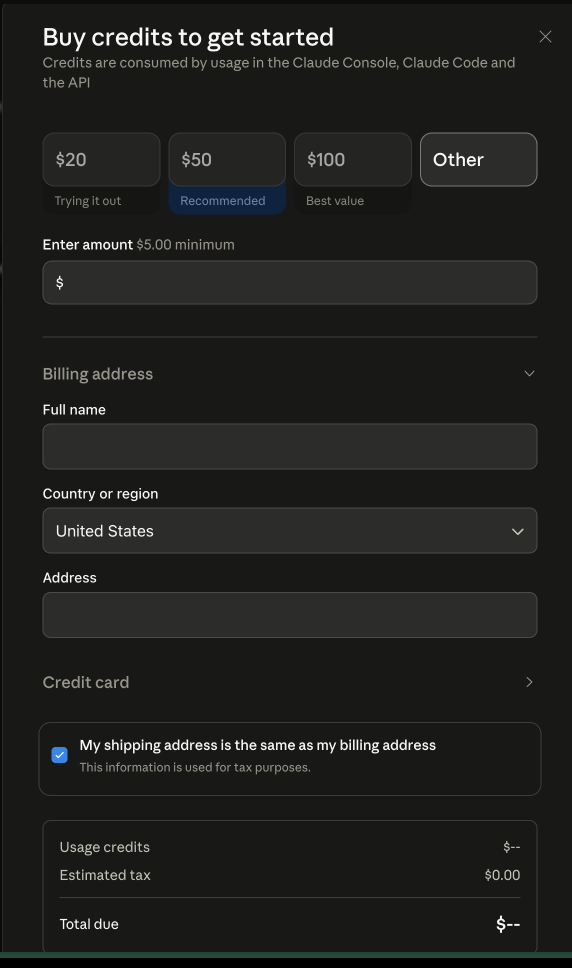
Navigate to Plans and Billing, select the Build plan, and add a credit card.
Open Plans and Billing, choose the Build plan, and add a valid credit card. API requests usually require billing to be active first.
Generate the API key
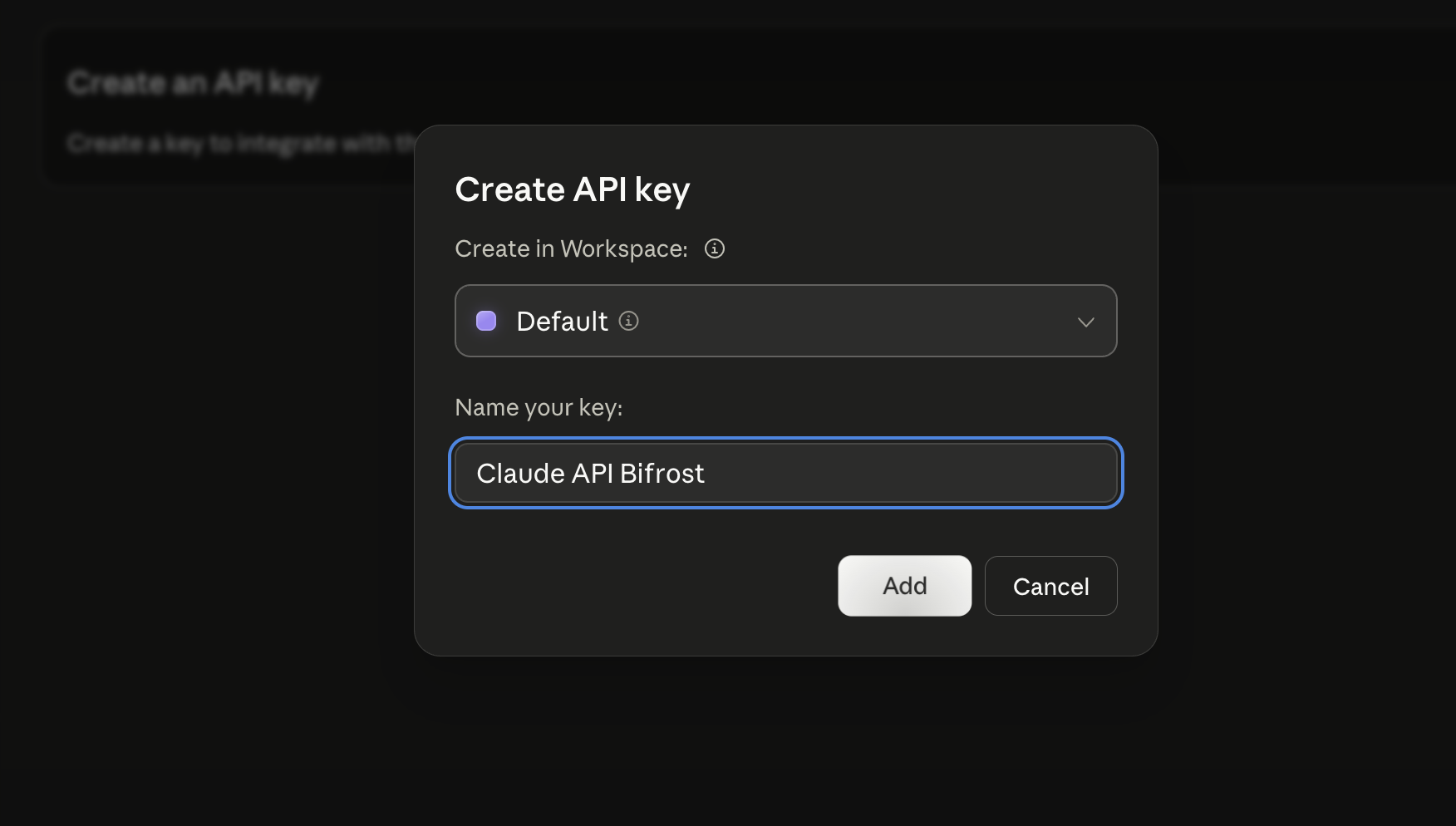
Open Settings → API keys, create a key, choose the workspace, and copy it immediately.
Open Settings → API keys or console.anthropic.com/settings/keys. Click Create Key, name it by environment, then choose the workspace and permission level.
Store the key securely
Export the key as an environment variable or use a secrets manager.
For local development, export the key as an environment variable:
export ANTHROPIC_API_KEY="sk-ant-..."
Keep .env in .gitignore. If a key leaks, revoke it in the Anthropic Console and create a replacement.
Make your first API call
Test your key by hitting the /v1/messages endpoint.
Use curl, Python, or Node.js to make your first request:
x-api-key, not Authorization: Bearer. The anthropic-version header is also required.$ curl https://api.anthropic.com/v1/messages \ -H "x-api-key: $ANTHROPIC_API_KEY" \ -H "anthropic-version: 2023-06-01" \ -H "content-type: application/json" \ -d '{ "model": "claude-3-5-sonnet-20241022", "max_tokens": 1024, "messages": [ {"role": "user", "content": "Hello, Claude!"} ] }'
[ MODELS ]
Pick a Model
| Model | API ID | Best for |
|---|---|---|
| Claude Opus 4.6 | claude-opus-4-6 | Maximum capability for agents and complex engineering. |
| Claude Sonnet 4.6 | claude-sonnet-4-6 | Balanced speed and intelligence for production apps. |
| Claude Sonnet 4.5 | claude-sonnet-4-5-20250929 | Agents, coding, and computer use. |
| Claude Haiku 4.5 | claude-haiku-4-5-20251001 | Fast, cost-efficient Claude for high volume. |
| Claude Opus 4.5 | claude-opus-4-5-20251101 | Extended thinking and deep reasoning. |
| Claude Sonnet 4 | claude-sonnet-4-20250514 | Strong general-purpose Claude 4 tier. |
| Claude Opus 4.1 | claude-opus-4-1-20250805 | Opus-class analysis and long-horizon tasks. |
| Claude 3.5 Haiku | claude-3-5-haiku-20241022 | Low-latency tasks with solid quality. |
| Claude 3 Haiku | claude-3-haiku-20240307 | Lightweight Claude 3 for simple workloads. |
Models and availability change over time. See the Anthropic's models page for the latest list and pricing.
[ TROUBLESHOOTING ]
Troubleshooting Common Anthropic API Errors
If your first request fails, start with the response code and error name. These are the most common Anthropic API key and request issues.
| Error | Meaning | Fix |
|---|---|---|
| 401 authentication_error: invalid x-api-key | The key is wrong, expired, revoked, or sent with the wrong header. | Use x-api-key, not Authorization. Check for trailing whitespace or regenerate the key in Anthropic Console. |
| 400 invalid_request_error: model | The model string is wrong or your account does not have access to that model. | Check the exact model ID and available models in your Anthropic Console. Newer models may require a higher usage tier. |
| 429 rate_limit_error | Requests are being sent faster than your account tier allows. | Retry with exponential backoff and review your current rate limits. Tier upgrades are typically based on account usage and spend history. |
| 529 overloaded_error | Anthropic servers are temporarily over capacity. | Retry with backoff. If this is production traffic, route through Bifrost failover so requests can move to another configured provider when upstream capacity is constrained. |
| 400 invalid_request_error: max_tokens | The request is missing max_tokens. | Add max_tokens to every Anthropic request. Anthropic requires it even when other providers infer a default. |
[ PRODUCTION-READY ]
Use Your Anthropic Key with Bifrost
Bifrost adds governance, guardrails, multi-model routing, automatic failover, cost tracking per developer, per-team budgets, semantic caching, and full observability with request-level logs. Route your Anthropic key through Bifrost to unlock enterprise controls without changing your code.
Step 1: Start Bifrost and add your Anthropic key
Run the Bifrost gateway and add your Anthropic API key through the Web UI:
$ npx -y @maximhq/bifrost
✓ Bifrost v1.4.5 started
├─ HTTP server listening on http://localhost:8080
├─ Web UI available at   http://localhost:8080
└─ Config store: SQLite  ~/.config/bifrost/config.db

sk-ant- key. Alternatively, use curl:$ curl -X POST http://localhost:8080/api/providers \ -H "Content-Type: application/json" \ -d '{ "type": "anthropic", "name": "Anthropic Production", "api_key": "sk-ant-..." }'
Step 2: Point your SDK at Bifrost
Change your application to route requests through Bifrost. Use a dummy API key (or a virtual key for governance) and set the base URL:
Change two lines in your existing code:
from anthropic import Anthropic

# BEFORE
# client = Anthropic(api_key="sk-ant-...")

# AFTER: Point at Bifrost
client = Anthropic(
  api_key="sk-dummy",  # Dummy key, Bifrost handles auth
  base_url="http://localhost:8080/anthropic",
)

# Everything else stays the same
message = client.messages.create(
  model="claude-3-5-sonnet-20241022",
  max_tokens=1024,
  messages=[
    {"role": "user", "content": "Hello, Claude!"}
  ],
)

print(message.content[0].text)
Route Claude Code to more models with Bifrost
Once your Anthropic key is connected, use these guides to route Claude Code through Bifrost for other models, automatic failover, virtual keys, and cost tracking.
[ WHAT'S NEXT ]
Explore Bifrost Resources
You have your API key. Add governance, guardrails, and MCP controls for production.
[ BIFROST FEATURES ]
Open Source & Enterprise
Everything you need to run AI in production, from free open source to enterprise-grade features.
01 Governance
SAML support for SSO and Role-based access control and policy enforcement for team collaboration.
02 Adaptive Load Balancing
Automatically optimizes traffic distribution across provider keys and models based on real-time performance metrics.
03 Cluster Mode
High availability deployment with automatic failover and load balancing. Peer-to-peer clustering where every instance is equal.
04 Alerts
Real-time notifications for budget limits, failures, and performance issues on Email, Slack, PagerDuty, Teams, Webhook and more.
05 Log Exports
Export and analyze request logs, traces, and telemetry data from Bifrost with enterprise-grade data export capabilities for compliance, monitoring, and analytics.
06 Audit Logs
Comprehensive logging and audit trails for compliance and debugging.
07 Vault Support
Secure API key management with HashiCorp Vault, AWS Secrets Manager, Google Secret Manager, and Azure Key Vault integration.
08 VPC Deployment
Deploy Bifrost within your private cloud infrastructure with VPC isolation, custom networking, and enhanced security controls.
09 Guardrails
Automatically detect and block unsafe model outputs with real-time policy enforcement and content moderation across all agents.
[ SHIP RELIABLE AI ]
Try Bifrost Enterprise with a 14-day Free Trial
Drop-in replacement for any AI SDK
Change just one line of code. Works with OpenAI, Anthropic, Vercel AI SDK, LangChain, and more.
[ FAQ ]
Frequently Asked Questions
No, there is no free tier for the Anthropic API. You must add a valid payment method (credit card) and will be charged based on your usage. Pricing is per 1K input tokens and per 1K output tokens, with rates varying by model. Claude Pro subscribers get free access via OAuth, but API key access requires a paid account.
Anthropic API keys start with the prefix sk-ant- followed by a random string of characters. For example: sk-ant-ABCdefGH123ijKLmnop456qrst789. Never share this key publicly or commit it to version control.
No, Anthropic only displays the key once when you create it. If you missed it, you must delete the key and create a new one. Go to console.anthropic.com, navigate to API Keys, find the key in the list, click the delete icon, and create a fresh key. Always copy it to a secure location immediately.
For production, best practice is one key per application or environment. This lets you revoke access to a specific app without breaking others. Bifrost virtual keys let you go further, creating one key per developer with independent budget limits, rate limits, and audit trails.
Route your Anthropic key through Bifrost and create virtual keys. Each virtual key gets its own budget cap, rate limits, and cost tracking. One developer can have one virtual key with a $100 monthly budget, another with $50, etc. All requests are logged separately.
No, Bedrock and Vertex AI are separate services with their own authentication methods. Bedrock uses AWS IAM, and Vertex AI uses Google Cloud credentials. However, Bifrost supports all three, so you can create one virtual key per service and route through them transparently.
Yes, new API keys have usage limits based on your account plan. Build plan accounts start with lower limits (e.g., 25,000 requests/minute). Contact Anthropic support if you need higher limits. Bifrost can enforce per-team and per-developer limits on top of Anthropic limits.