How to Get a Mistral API Key
Create a Mistral account at console.mistral.ai, generate your API key, store it securely, then integrate with Bifrost for virtual keys, budgets, and cost governance. Complete setup in minutes.
Mistral provider summary
Bifrost supports Mistral models through Mistral-compatible HTTP APIs and standard JSON request shapes.
| Property | Details |
|---|---|
| Description | Mistral provides advanced open LLMs for chat, reasoning, embeddings, and multimodal workloads. |
| Provider route on Bifrost | mistral/<model> |
| Provider doc | Mistral |
| API endpoint for provider | https://api.mistral.ai/v1 |
| Supported endpoints | /v1/models, /v1/chat/completions, /v1/responses, /v1/embeddings, /v1/audio/transcriptions, /v1/ocr |
Official Mistral Resources
Use these Mistral-hosted links for console access, API documentation, and authentication details.
Prerequisites
Before you begin, you will need:
[ QUICK START ]
How Do You Get a Mistral API Key in 5 Steps?
Create or sign in to a Mistral account
Use the Mistral Console.
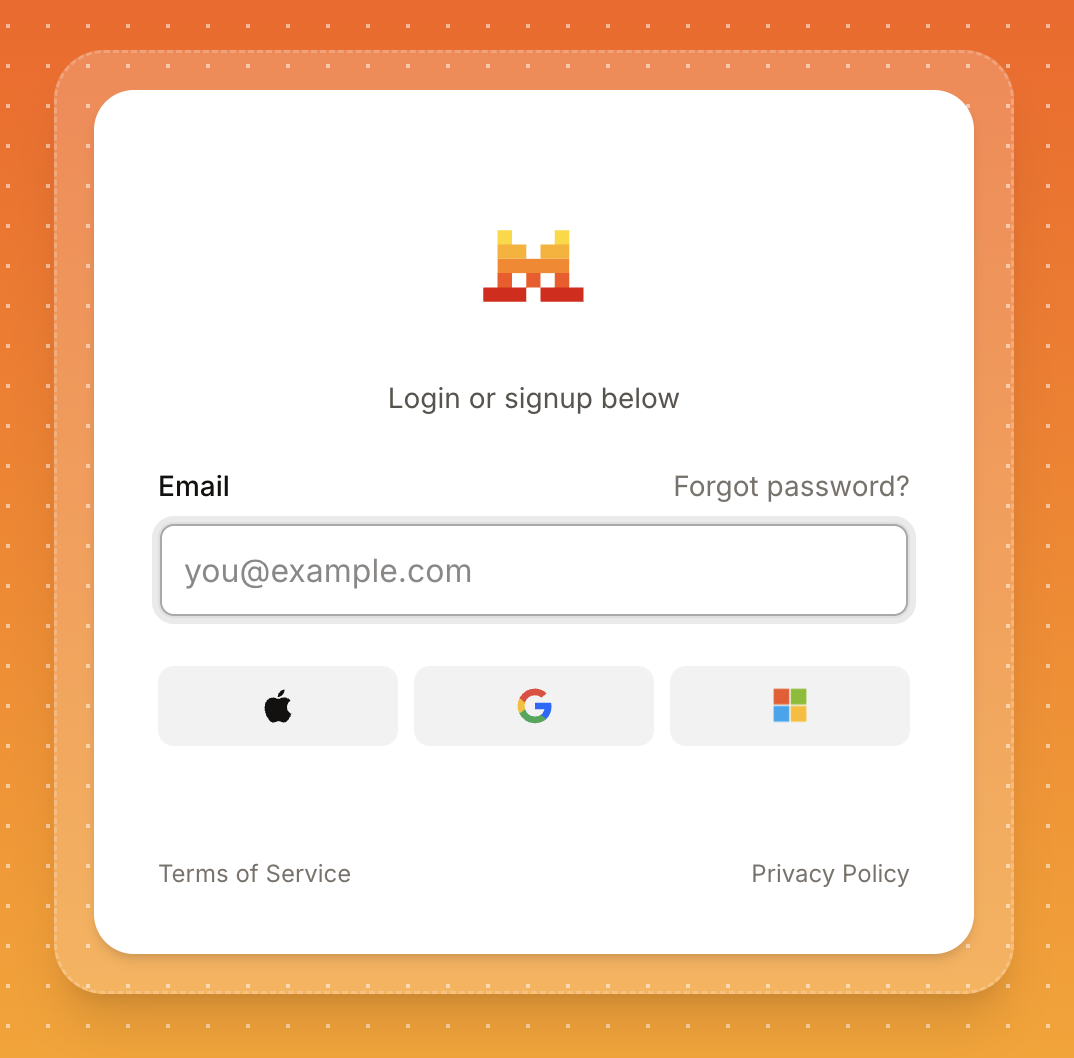
Go to console.mistral.ai and sign in or sign up with your email, Apple, Google, or Microsoft.
Navigate to API Keys
In the Mistral console, open API Keys in the sidebar. You will see existing keys and the option to create a new one.
Generate and copy your API key
Your key is displayed once. Copy it immediately and store it securely.
Click Create API Key and give it a descriptive name. Copy the key immediately, it is shown only once, and store it as an environment variable.
export MISTRAL_API_KEY="..."
Set up billing for production
Add a payment method when ready for higher limits.
Mistral offers a free tier for testing. When you are ready for production use or higher rate limits, add a payment method in the console billing settings.
Make your first Chat Completions call
Authenticate with Bearer tokens per Mistral's API reference.
Mistral uses Authorization: Bearer MISTRAL_API_KEY for REST calls:
$ curl https://api.mistral.ai/v1/chat/completions \
  -H "Content-Type: application/json" \
  -H "Authorization: Bearer $MISTRAL_API_KEY" \
  -d '{
    "model": "mistral-large-latest",
    "messages": [{"role":"user","content":"Hello!"}]
  }'
[ MODELS ]
Available Mistral Models
| Model | API ID | Best for |
|---|---|---|
| Mistral Large 3 | mistral-large-latest | Flagship model for complex reasoning, high-accuracy multilingual tasks, and large-scale agentic workflows. |
| Mistral Medium 3.5 | mistral-medium-latest | Agentic behavior and advanced coding use cases. |
| Mistral Small 3.1 / 3.2 | mistral-small-latest | Cost-efficient option for high-volume tasks that still require high intelligence. |
| Ministral 3B | ministral-3b-latest | Speed and low latency for edge computing and simpler budget tasks. |
| Ministral 8B | ministral-8b-latest | Efficient text and vision with more capability than Ministral 3B. |
| Codestral 2 | codestral-latest | Code generation and software development tasks. |
| Devstral 2 | devstral-latest | Code agents and complex software engineering problems. |
| Pixtral Large | pixtral-large-latest | Multimodal vision-language with image and text inputs. |
| Mistral OCR | mistral-ocr-latest | High-accuracy document processing and optical character recognition. |
| Voxtral Mini | voxtral-mini-latest | Efficient audio-to-text optimized for live transcription. |
Models and availability change over time. Use Mistral's documentation as the source of truth.
[ TROUBLESHOOTING ]
Troubleshooting Common Mistral API Errors
| Error | Likely Cause | What to Do |
|---|---|---|
401 Unauthorized | Invalid or missing API key. | Verify your API key is correct. Generate a new key if needed. |
400 Bad Request | Invalid request format or unsupported model. | Check request format and confirm model ID is valid. |
429 Rate Limited | Rate limit exceeded for your plan. | Upgrade your plan or implement exponential backoff. Use Bifrost for intelligent load distribution. |
502/503 Service Error | Temporary Mistral service unavailability. | Retry after a delay. Check Mistral status page. Configure failover with Bifrost. |
[ PRODUCTION-READY ]
Use Your Mistral Key with Bifrost
Bifrost is a drop-in replacement for Mistral SDKs: keep your client code and change the base URL to your gateway. Bifrost handles cost tracking, virtual keys, budgets, and failover automatically.
Step 1: Start Bifrost and register Mistral
Run the Bifrost gateway and configure your Mistral credentials in the Web UI.
$ npx -y @maximhq/bifrost
✓ Bifrost started
├─ HTTP server listening on http://localhost:8080
├─ Web UI available at   http://localhost:8080
└─ Configure providers and virtual keys in the dashboard
Step 2: Point your OpenAI SDK at Bifrost
Update your OpenAI SDK client to route through the Bifrost gateway.
from openai import OpenAI

client = OpenAI(
    api_key="sk-bf-your-virtual-key",
    base_url="http://localhost:8080/openai"
)

response = client.chat.completions.create(
    model="mistral/mistral-large-latest",
    messages=[{"role": "user", "content": "Hello from Bifrost!"}]
)

print(response.choices[0].message.content)
x-bf-vk or Authorization: Bearer sk-bf-* per the Bifrost documentation.[ WHAT'S NEXT ]
Explore Bifrost Resources
You have your API key. Add governance, guardrails, and MCP controls for production.
[ BIFROST FEATURES ]
Open Source & Enterprise
Everything you need to run AI in production, from free open source to enterprise-grade features.
01 Governance
SAML support for SSO and Role-based access control and policy enforcement for team collaboration.
02 Adaptive Load Balancing
Automatically optimizes traffic distribution across provider keys and models based on real-time performance metrics.
03 Cluster Mode
High availability deployment with automatic failover and load balancing. Peer-to-peer clustering where every instance is equal.
04 Alerts
Real-time notifications for budget limits, failures, and performance issues on Email, Slack, PagerDuty, Teams, Webhook and more.
05 Log Exports
Export and analyze request logs, traces, and telemetry data from Bifrost with enterprise-grade data export capabilities for compliance, monitoring, and analytics.
06 Audit Logs
Comprehensive logging and audit trails for compliance and debugging.
07 Vault Support
Secure API key management with HashiCorp Vault, AWS Secrets Manager, Google Secret Manager, and Azure Key Vault integration.
08 VPC Deployment
Deploy Bifrost within your private cloud infrastructure with VPC isolation, custom networking, and enhanced security controls.
09 Guardrails
Automatically detect and block unsafe model outputs with real-time policy enforcement and content moderation across all agents.
[ SHIP RELIABLE AI ]
Try Bifrost Enterprise with a 14-day Free Trial
Drop-in replacement for any AI SDK
Change just one line of code. Works with OpenAI, Anthropic, Vercel AI SDK, LangChain, and more.
[ FAQ ]
Frequently Asked Questions
Yes. Mistral provides a free tier with limited requests for testing and development. No credit card is required to start. For production workloads, upgrade to a paid plan for higher rate limits.
Mistral Large 3 handles complex reasoning and agentic workflows. Medium 3.5 targets coding and agents. Small models suit high-volume chat. Ministral models optimize for speed. Codestral and Devstral focus on code. Pixtral adds vision, OCR handles documents, and Voxtral Mini transcribes audio.
Yes. The Mistral SDK supports custom base URLs. Point the baseURL parameter to http://localhost:8080/mistral to route through Bifrost.
View usage and billing details in the Mistral console. For detailed cost tracking across all providers, use Bifrost to aggregate metrics in real-time.
Immediately revoke the exposed key from the Mistral console and generate a new one. Update all applications using the old key. Monitor your account for unusual activity.
Yes, one key works everywhere. For better security and tracking, consider generating separate keys for development, staging, and production environments.