Enterprise MCP Governance: Access, Audit, and Cost Controls for AI Agents
Kamya Shah
May 22, 2026 · 10 min read
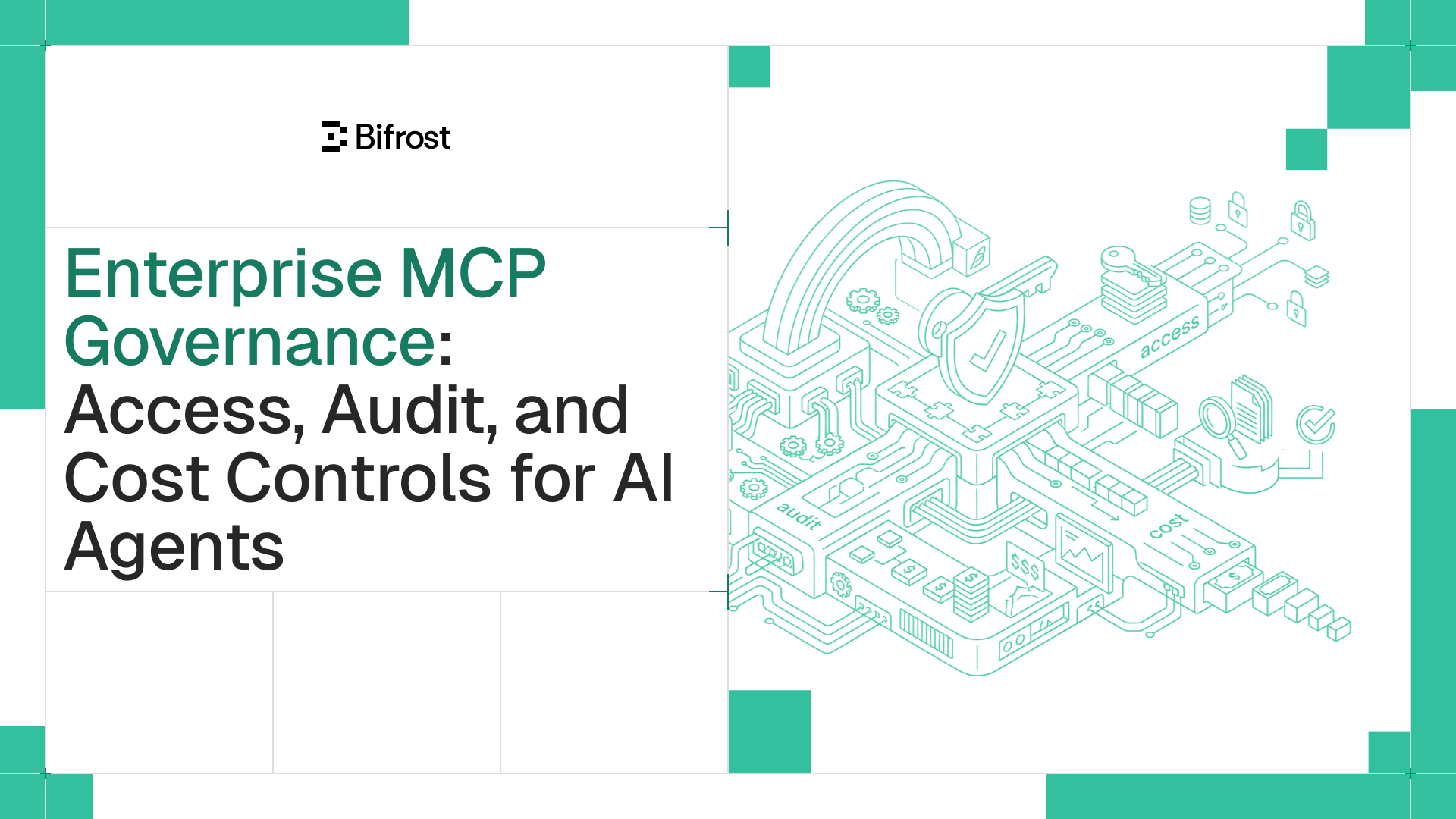
Enterprise MCP governance comes down to three controls every production AI agent deployment needs: access, audit, and cost. Here is what each one looks like in practice.
When a new engineer joins a team, they are not handed unrestricted access to every system the company runs. Their access is scoped to what they need, their actions are recorded, and the budget impact of what they do is tracked. The moment an AI agent is connected to a fleet of MCP servers without an equivalent layer in place, the opposite happens. The agent inherits broad reach across internal systems with no clear answer to who is calling what, what happened during a given run, or what the whole thing cost.
This is the problem enterprise MCP governance is built to solve. It brings AI agent activity in line with the operating standards that already apply to humans and applications in production: scoped access, complete audit trails, and clear cost attribution.
What Enterprise MCP Governance Actually Means
Model Context Protocol has become the common way for AI applications to discover and call external tools at runtime. A single agent might be connected to a filesystem server, a database tool, a web search server, an internal API, and a CRM, with the model choosing which one to invoke for each request.
That capability is the point. It is also the source of the problem.
Once an agent can call any tool it has been connected to, three questions start to matter in a way they did not before. Which tools is this agent allowed to call. What did it actually do during a given run. And what did the run cost across both the model and the tools it triggered. Without a governance layer between the agent and the tools, the answers are guesses. With a governance layer, the answers become first-class data.
The three controls that turn those guesses into data are access control, audit logging, and cost tracking. They are sometimes treated as separate concerns, but in practice they only work together. Audit logs are only useful if access is identified per consumer. Cost attribution is only useful if you know who triggered which tool. Access control is only meaningful if violations and approvals are recorded somewhere reviewable.
Access Control: Scoped Credentials, Not Shared Keys
Access control in MCP starts from a simple premise. Every consumer of the gateway should hold a credential that defines exactly what it is allowed to do, and nothing more.
Virtual keys as the governance entity
Bifrost implements this through virtual keys, which are the primary governance entity in the system. A virtual key is issued to a specific business units (a team, an internal application, a customer integration, or a CLI agent such as Claude Code) and carries its own set of permissions, budgets, and rate limits. Virtual keys are authenticated through standard headers (Authorization, x-api-key, x-bf-vk, or x-goog-api-key) so existing client integrations continue to work without modification.
The important default to understand is that virtual keys are restrictive out of the box. A virtual key with no MCP configuration has access to zero MCP tools. Tools must be granted explicitly. This deny-by-default behavior is part of the MCP tool filtering design, and it inverts the usual mistake of giving everything broad access and then trying to lock it down afterward.
Filtering at the tool level
A common assumption is that access control should happen at the server level. Allow this team to use the filesystem server, deny them the payments server, and so on. The problem is that a single MCP server usually exposes both safe operations and risky ones. A filesystem server has a read tool and a write tool. A CRM server has a lookup tool and a delete tool. Treating them all the same is too coarse to be useful.
Bifrost filters at the individual tool level. A virtual key can be permitted to call read operations from a filesystem server while being denied write operations on the same server. Configuration is straightforward: each MCP client attached to a virtual key carries a list of tool names it is allowed to execute, with a wildcard option to permit all current and future tools from that client when appropriate.
Filtering also stacks. Three levels of filters can apply to any request: a client-level baseline that defines the tools a given MCP client makes available at all, request-level headers that narrow that set further per call, and virtual key configuration that takes precedence over both. A tool has to pass every applicable filter to be visible to the model. If a virtual key restricts a consumer to a single tool from a server, the model never sees definitions for any other tool on that server, regardless of what the request-level headers say. This is what makes the governance layer prompt-proof. The model cannot work around a restriction it cannot see.
Tool groups for organization scale
When access has to be managed across many keys, teams, and customers at once, configuring each key individually does not scale. MCP Tool Groups solve this. A tool group is a named collection of tools defined once and attached to any combination of virtual keys, teams, customers, users, or providers.
If a request matches more than one group, Bifrost merges the allowed sets and removes duplicates at request time. The resolution happens in memory and stays consistent across cluster nodes, so applying a group change does not require database queries on the hot path. The result is a permissioning model that grows with the organization without becoming brittle.
Approval policies for autonomous execution
Access control is not only about what an agent can call. It is also about whether the agent runs autonomously or pauses for human review. The default behavior in the Bifrost MCP integration is that tool calls returned by an LLM are suggestions, not executions. The application receives them, decides what to do with them, and only then calls the explicit tool execution endpoint. This keeps a human (or at least the calling application's logic) in the loop by default.
For agents that should run on their own, Bifrost supports an auto-execute allowlist per tool. Read-only operations are typically appropriate for the autonomous list. Operations that modify state, send messages, or incur significant cost are usually held behind manual approval. In Code Mode, where the model writes a Python script that calls several tools in sequence, automatic execution proceeds only if every tool the script calls is on the approved list. The whole script either runs or the relevant calls drop back to manual approval.
The point is that platform teams get to draw the line between agent autonomy and human oversight at exactly the level of granularity they need, using the same configuration mechanism that controls visibility.
Audit Controls: Every Tool Call as a First-Class Record
If access control defines what is allowed, audit controls confirm what actually happened. In Bifrost, every MCP tool execution is recorded as a first-class log entry, not as a side effect of LLM request logging.
What each log entry captures
For every tool call, the gateway records the tool name, the upstream MCP server it came from, the arguments passed in, the result that came back, the latency of the call, the virtual key that triggered it, and the parent LLM request that initiated the agent loop. That last field is what makes end-to-end reconstruction possible. It links the tool execution back to the model conversation that caused it, so an agent run can be traced from prompt through every tool call to final output.
How teams use the logs in practice
The reason this level of detail is useful comes down to how teams actually operate. There are typically four workflows that pull from the audit log:
- Reconstructing an agent run. When something unexpected happens during an agent loop (an unexpected output, an unintended side effect, a slow response), platform teams need to see the exact sequence of tool calls in order, with inputs and outputs. The parent LLM request, the tool sequence, and the arguments are all visible.
- Auditing by consumer. Filtering logs by virtual key shows what a specific team, customer, or integration has been running. Security and compliance teams use this to confirm that access controls are working as intended and to spot drift.
- Identifying anomalies. Aggregating by tool name, latency, or virtual key surfaces unusual patterns: a single key calling a tool far more often than expected, a tool returning errors only for certain consumers, a sudden spike in execution time.
- Producing evidence for compliance. Immutable logs that capture identity, timestamp, parameters, results, and latency are the kind of evidence that SOC 2 Type II, GDPR, HIPAA, and ISO 27001 auditors expect to see. Bifrost's audit log capabilities support export to external SIEM systems and data lakes for long-term retention.
Optional content redaction
There are environments where logging the underlying arguments and results is itself a regulated activity. Healthcare data and certain categories of financial data fall into this. Content logging in Bifrost can be disabled per environment. When it is, the gateway still records tool name, server, latency, status, and the virtual key that called the tool, so the audit trail is preserved even when the payload is not.
This is a meaningful distinction. Teams do not have to choose between governance and compliance with data-handling rules. They get a partial log that satisfies "what happened" without the "what was in it" portion that creates risk.
Cost Controls: Track Both Tokens and Tools
Cost in agent workflows is usually thought of as token cost. It is not. The full picture includes the cost of the model that generated the tool call and the cost of the tool itself.
Tool costs sit alongside token costs
Many MCP tools call paid external APIs. Search services, enrichment APIs, code execution environments, and certain database services all charge per call. If the gateway only tracks token cost, finance and platform teams see the model bill but not the tool bill, which often turns out to be the larger of the two for tool-heavy agents.
Bifrost tracks cost at the tool level using a pricing configuration defined for each MCP client. These per-tool costs show up in the logs side by side with token costs. The result is a complete view of what each agent run actually cost, broken down by model, by tool, by virtual key, and by MCP server. Aggregated over time, the Bifrost governance layer provides spend dashboards that let platform teams see where the budget is going without stitching together data from multiple sources.
Hierarchical budgets and rate limits
Knowing what something costs is one half of cost control. The other half is preventing it from getting worse than expected. Virtual keys carry their own budgets and rate limits, which can be applied at the team, customer, and individual key levels. A team can be assigned a monthly budget, individual integrations within that team can hold sub-budgets, and the gateway throttles or rejects requests that would exceed the limit. This is how spend stays predictable when multiple teams use the same gateway.
Context cost is part of cost control
There is a less obvious form of cost that production teams notice quickly: the cost of context bloat. Classic MCP execution injects every tool definition from every connected server into the model's context on every single request. With five servers exposing thirty tools each, that is 150 tool definitions sent before the user's prompt is even parsed.
For agents connected to a handful of tools, this is a minor tax. For production deployments with dozens of servers and hundreds of tools, it becomes the majority of token spend. The standard advice (trim the tool list) trades capability for cost, which is rarely the right answer.
Bifrost's Code Mode addresses this differently. Instead of injecting tool definitions into context, Code Mode exposes MCP servers as a virtual filesystem of lightweight Python stub files. The model receives four meta-tools:
listToolFilesto discover which servers and tools are availablereadToolFileto load the function signatures for a specific server or toolgetToolDocsto fetch detailed documentation for a tool before using itexecuteToolCodeto run an orchestration script against the live tool bindings
The model navigates this catalog on demand. It reads only the signatures it needs, writes a short Python script that strings the relevant tools together, and Bifrost executes the script in a sandboxed Starlark interpreter. Intermediate results stay inside the sandbox. Only the final result returns to the model. The full tool list never enters the context.
The effect on cost compounds with scale. Controlled benchmarks across three rounds (96 tools across 6 servers, 251 tools across 11 servers, and 508 tools across 16 servers) showed input token reductions of 58 percent, 84 percent, and 92 percent respectively, with pass rate held at 100 percent in every round. The detail to notice is that the savings are not linear. Classic MCP gets more expensive faster as servers are added, because every tool definition compounds the per-request token tax. Code Mode's cost is bounded by what the model actually reads, not by how many tools exist.
The Starlark sandbox is deliberately limited. No imports, no file I/O, no network access outside the bindings, just tool calls and basic Python-like logic. That makes execution fast, deterministic, and safe to run autonomously when the auto-execute conditions are satisfied.
How the Three Controls Work Together
The reason it matters that Bifrost handles access, audit, and cost as a single system rather than as three separate ones is that the three only become useful in combination.
Access control without audit logging produces a system where policies exist but cannot be verified. Audit logging without access control produces detailed records of unconstrained behavior. Cost tracking without identity binding produces a bill that no one can attribute to a consumer.
Inside Bifrost's MCP gateway, every request is identified by a virtual key, every tool call is logged with that key attached, every cost is attributed back to it, and every restriction is enforced both at inference time and at tool execution time. The same gateway that handles MCP traffic also handles LLM provider routing, fallback, load balancing, and unified key management across more than 1000+ models. Model tokens and tool costs sit in the same audit log under the same access control model. There is no stitching across services and no fragmented visibility, which is the operating posture production AI infrastructure actually needs.
For deployments in regulated industries, the same controls roll up into the kinds of evidence that SOC 2 Type II, GDPR, HIPAA, and ISO 27001 audits expect. Per-consumer access, immutable audit trails, redaction-capable logs, and unified cost attribution are not separate compliance projects. They are properties of the gateway itself.
Getting Started with Enterprise MCP Governance
Enterprise MCP governance is no longer a future concern for production AI deployments. Once an organization moves beyond a handful of tools and a single agent, access control, audit logging, and cost attribution stop being optional and become operational requirements. The cost of getting them wrong shows up as security exposure, audit findings, and unpredictable bills, all of which are easier to prevent than to remediate.
Bifrost delivers all three controls as a single platform: scoped access through virtual keys and MCP Tool Groups, complete audit logging for every tool execution, and cost tracking that covers both model and tool spend, with Code Mode to keep token usage flat as the MCP footprint grows.
To see how Bifrost can serve as the enterprise MCP governance layer for production AI agent workloads, book a demo with the Bifrost team.