> ## Documentation Index
> Fetch the complete documentation index at: https://www.getmaxim.ai/docs/llms.txt
> Use this file to discover all available pages before exploring further.
# Sessions
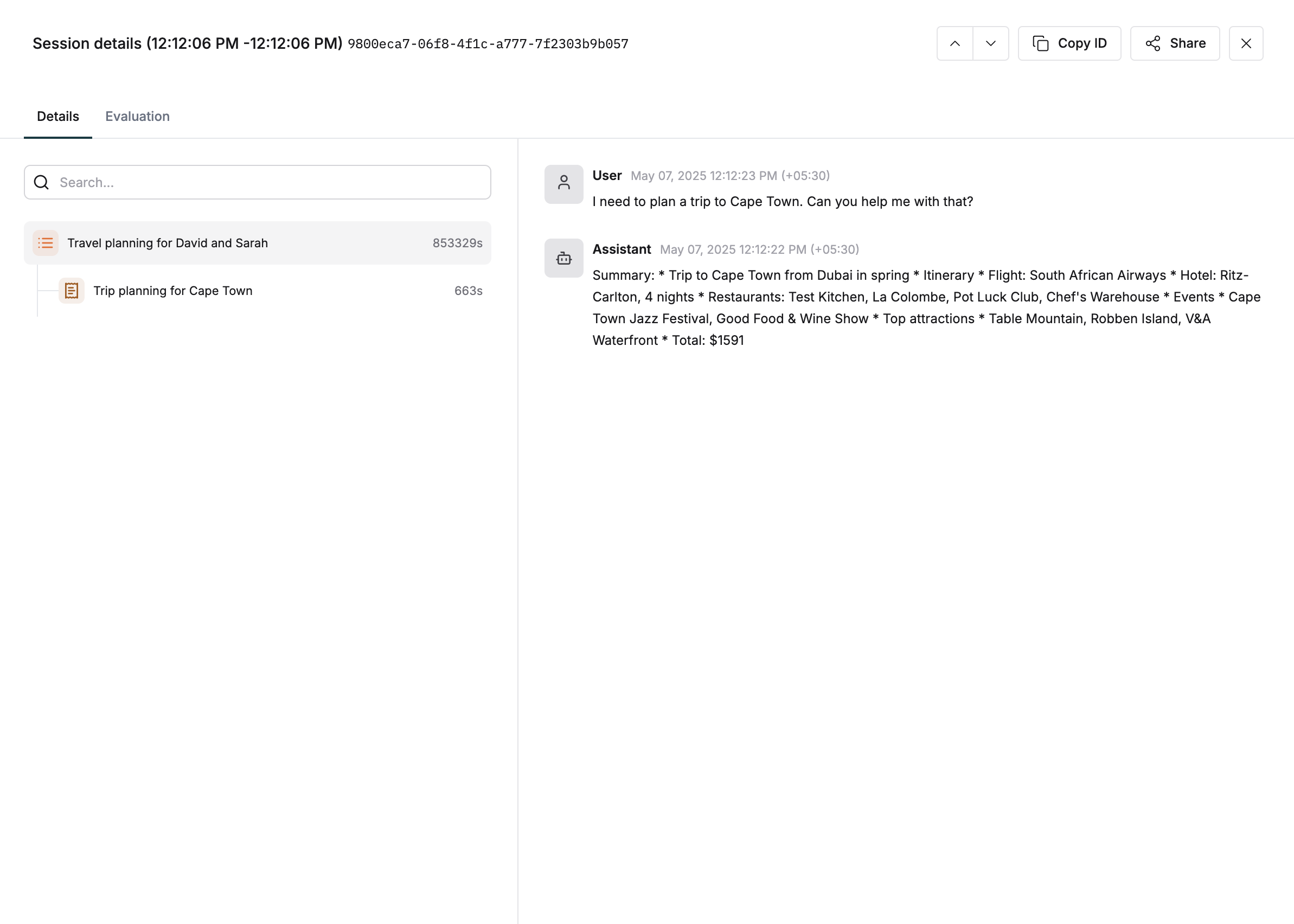
> Learn how to group related traces into sessions to track complete user interactions with your GenAI system. Sessions help you capture and review the full context of conversations or workflows spanning multiple interactions.
## How to Set Up Sessions?
Sessions are particularly useful for tracking multi-turn conversations or complex workflows that
span multiple API calls or user interactions. Maintain context across multiple traces, analyze user
behavior, and debug multi-interaction issues with sessions. Track the full lifecycle of user
engagement by organizing traces into sessions.
```typescript JS/TS theme={null}
const session = logger.session({
id: "session-id",
name: "session-name",
});
```
```python Python theme={null}
session = logger.session({
"id":"session-id",
"name":"session-name"
})
```
```go Go theme={null}
session := logger.Session(&logging.SessionConfig{
Id: "session-id",
Name: "session-name",
})
```
```java Java theme={null}
Session session = logger.session(
new SessionConfig("session-id", "session-name")
);
```
After creating a `session` object, you can add multiple traces across the lifecycle of the conversation.
```typescript JS/TS theme={null}
const trace = session.trace({
id: "trace-id",
name: "trace-name",
});
```
```python Python theme={null}
trace = session.trace({"id":"trace-id", "name":"trace-name"})
```
```go Go theme={null}
trace := session.AddTrace(&logging.TraceConfig{
Id: "trace-id",
Name: "trace-name",
})
```
```java Java theme={null}
Trace trace = session.addTrace(
new TraceConfig("trace-id", "trace-name")
);
```
```typescript JS/TS theme={null}
const trace = logger.trace({
id: "trace-id",
name: "trace-name",
sessionId: "session-id",
});
```
```python Python theme={null}
trace = logger.trace(
{"id":"trace-id", "name":"trace-name", "session_id":"session-id"}
)
```
```go Go theme={null}
trace := logger.Trace(&logging.TraceConfig{
Id: "trace-id",
Name: "trace-name",
SessionId: "session-id",
})
```
```java Java theme={null}
Trace trace = logger.trace(
new TraceConfig("trace-id", "trace-name", "session-id")
);
```
When you're done with a session, call `end()` to mark it as complete and finalize the session lifecycle.
This also is a trigger for any session-level evaluations you might have set up.
```typescript JS/TS theme={null}
session.end();
```
```python Python theme={null}
session.end()
```
```go Go theme={null}
session.End()
```
```java Java theme={null}
session.end();
```