> ## Documentation Index
> Fetch the complete documentation index at: https://www.getmaxim.ai/docs/llms.txt
> Use this file to discover all available pages before exploring further.
# Errors
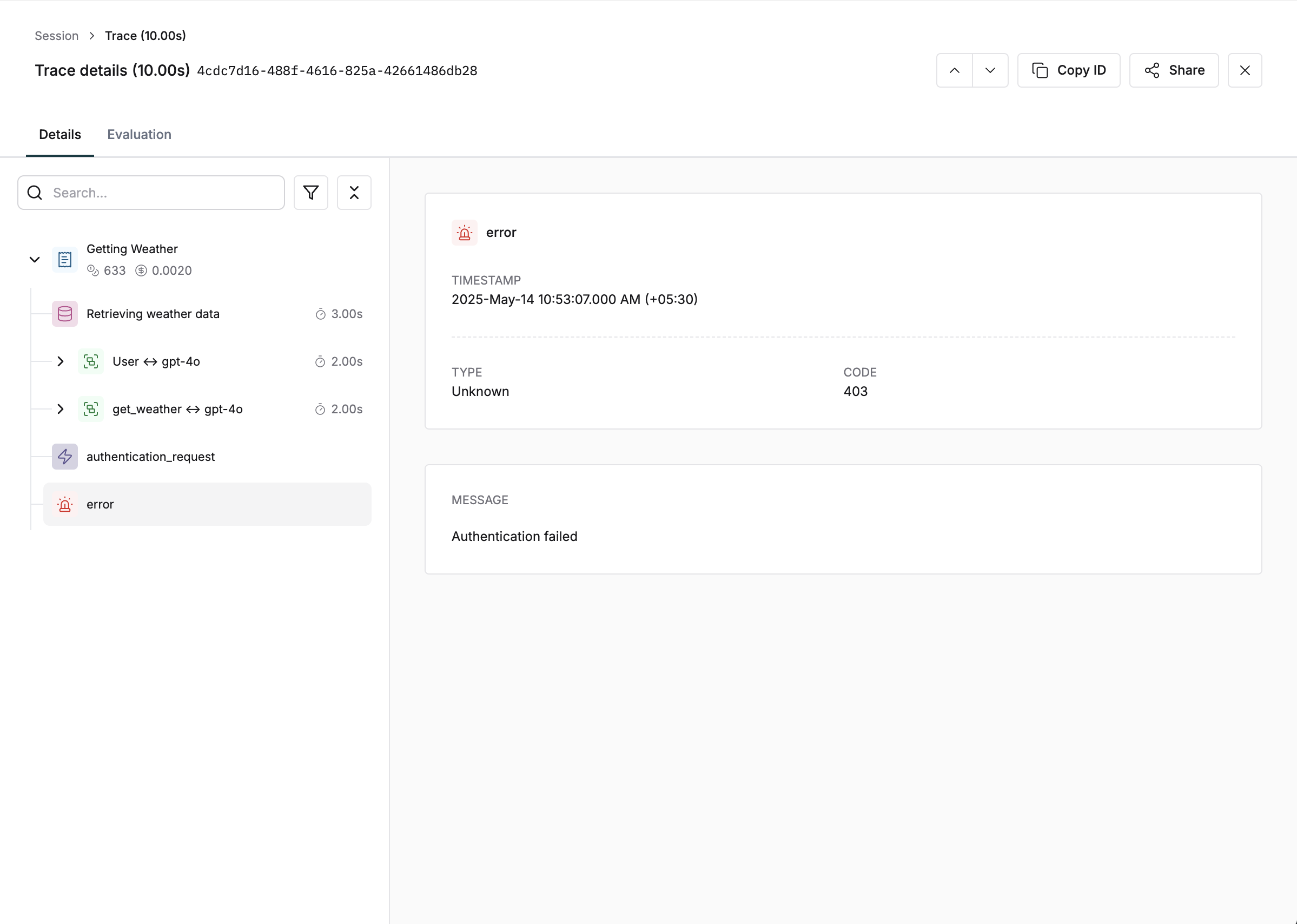
> Learn how to effectively track and log errors from LLM results and Tool calls in your AI application traces. Improve performance and reliability by capturing error details including messages, types, and error codes for better debugging and monitoring.
## Track LLM errors in your endpoint
```typescript JS/TS theme={null}
// Create generation object
const generation = trace.generation({
id: "generation-id",
name: "customer-support--gather-information",
// Additional fields
});
// Track error
generation.error({
message: "Rate limit exceeded. Please try again later.",
type: "RateLimitError",
code: "429",
});
```
```python Python theme={null}
from maxim.logger.components.generation import GenerationConfig, GenerationError
# Create generation object
generation = trace.generation(GenerationConfig(
id="generation-id",
name="customer-support--gather-information",
# Additional fields
))
# Track error
generation.error(GenerationError(
message="Rate limit exceeded. Please try again later.",
type="RateLimitError",
code="429",
))
```
```go Go theme={null}
// Create generation object
generation := trace.AddGeneration(&logging.GenerationConfig{
Id: "generation-id",
Name: "customer-support--gather-information",
// Additional fields
})
// Track error
generation.SetError(&logging.GenerationError{
Message: "Rate limit exceeded. Please try again later.",
Type: "RateLimitError",
Code: "429",
})
```
```java Java theme={null}
// Create generation object
Generation generation = trace.addGeneration(new GenerationConfig(
"generation-id",
"customer-support--gather-information",
// Additional fields
));
// Track error
generation.error(new GenerationError(
"Rate limit exceeded. Please try again later.",
"429",
"RateLimitError",
));
```
Learn how to track complete LLM flows in the [LLM logging guide](/tracing/tracing-via-sdk/generations).
## Track Errors from Tool Calls
```typescript JS/TS theme={null}
const traceToolCall = trace.toolCall({
id: "tool-call-id",
name: "tool-call-name",
});
traceToolCall.error({
message: "Service is currently unavailable. Please try again later.",
type: "ServiceUnavailableError",
code: "503",
});
```
```python Python theme={null}
from maxim.logger import ToolCallConfig
trace_tool_call = trace.tool_call(ToolCallConfig(
id="tool-call-id",
name="tool-call-name",
))
trace_tool_call.error(ToolCallError(
message="Service is currently unavailable. Please try again later.",
type="ServiceUnavailableError",
code="503",
))
```
Explore more on tool call tracking in the [Tool calls logging guide](/tracing/tracing-via-sdk/tool-calls).