> ## Documentation Index
> Fetch the complete documentation index at: https://www.getmaxim.ai/docs/llms.txt
> Use this file to discover all available pages before exploring further.
# Vault
> Learn how to set up vault in Maxim.
export const MaximPlayer = ({url}) => {
return ;
};
Maxim supports vault to store sensitive information. You can store your API keys, passwords, and other sensitive information in the vault.
* Go to `Settings` → `Vault`.
* Click on `Add key`, give it a name, description (optional) and enter the value.
* Click on `Create`
Value of the key will be encrypted and stored securely. Once encrypted, it cannot be retrieved.
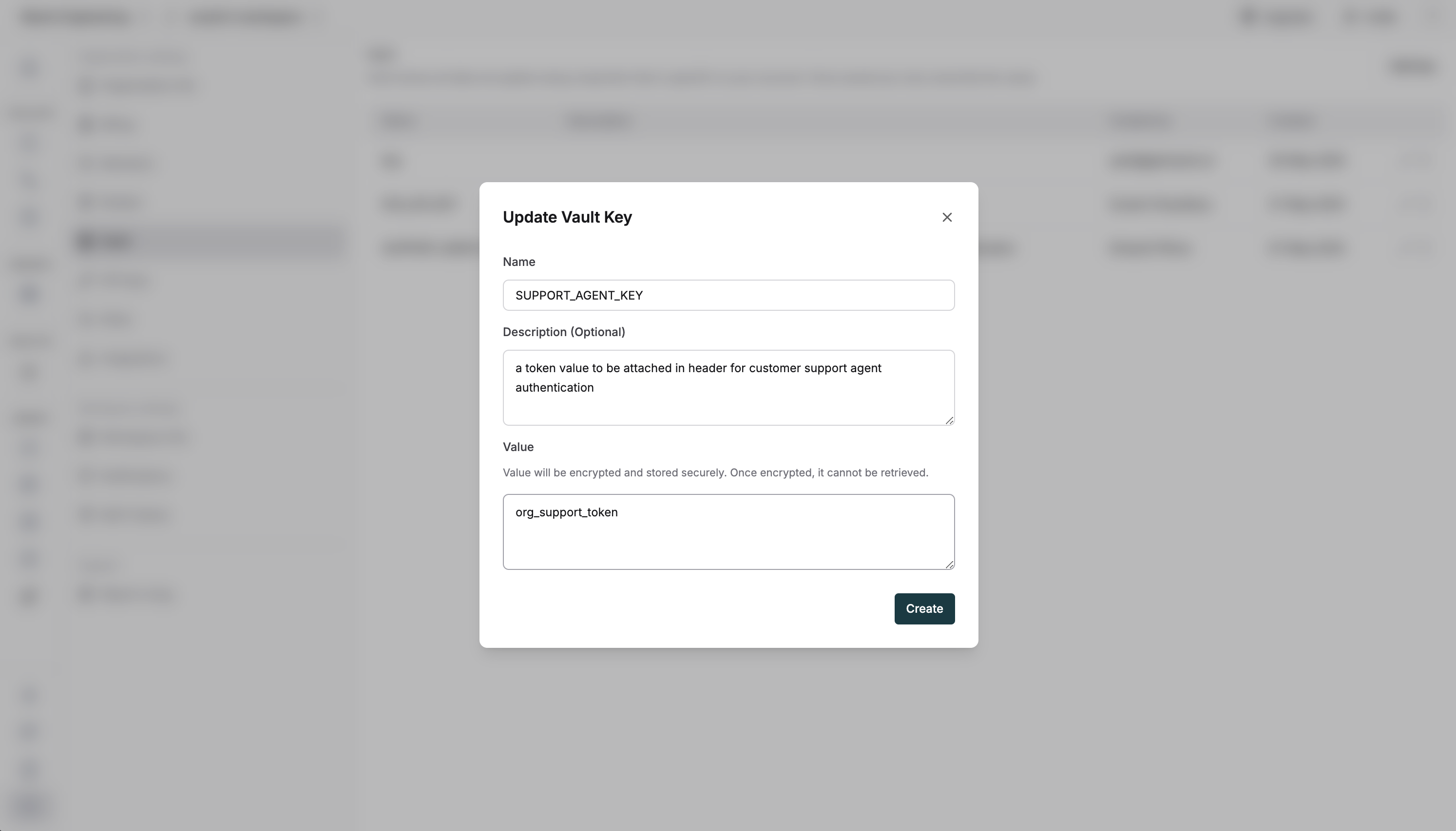 You can then use the key using the `{{vault.key_name}}` syntax on the playground or if you want to access this using code, you can use
 maxim.getVaultVariable in the scripts of your agents, API evaluators etc. The video below shows how to use the vault variables in different ways on the platform.