> ## Documentation Index
> Fetch the complete documentation index at: https://www.getmaxim.ai/docs/llms.txt
> Use this file to discover all available pages before exploring further.
# Environment
> Learn how to set up environments in Maxim.
Environments in Maxim provide a centralized way to manage configuration variables across different deployment settings. Use environments to store base URLs, dynamic runtime variables, and environment-specific configurations that vary between development, staging, and production environments.
* Go to `Settings` → `Environment`.
* Click on `Add environment`, give it a name, and enter the variables.
* Click on `Add environment`
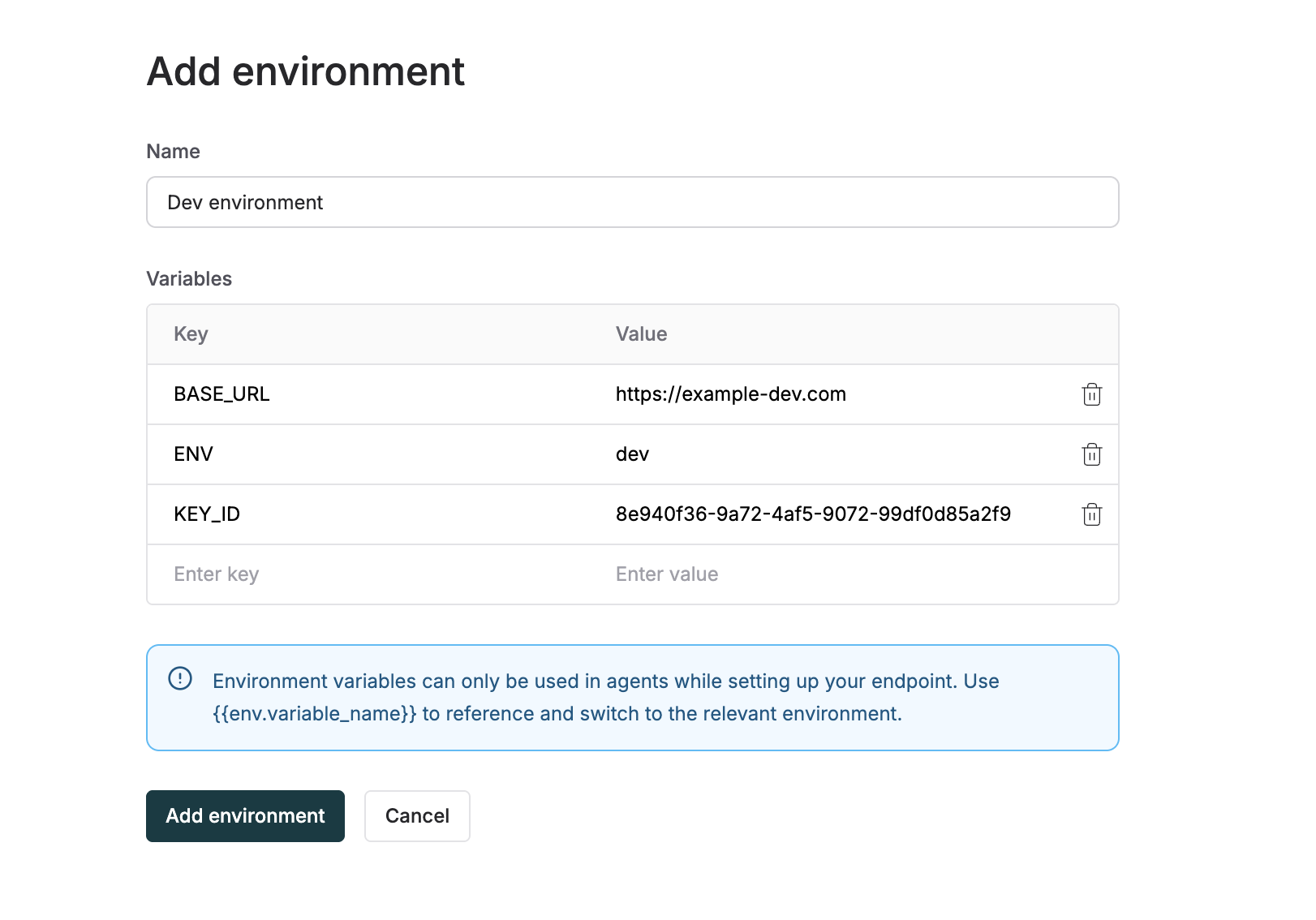 * Create multiple environments to manage different configurations.
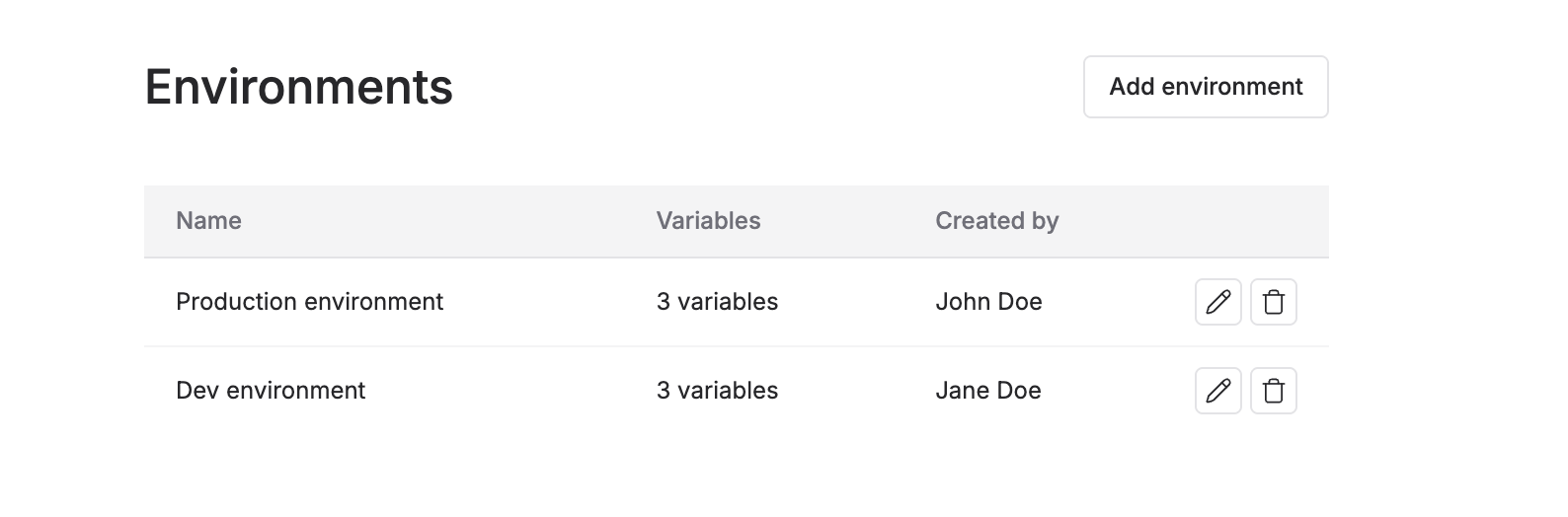 You can then use the key using the `{{env.key_name}}` syntax on the playground or if you want to access this using code, you can use
 maxim.getEnvironmentVariable in the scripts of your agents. Learn more about how to use environments in the [environments](/offline-evals/via-ui/agents-via-http-endpoint/environments) section.