> ## Documentation Index
> Fetch the complete documentation index at: https://www.getmaxim.ai/docs/llms.txt
> Use this file to discover all available pages before exploring further.
# Audit Logs
> Learn how to view audit logs in Maxim.
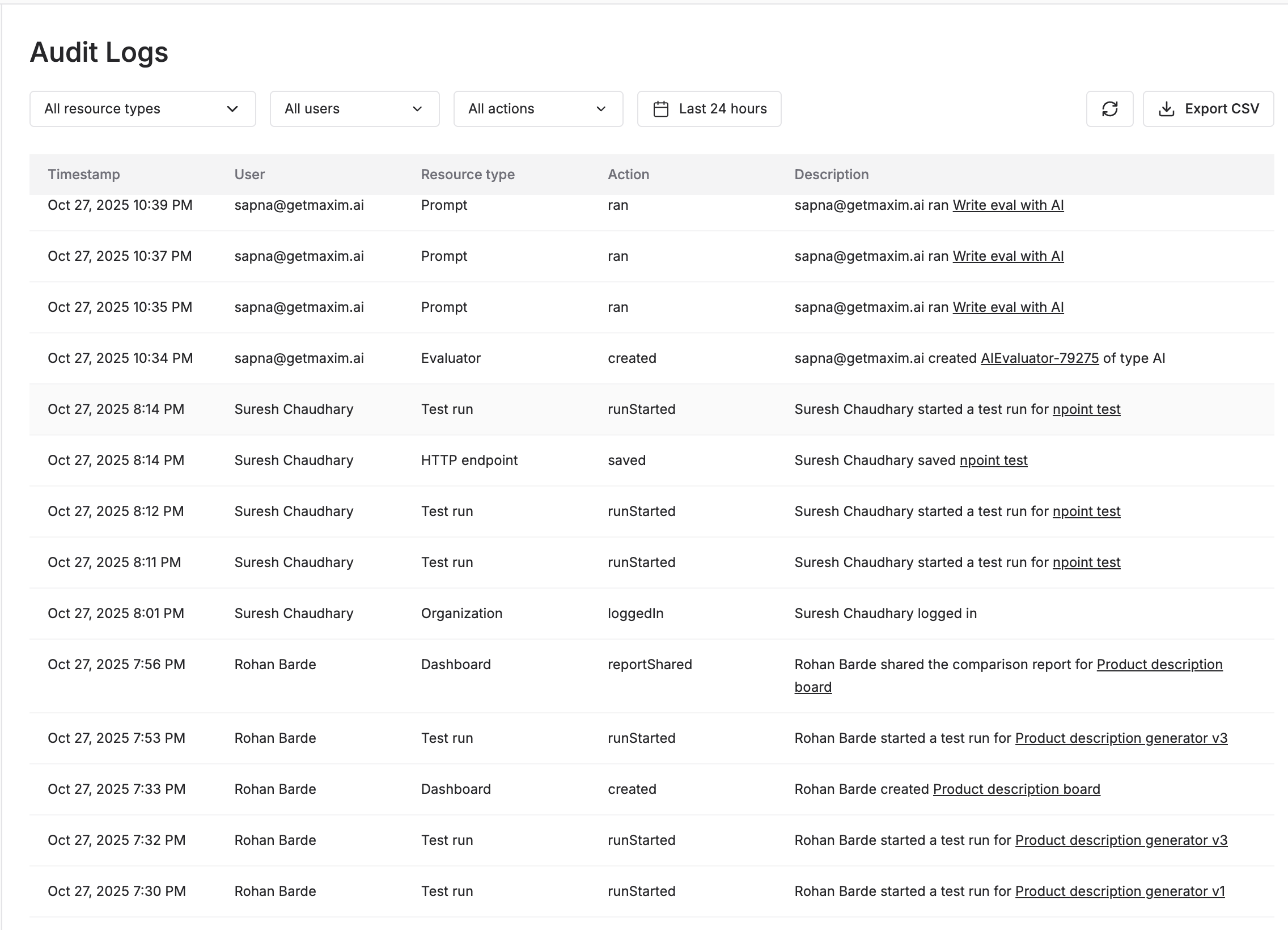
Audit logs are a record of all actions performed on the platform.
* Go to `Settings` → `Audit Logs`.
* You can filter audit logs by user, resource type, action, and date-time range.
 ### Exporting audit logs
You can export the audit logs to a CSV file by clicking on the `Export CSV` button in the top right corner.
Any filters applied will be applied to the exported logs.
### Exporting audit logs
You can export the audit logs to a CSV file by clicking on the `Export CSV` button in the top right corner.
Any filters applied will be applied to the exported logs.