> ## Documentation Index
> Fetch the complete documentation index at: https://www.getmaxim.ai/docs/llms.txt
> Use this file to discover all available pages before exploring further.
# Create a Customer Support Email Agent
> Create a workflow that automatically categorizes support emails, creates help desk tickets, and sends responses
## How to create a customer support email agent?
Create an intelligent workflow to process customer emails by classifying their intent, setting priorities, and generating personalized responses.
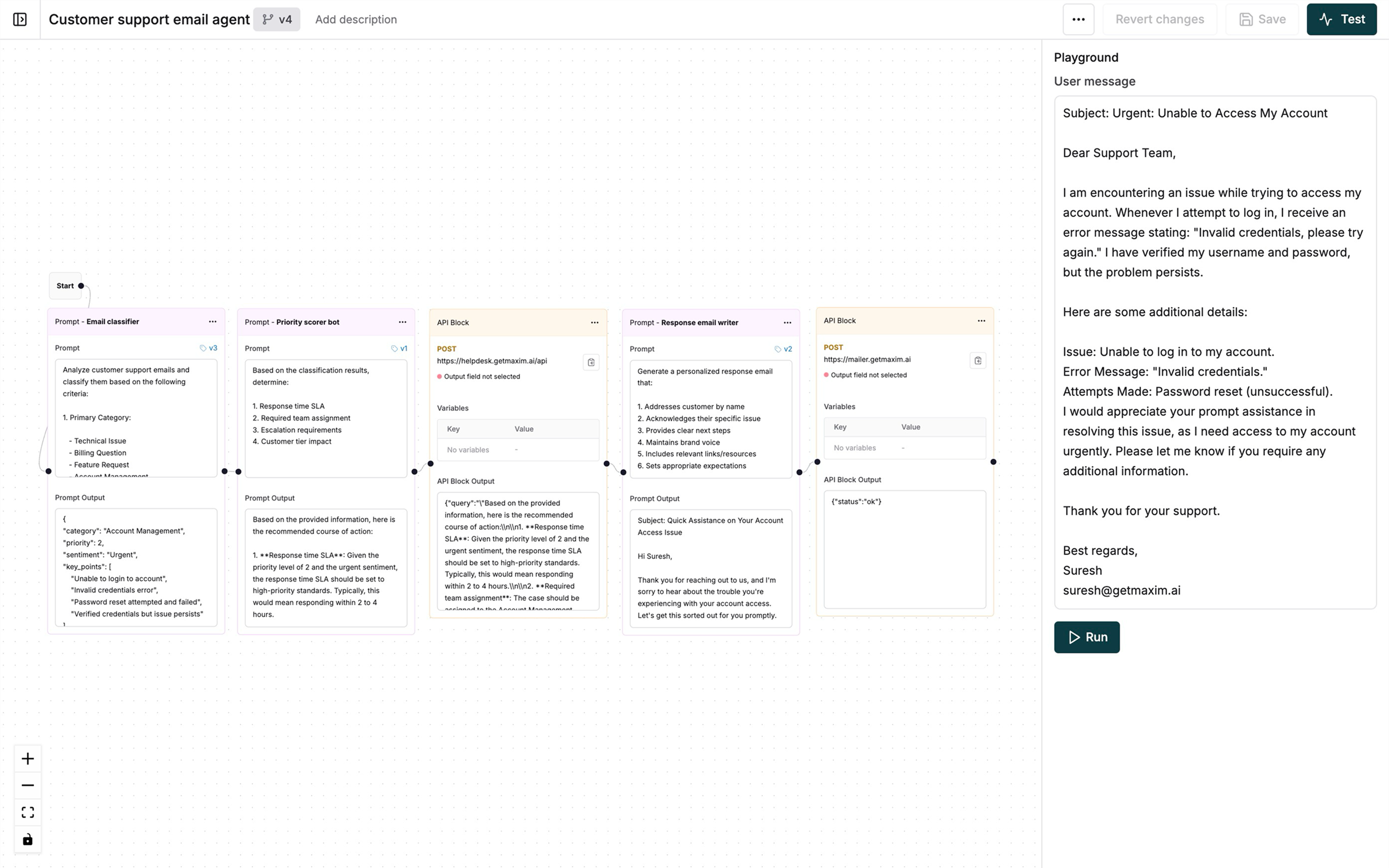
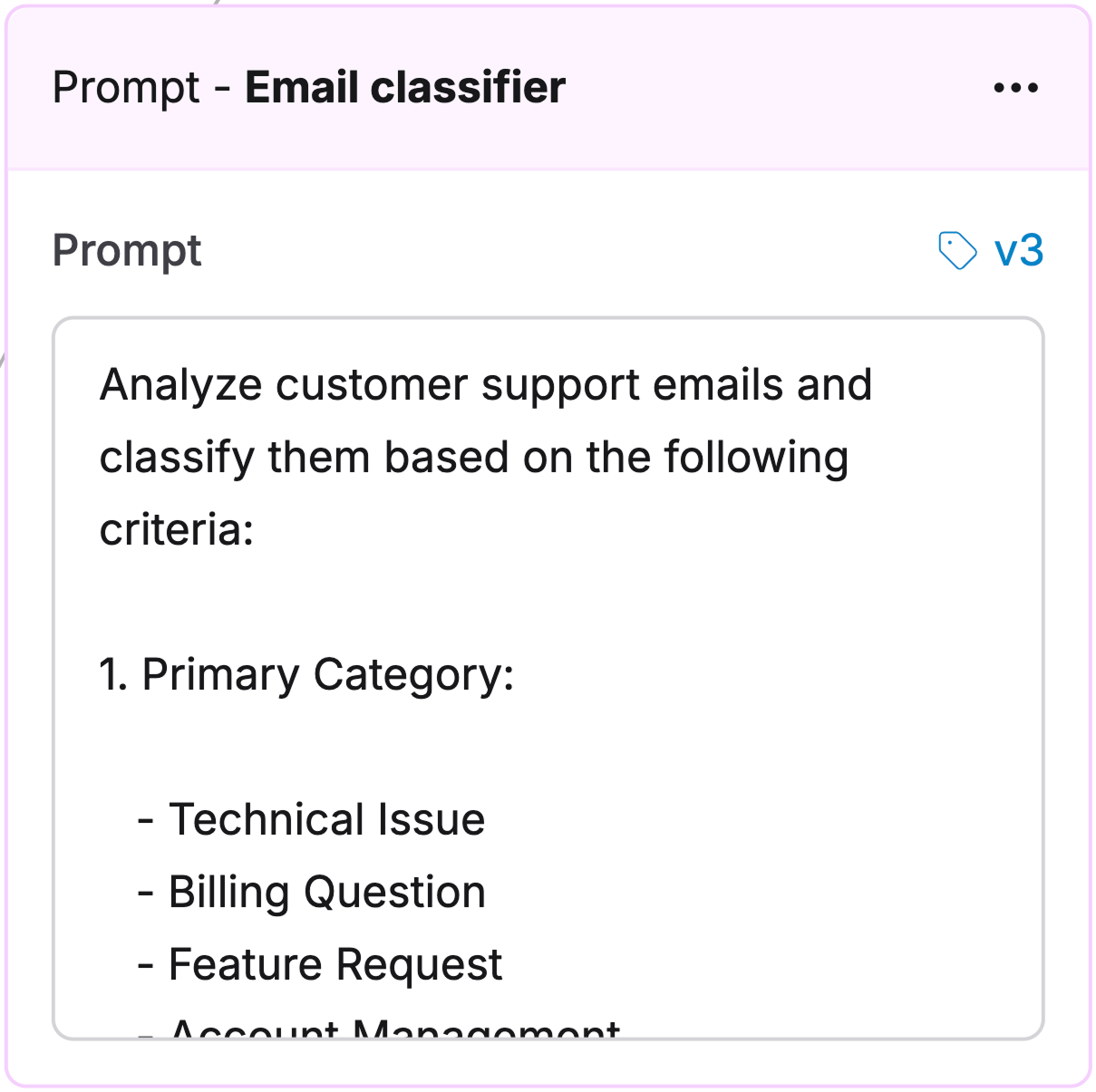 Create a [Prompt](/prompt-engineering/prompt-playground) with these system instructions:
```plaintext Email classifier Prompt theme={null}
Analyze support emails and classify them by:
1. Category:
- Technical Issue
- Billing Question
- Feature Request
- Account Management
- General Inquiry
2. Priority:
- P1: Critical - Service down, security issues
- P2: High - Major functionality blocked
- P3: Medium - Non-critical issues
- P4: Low - General questions, feedback
3. Sentiment:
- Positive
- Neutral
- Negative
- Urgent
Output:
{
"category": "string",
"priority": "number",
"sentiment": "string",
"key_points": ["array of main issues"]
}
```
Create a Prompt to determine response handling:
Create a [Prompt](/prompt-engineering/prompt-playground) with these system instructions:
```plaintext Email classifier Prompt theme={null}
Analyze support emails and classify them by:
1. Category:
- Technical Issue
- Billing Question
- Feature Request
- Account Management
- General Inquiry
2. Priority:
- P1: Critical - Service down, security issues
- P2: High - Major functionality blocked
- P3: Medium - Non-critical issues
- P4: Low - General questions, feedback
3. Sentiment:
- Positive
- Neutral
- Negative
- Urgent
Output:
{
"category": "string",
"priority": "number",
"sentiment": "string",
"key_points": ["array of main issues"]
}
```
Create a Prompt to determine response handling:
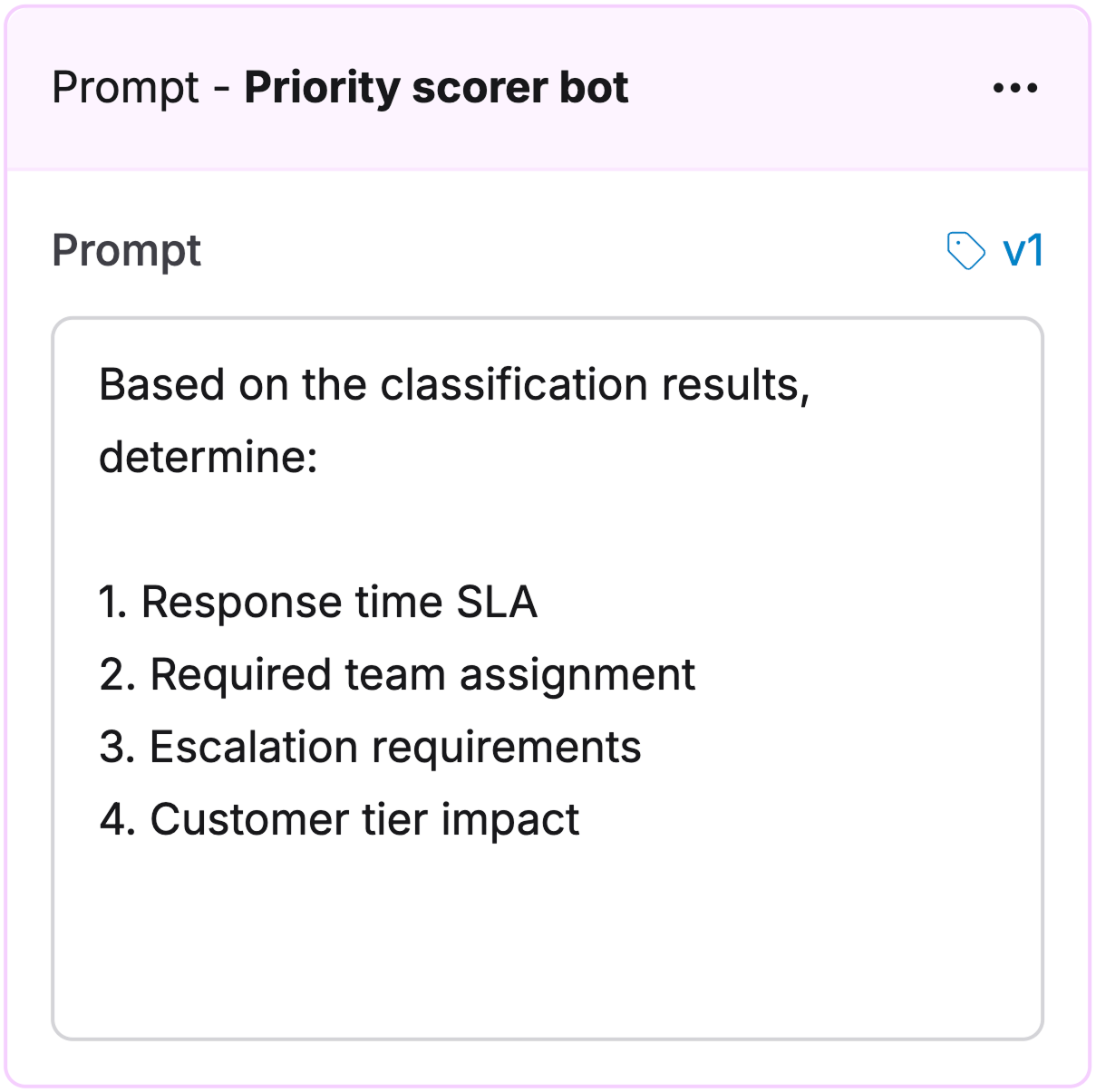 ```plaintext Priority scorer theme={null}
Determine:
1. Response time SLA(Service Level Agreement)
2. Team assignment
3. Escalation needs
4. Customer tier impact
```
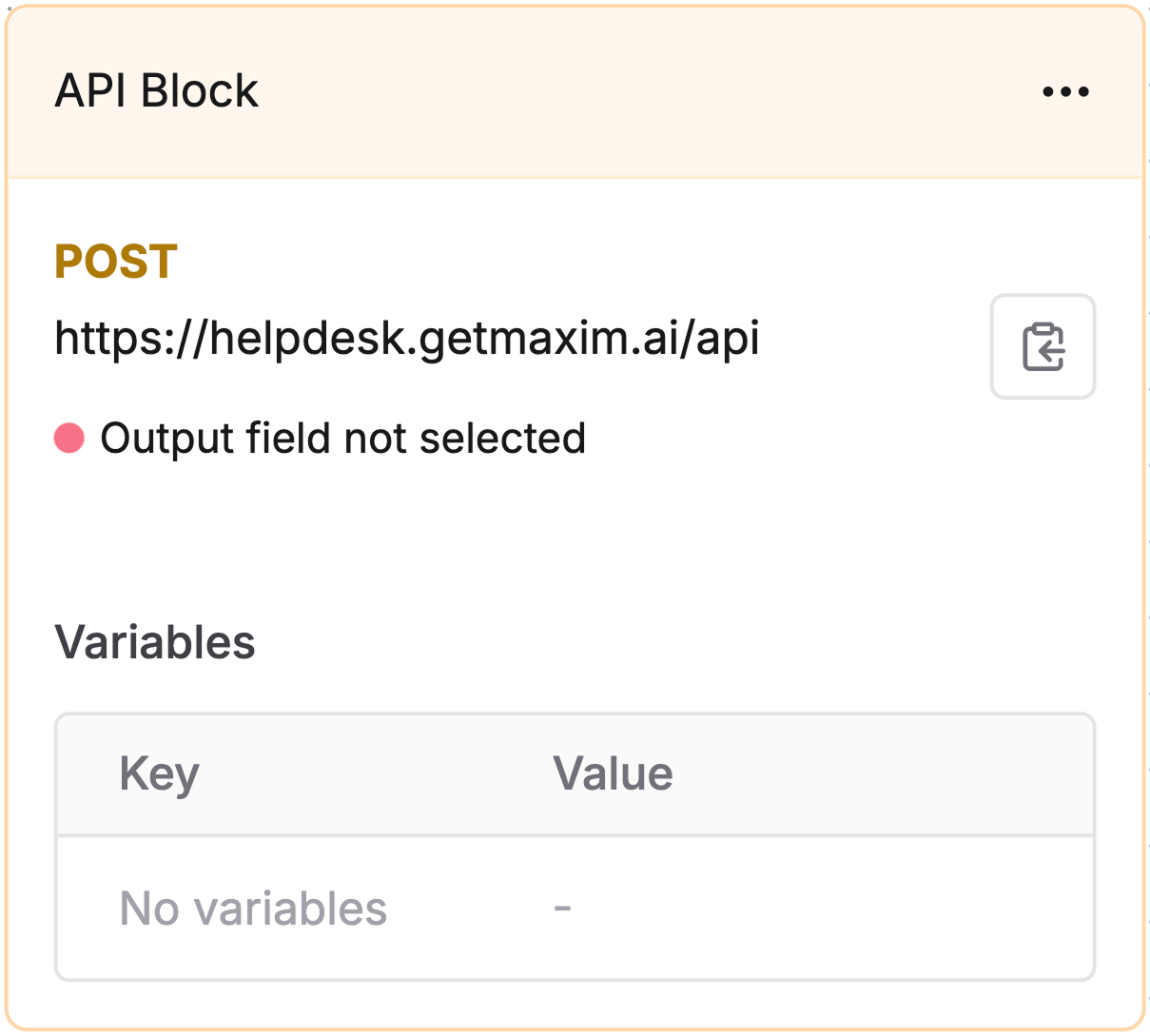
Add an [API node](/offline-evals/via-ui/agents-via-http-endpoint/quickstart#use-api-nodes-within-chains) to create tickets in your help desk system:
```plaintext Priority scorer theme={null}
Determine:
1. Response time SLA(Service Level Agreement)
2. Team assignment
3. Escalation needs
4. Customer tier impact
```
Add an [API node](/offline-evals/via-ui/agents-via-http-endpoint/quickstart#use-api-nodes-within-chains) to create tickets in your help desk system:
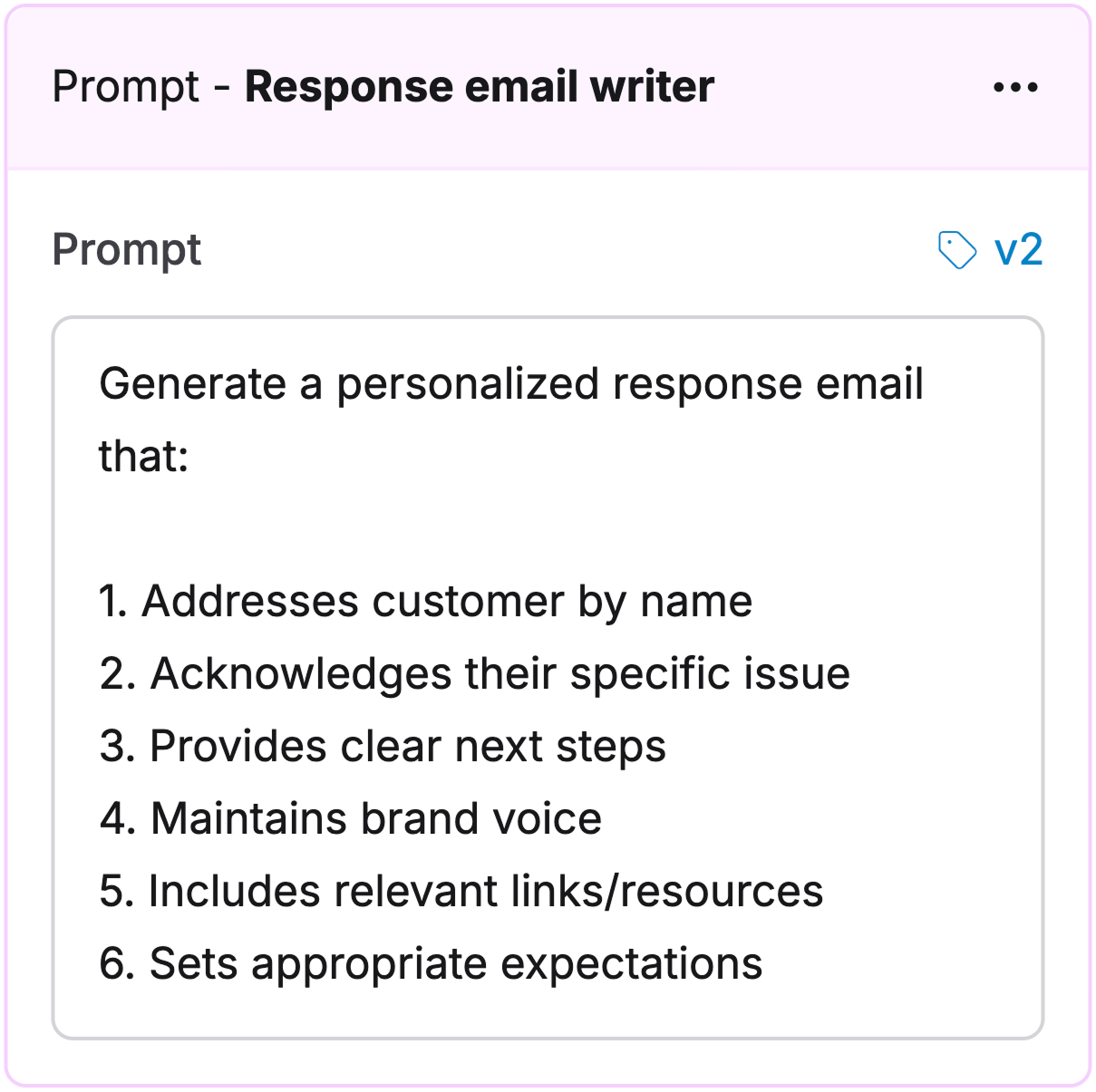
 Create a Prompt for customized responses:
```plaintext Response generator Prompt theme={null}
Create a response that:
1. Uses customer name
2. Acknowledges the issue
3. Lists next steps
4. Follows brand voice
5. Includes helpful resources
6. Sets clear expectations
```
Create a Prompt for customized responses:
```plaintext Response generator Prompt theme={null}
Create a response that:
1. Uses customer name
2. Acknowledges the issue
3. Lists next steps
4. Follows brand voice
5. Includes helpful resources
6. Sets clear expectations
```
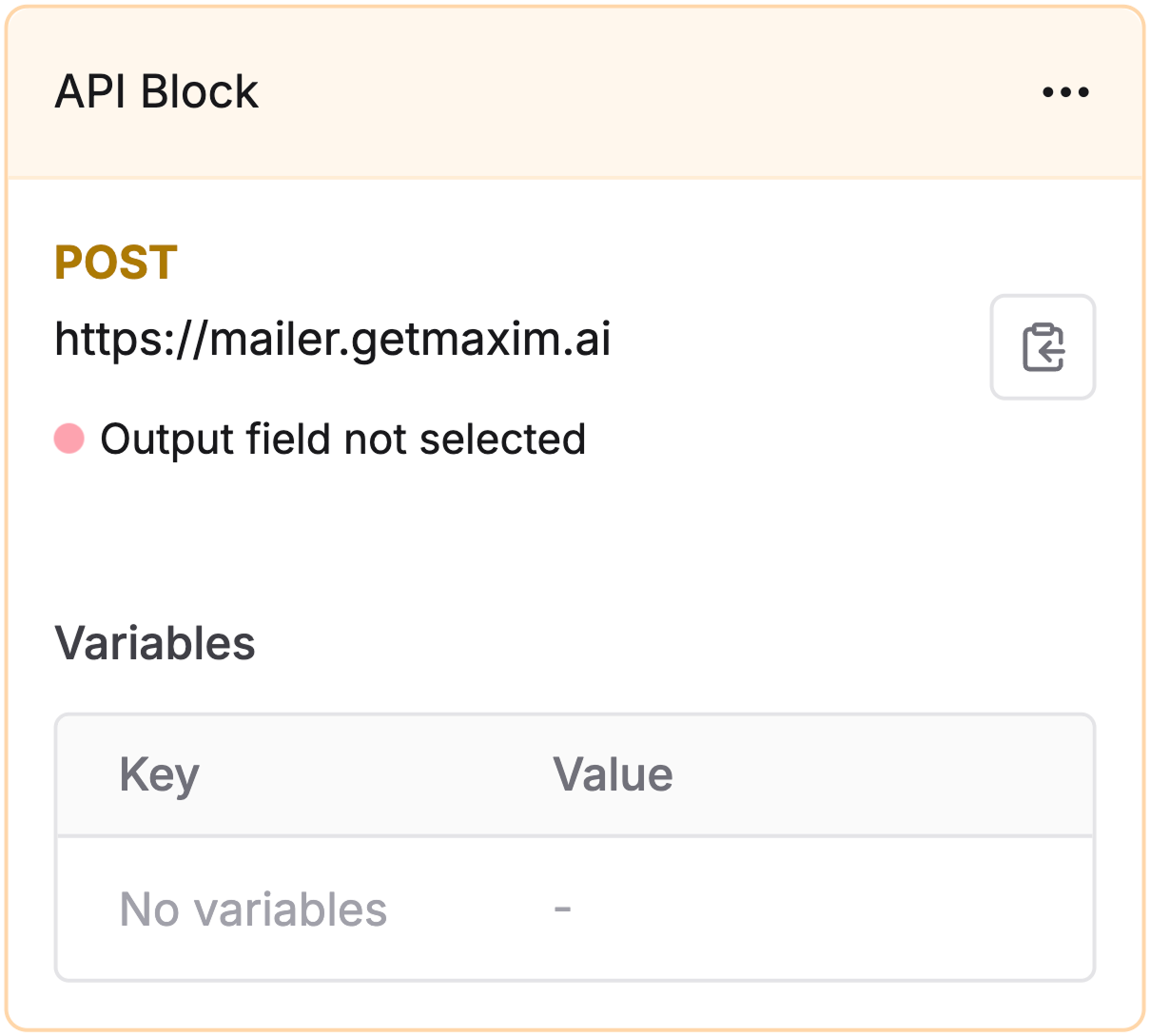
 Configure an [API node](/offline-evals/via-ui/agents-via-http-endpoint/quickstart#use-api-nodes-within-chains) to send the generated response:
 [Schedule a demo](https://getmaxim.ai/demo) to see how Maxim AI helps teams ship reliable agents.